
Paid Media and Advertising
Google Ads Management and Optimization
Manage Google Ads with better structure, intent targeting, and conversion performance.
Explore the detailPerformance Max campaign management at WeProms covers the asset groups, Merchant Center feeds, audience signals, conversion values, and budget logic that Google's PMax automation actually optimizes against — so a Lahore-based Google Ads team can run it across Search, Shopping, YouTube, and Display without spend turning into a black box.
Paid Media and Advertising
Performance Max campaign management at WeProms covers the asset groups, Merchant Center feeds, audience signals, conversion values, and budget logic that Google's PMax automation actually optimizes against — so a Lahore-based Google Ads team can run it across Search, Shopping, YouTube, and Display without spend turning into a black box.
Review useful outcomes alongside spend. State conversion definitions and attribution limits before making budget decisions.
A closer look
The approach, practical steps and decisions behind the plan.
Performance Max is Google’s fully-automated campaign type — one campaign, one budget, and Google decides whether your ads show on Search, Shopping, YouTube, Display, Discover, Gmail, or Maps. The trade-off is obvious the first week you run it: you give up direct control over keywords, placements, and bids, and in return the algorithm spreads spend wherever it thinks it can convert.
The problem most advertisers hit is that PMax reports very little of that decision-making back to you. Search-term reports are limited, placements are largely hidden, and the Insights page tends to say “budget limited” no matter what you do. So the lever you actually have isn’t bidding — it’s the inputs. The feed, the asset groups, the audience signals, the conversion values, and the campaign structure are the only things steering the machine. Our PMax management is built entirely around those inputs.
For ecommerce accounts, the product feed is not a setup task — it is the campaign. PMax reads Merchant Center data to decide which SKUs to push, so a flat feed with generic titles and no segmentation produces the most common PMax failure: spend concentrated on cheap, easy-to-sell items while your best-margin products sit untouched.
We restructure the feed before we touch the campaign. That means custom labels for margin, best-seller status, season, and category; product titles rewritten to match how people actually search; GTIN, MPN, and product_type attributes cleaned up; and listing-group filters so you can see performance by product cluster instead of one undifferentiated blob. Whether you’re on Shopify, WooCommerce, or a custom cart, we wire the feed through Merchant Center and keep inventory, price, and availability accurate.
Because PMax doesn’t let you set bids per keyword or placement, the asset group is where testing actually happens. Each asset group holds the headlines, long headlines, descriptions, images, logos, and YouTube videos that Google mixes and matches. A thin asset group — one logo, two images, generic copy — gives the algorithm almost nothing to work with, and performance plateaus with no explanation.
We build asset groups around real product or audience themes, load them with enough creative variants to give Google something to test, and run structured asset-group comparisons. When Google’s generative asset suggestions make sense we use them; when they’re generic we replace them. The asset report inside PMax tells us which combinations are carrying the campaign, and we iterate from there.
PMax needs somewhere to begin, especially in the first weeks before it has enough conversion data. Audience signals are how you point it there. We build signals from your first-party data — customer-match lists, GA4 audiences, custom-intent segments, and site remarketing lists — so the algorithm optimizes toward people who look like your actual buyers instead of cold-starting on broad Display inventory.
This matters most for accounts that don’t yet have high conversion volume. PMax performs best once it has a meaningful number of conversions (and for value-based optimization, a meaningful spread of conversion values) to learn from. Strong audience signals compress that learning period and keep early spend from drifting into cheap clicks that never convert.
The single biggest PMax mistake we see is optimizing toward raw conversions. If every sale counts as “1” regardless of whether it’s a small accessory or a high-ticket order, PMax will dutifully chase the cheap ones. We set up GA4 enhanced conversions and pass real transaction values back to Google Ads, then run the campaign on a target ROAS that reflects your actual unit economics.
For lead-generation accounts the equivalent is lead quality. PMax will happily generate form fills if you let it, so we wire offline conversion imports or CRM-stage data back into Google Ads. Once the algorithm sees which leads turn into qualified opportunities or closed deals, it stops rewarding the junk submissions.
PMax is budget-hungry and will take credit for demand your Search and Shopping campaigns already capture — especially branded search. Left unchecked, one PMax campaign can hollow out the rest of the account and make itself look like the only thing working.
We handle this with structure: brand separated into its own campaign or excluded from PMax, category or product-line splits when the catalog warrants it, budget caps reviewed every cycle, and placement controls where Google still offers them. The goal is a PMax layer that finds net-new demand instead of reselling the demand you already pay for elsewhere in the account.
If your PMax account feels like a black box, or you’re spending on it without trusting the numbers, talk to our Lahore team about a PMax audit — we’ll show you exactly which inputs are missing and what changes once they’re fixed.
Related services
Paid Media and Advertising
Manage Google Ads with better structure, intent targeting, and conversion performance.
Explore the detailPaid Media and Advertising
Hands-on management of your Google Merchant Center account — feed setup, attribute optimization, disapproval resolution, and the supplemental feeds that power your Shopping and Performance Max campaigns.
Explore the detailPaid Media and Advertising
Optimize product feeds and shopping campaigns for stronger ecommerce visibility and ROAS.
Explore the detailA few of the brands we’ve worked with.








See where the work happens and get to know WeProms before your first conversation. Our team is based in Lahore, working with business owners abroad and at home.
Get to know WeProms Watch our introduction
 Published client experiences
Hear what working with WeProms was like, directly from our clients.
 Watch their story
 Singapore · Events
 Watch their story
 Client feedback
 Watch their story
 New York · Wellness
Inside WeProms
Lahore, Pakistan
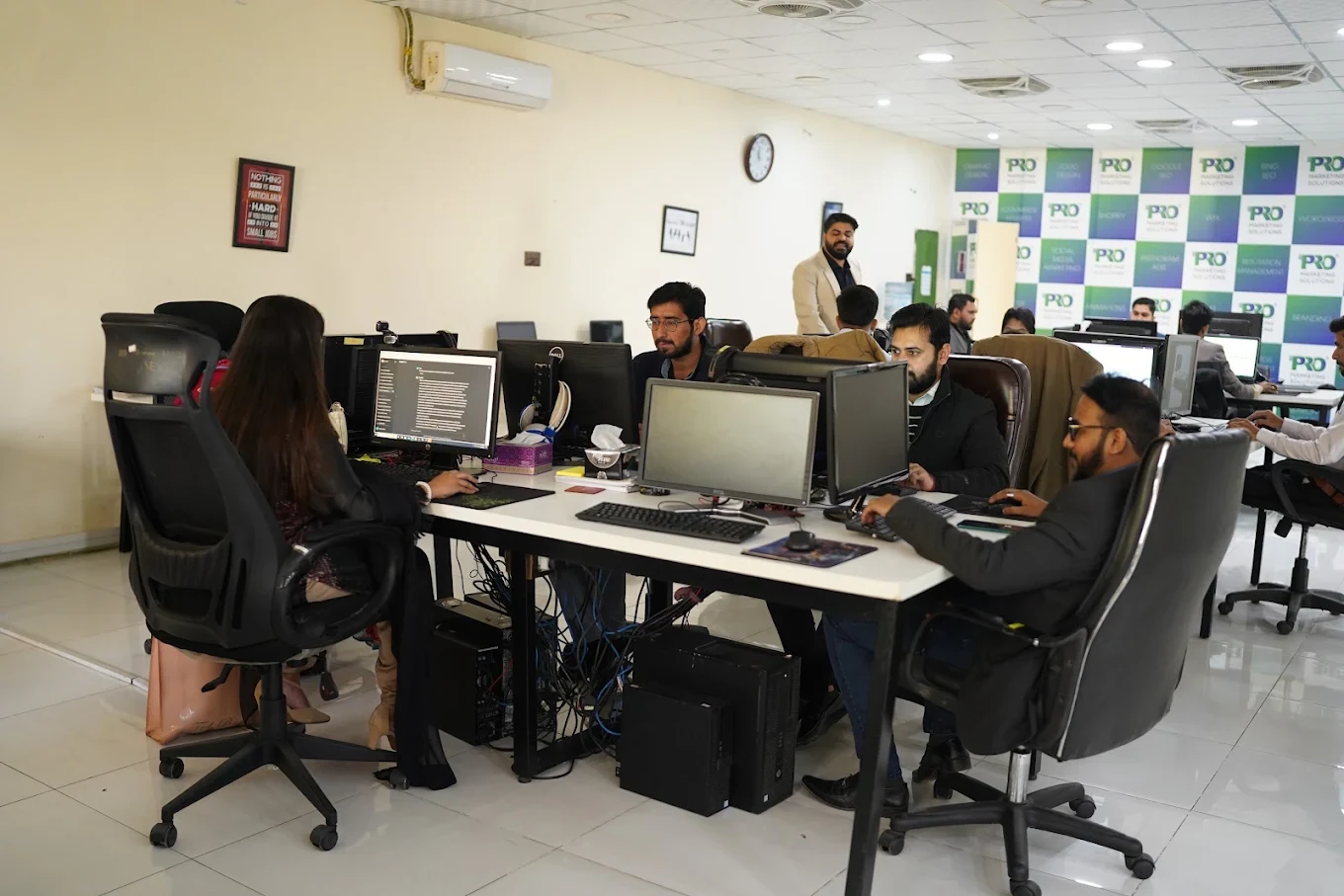

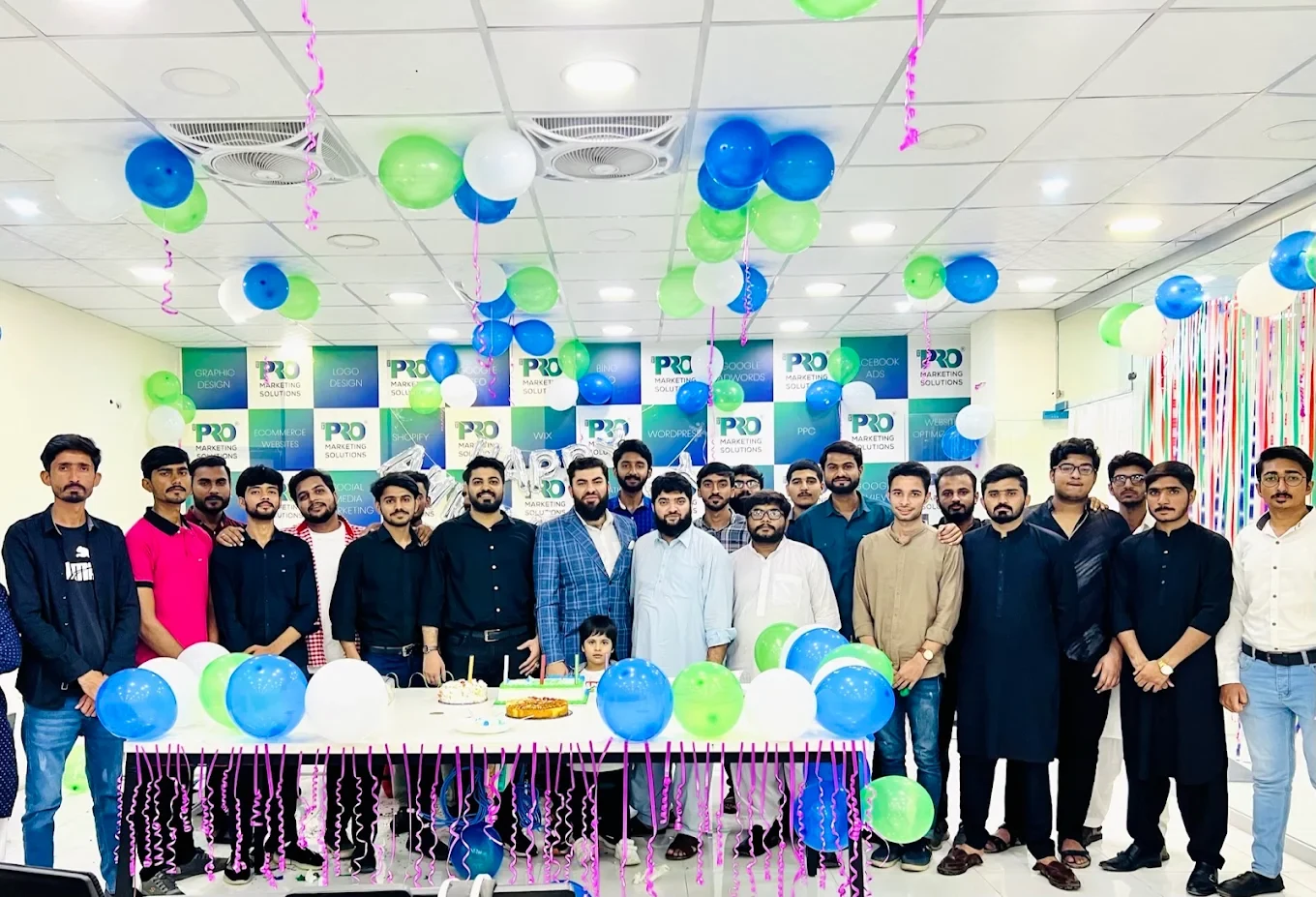

154, C1, Nespak Housing Scheme, Lahore 54770, Pakistan.
Working with a remote marketing team
You know your customers and market. Our strategists, creatives and technical specialists in Lahore help put the plan into practice. Agree the contact person, meeting times and approvals before we start.
Agree deliverables and the agency fee. Discuss ad spend and third-party tools separately.
Keep visibility and ownership. Agree access, asset licences and handover as part of the scope.
Agree a review schedule around your time zone. See what was delivered, what the numbers mean and what comes next.
Explore our Pakistan pricing guides for planning ranges and what shapes the cost. Your market, deliverables and existing setup determine the final quote; advertising spend and third-party costs are separate.
Discuss a quote for your market ↗Before the next step
A useful starting brief includes: account and spend history; approved offers and creative; lead-quality or order feedback. We can agree appropriate access after the first conversation.
Review useful outcomes alongside spend. State conversion definitions and attribution limits before making budget decisions.
We can discuss a one-off implementation, an ongoing scope or an initial build followed by support. The proposal states what is included, dependencies and the review points.
Agency work, media spend and third-party costs are identified separately. Your market, existing setup and delivery requirements determine the final scope and quote.
Share your website, target country and the next thing you want to improve. We’ll help you find a useful place to start.