
Digital Marketing
Digital Marketing Agency
Full-service digital marketing agency providing integrated strategy, execution, and optimization for Pakistani businesses seeking measurable growth.
Explore the detailWe restructure the product feed that powers your Google Shopping, Microsoft, and Meta catalog ads — fixing titles, google_product_category, GTINs, and custom labels so the right inventory surfaces in the right auctions and Performance Max has clean data to spend against.
Ecommerce Marketing
We restructure the product feed that powers your Google Shopping, Microsoft, and Meta catalog ads — fixing titles, google_product_category, GTINs, and custom labels so the right inventory surfaces in the right auctions and Performance Max has clean data to spend against.
Review completed orders, refunds, fulfilment and contribution after costs alongside acquisition reporting.
A closer look
The approach, practical steps and decisions behind the plan.
Google Shopping, Microsoft Advertising, Meta Commerce Manager, and TikTok Shop don’t read your website the way a human shopper does. They read a structured product feed — a file of attributes like title, price, availability, gtin, google_product_category, and image_link — and they decide which queries your products are eligible for based almost entirely on how clean and complete that data is. If the feed is messy, you either don’t enter the auction or you enter it with a weak hand.
Product feed optimization is the work of making that data layer accurate, complete, and structured the way each platform parses it. It sits underneath Performance Max, Shopping, and catalog ads, which is why a campaign can look well-managed on the surface and still underperform: the bids and the audience targeting are only ever as good as the product data they act on.
A feed can carry dozens of attributes, but a small group does most of the heavy lifting. We focus the audit on the ones the algorithms weight most heavily:
title — the single biggest relevance signal in Shopping. The first 70 or so characters are what gets matched to queries and shown in the ad.google_product_category and product_type — these place your item inside Google’s taxonomy and your own. Wrong category means you compete in the wrong auction.gtin, mpn, and brand — required for most new branded products. Missing them limits eligibility and raises the chance of disapproval.image_link — clean background, minimum resolution, no overlays or watermarks. Weak images get items rejected or buried.availability and price — must match what’s on the landing page exactly, or the item gets flagged.custom labels 0–4 — your bidding levers, used to segment products by margin, best-seller rank, seasonality, or clearance.When these are right, the same budget reaches more relevant impressions. When they’re wrong, Performance Max especially struggles, because it has no reliable way to tell your products apart.
Most stores export product titles straight from the CMS, in whatever order the store happened to use — often the product name followed by color and size, with the brand buried or missing. That’s the opposite of what Shopping needs. Google allows titles up to around 150 characters in the feed, but only the first 70 or so are most visible in the ad, so the words that matter for matching have to sit at the front.
We rebuild title templates so the pattern is brand, product type, the key attribute (color, size, material, gender), and then supporting detail. A Pakistani apparel store might export the title ‘Cotton Kurta Embroidered Festive Edition Navy Blue Medium’; restructured it becomes ‘Brand · Navy Blue Embroidered Cotton Kurta — Festive, Size M’. Same product, but now the color, fabric, and product type sit inside the truncation window where Shopping actually reads them.
Category mapping gets the same treatment. If a SKU is filed under a generic node when a specific one exists — say ‘Apparel’ instead of ‘Apparel > Clothing > Shirts & Tops > Kurtas’ — it competes against the wrong products and pays more for the click. We map every SKU to the deepest valid google_product_category node.
Five custom label slots are available, and most stores leave them empty or fill them at random. They’re the cleanest way to tell Google which products deserve more spend and which to throttle. We set them up deliberately:
custom_label_0 for margin tier (high / medium / low)custom_label_1 for best-seller rank pulled from your sales datacustom_label_2 for seasonality (evergreen versus seasonal)custom_label_3 for clearance and end-of-linecustom_label_4 for new arrivalsOnce those are in the feed, Performance Max and Shopping campaigns can bid up the high-margin best-sellers and bid down the clearance items that were quietly eating budget. It’s one of the fastest ROAS improvements in feed work, and it stays invisible until someone actually sets it up.
Google Merchant Center runs a diagnostics panel that flags every item as approved, warning, or disapproved. Disapprovals remove products from ad eligibility entirely, and they’re easy to miss because the campaign keeps running — just with a shrinking catalog. The usual causes we clear up: missing GTINs on branded items, watermarked or low-resolution images, price or availability mismatches between the feed and the landing page, and items filed under a restricted category.
We work the diagnostics panel until it’s green, then watch it after every feed refresh so a bad import doesn’t quietly re-break the items we just fixed.
Maintaining a separate feed export for every channel is how attributes drift out of sync. We structure one master feed to Google’s spec — the strictest of the three — and map it into Microsoft Merchant Center and Meta Commerce Manager from there. One source of truth, one place to fix a price or an image, and every channel reflects the change on the next import.
Depending on catalog size and how often inventory changes, we’ll run this through Merchant Center feed rules and a Google Sheets supplemental feed, or through a tool like Channable or DataFeedWatch. The supplemental feed matters because it lets us override titles, categories, and labels without touching the raw Shopify or WooCommerce export — so the fixes survive the next automated import instead of being overwritten.
The fastest way to see where your feed is leaking is a diagnostics pull. We export your live feed, run it through Merchant Center diagnostics alongside a spreadsheet audit, and come back with the specific attributes costing you impressions and eligibility — plus a scoped plan to fix them. Book a free strategy call to start, or browse the wider ecommerce marketing services we run alongside this work.
Related services
Digital Marketing
Full-service digital marketing agency providing integrated strategy, execution, and optimization for Pakistani businesses seeking measurable growth.
Explore the detailAnalytics and Attribution
Create dashboards that combine ads, analytics, and CRM data in one decision view.
Explore the detailConversion Rate Optimization
Run structured A/B testing to improve conversion rates across key pages and funnels.
Explore the detailA few of the brands we’ve worked with.








See where the work happens and get to know WeProms before your first conversation. Our team is based in Lahore, working with business owners abroad and at home.
Get to know WeProms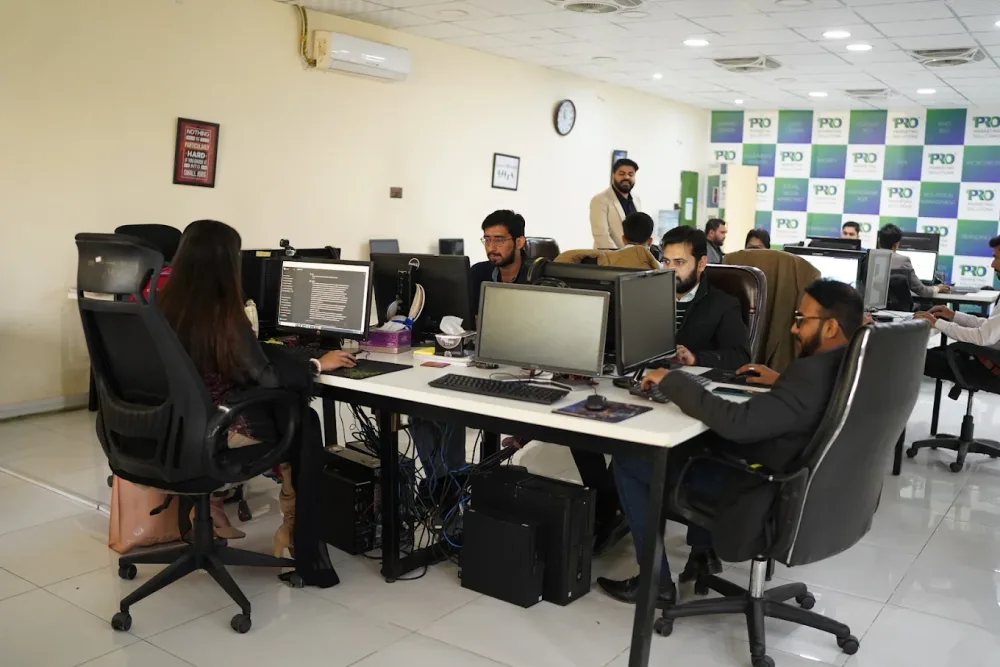 Watch our introduction
 Published client experiences
Hear what working with WeProms was like, directly from our clients.
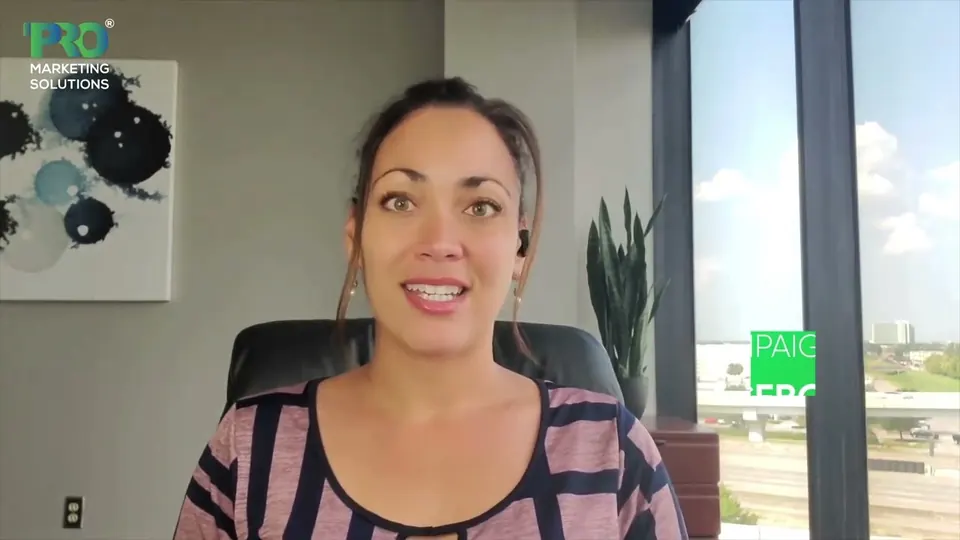 Watch their story
 Their business journey
 Watch their story
 Client feedback
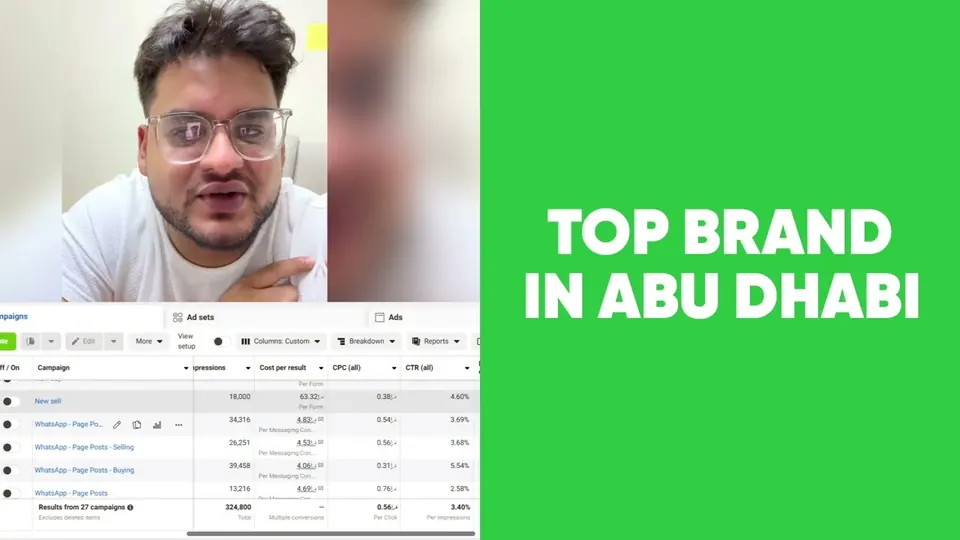 Watch their story
 Working with WeProms
Inside WeProms
Lahore, Pakistan
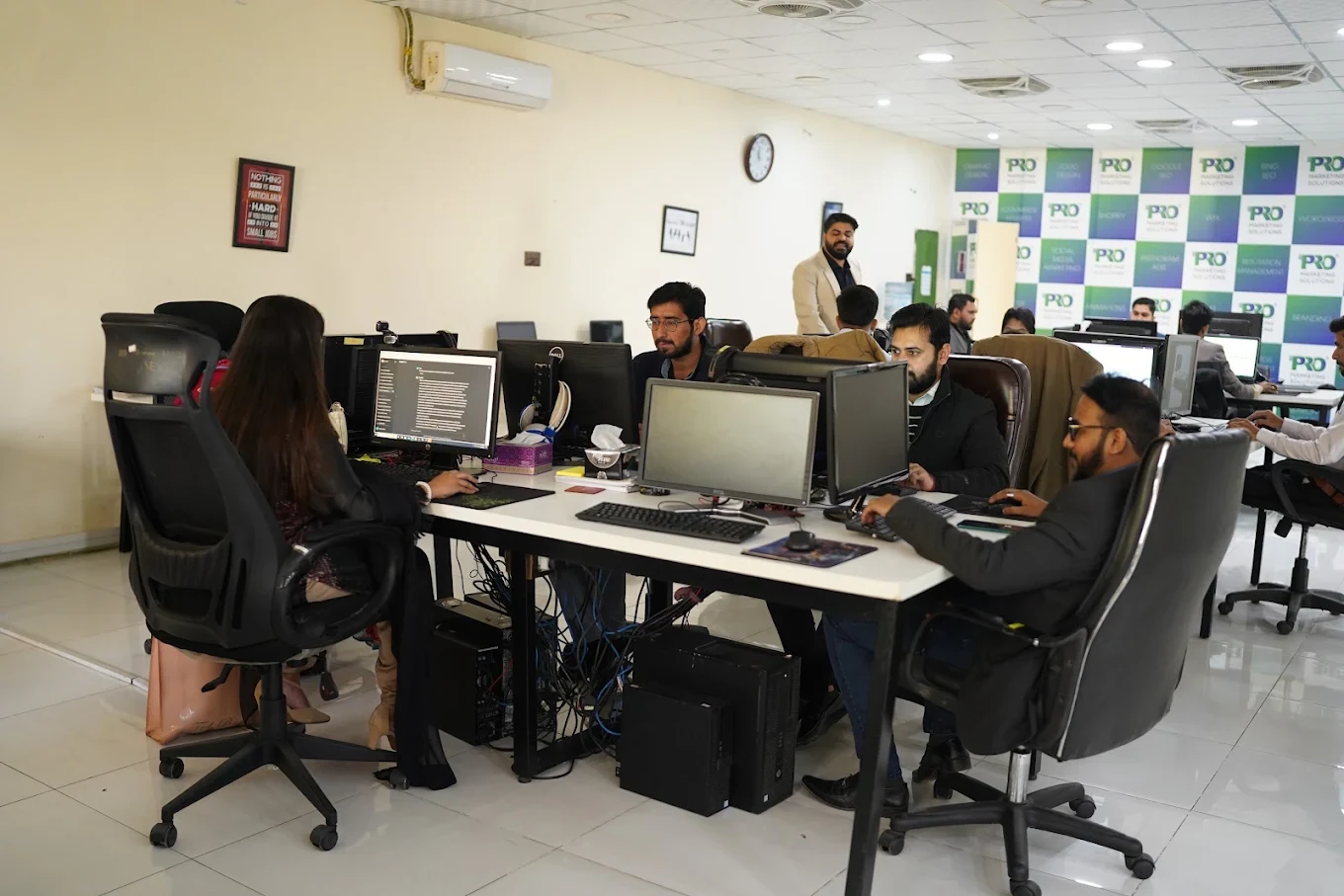

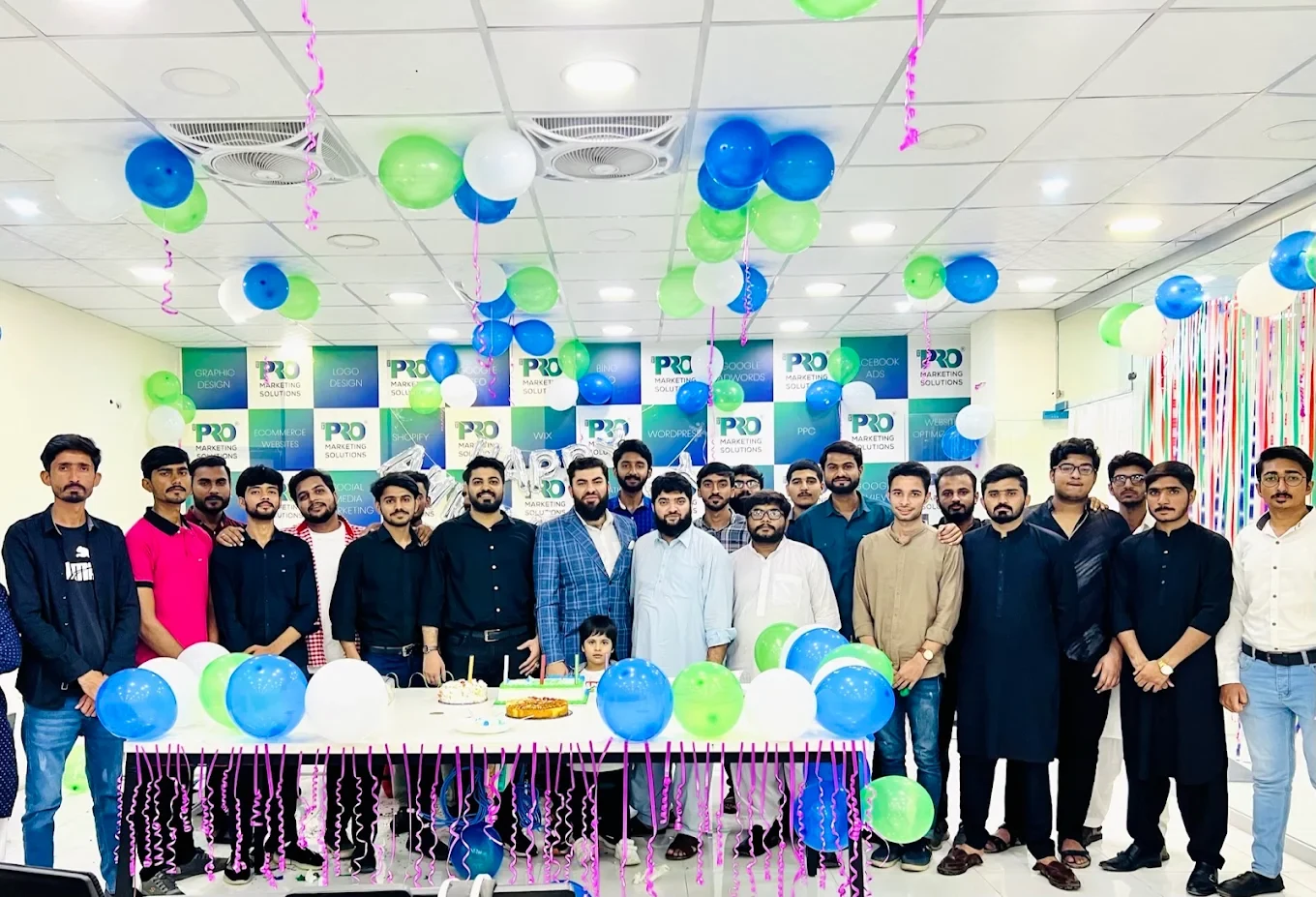

154, C1, Nespak Housing Scheme, Lahore 54770, Pakistan.
Working with a remote marketing team
You know your customers and market. Our strategists, creatives and technical specialists in Lahore help put the plan into practice. Agree the contact person, meeting times and approvals before we start.
Agree deliverables and the agency fee. Discuss ad spend and third-party tools separately.
Keep visibility and ownership. Agree access, asset licences and handover as part of the scope.
Agree a review schedule around your time zone. See what was delivered, what the numbers mean and what comes next.
Explore our Pakistan pricing guides for planning ranges and what shapes the cost. Your market, deliverables and existing setup determine the final quote; advertising spend and third-party costs are separate.
Discuss a quote for your market ↗Before the next step
A useful starting brief includes: product and margin context; store and acquisition reports; delivery, return and support feedback. We can agree appropriate access after the first conversation.
Review completed orders, refunds, fulfilment and contribution after costs alongside acquisition reporting.
We can discuss a one-off implementation, an ongoing scope or an initial build followed by support. The proposal states what is included, dependencies and the review points.
Agency work, media spend and third-party costs are identified separately. Your market, existing setup and delivery requirements determine the final scope and quote.
Share your website, target country and the next thing you want to improve. We’ll help you find a useful place to start.