
Stage consistency
Do records in a stage meet its agreed requirements?
Configure Zoho CRM around real sales milestones, useful records and clear ownership. Connect assignment, reminders and reporting with the way your team follows up.
Get to know your team firstA few of the brands we’ve worked with.








See where the work happens and get to know WeProms before your first conversation. Our team is based in Lahore, working with business owners abroad and at home.
Get to know WeProms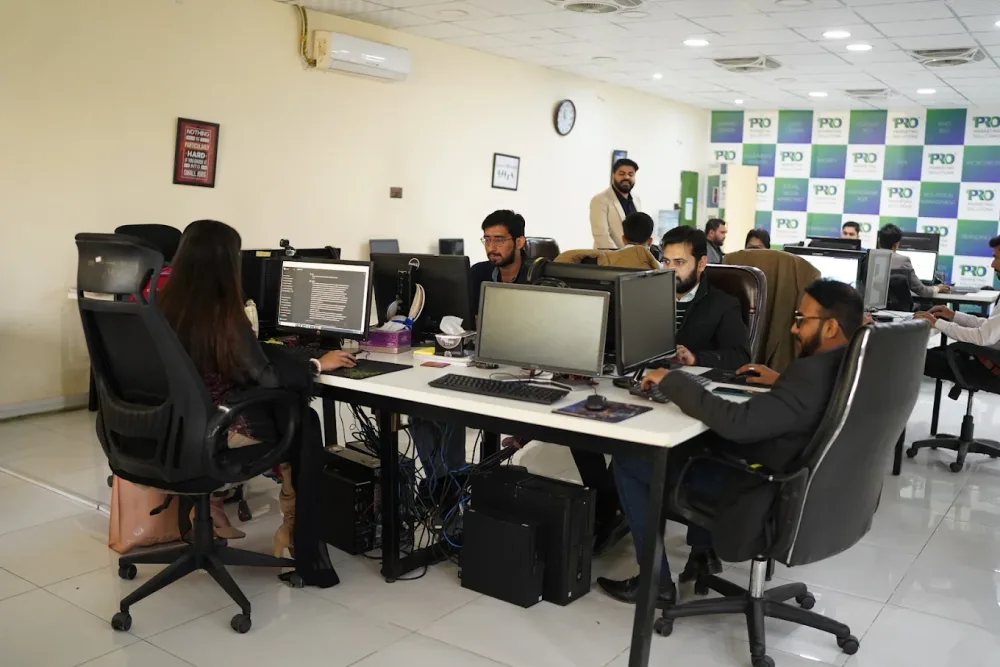 Watch our introduction
 A stage should mean the same thing to every person on the team. We agree the entry criteria and required information, then use the supported Zoho configuration to make the process visible and repeatable.
Does this sound familiar?
Questions worth reviewing
Do records in a stage meet its agreed requirements?
Do new leads reach the intended owner with useful context?
Does relevant source information remain available through the sales journey?
Zoho configuration should express real milestones. Explore the required information, transition and ownership behind a usable sales process.
Include a visible route for exceptions and human review.
Qualify
Agree the information needed to assess fit and the person responsible when it is incomplete.
Use fields your team can reliably collect and maintain.
Illustrative workflow. We agree the final setup around your business.
Include a visible route for exceptions and human review.
Progress
A stage transition should reflect an agreed milestone, supported by the required information and permissions.
Check Blueprint and workflow capabilities against the Zoho edition.
Illustrative workflow. We agree the final setup around your business.
Include a visible route for exceptions and human review.
Maintain
Document rules, exceptions and source fields so the system remains useful beyond the initial setup.
Keep custom functions and advanced integrations explicitly scoped.
Illustrative workflow. We agree the final setup around your business.
Zoho CRM setup & automation / The practical scope
Agree fields, page layouts and pipeline milestones that reflect the business process.
Map source fields, review duplicates and validate representative records before migration.
Configure agreed workflow rules, tasks and Blueprint transitions where supported by the selected plan.
Create relevant views and document source fields, daily tasks, exceptions and system ownership.
Edition limits and connected Zoho products affect the scope. Custom functions, advanced integrations and ongoing administration are agreed separately where required.
Published client experiences
Hear what working with WeProms was like, directly from our clients.
 Watch their story
 Singapore · Events
 Watch their story
 Client feedback
 Watch their story
 New York · Wellness
Understand the current Zoho account, lead sources and actual handovers.
Agree what must be known or completed before a record moves forward.
Build the agreed fields and workflows using representative sample records.
Train the relevant users and check exceptions after the handover.
Service guide
The approach, practical steps and decisions behind the plan.
Zoho CRM is one of the most cost-effective platforms a Pakistani or international SME can adopt, and that’s exactly why so many accounts end up stuck. Someone signs up, imports a spreadsheet, leaves the default fields in place, and tells the team to start using it. A month later the pipeline still shows the stock stages, leads sit unassigned, and the dashboard that was meant to show where revenue comes from is empty or misleading.
The platform isn’t the problem — the configuration is. Zoho ships with enormous flexibility: custom modules, page layouts, Blueprint processes, workflow rules, Deluge scripts, and most of it switched off. Out of the box you get a generic sales template, not a system shaped around your products, your sales cycle, or how your reps actually work. Our job is to close that gap, turning a half-finished instance into something the team logs into because it makes their day easier.
The default Zoho pipeline — Prospecting, Qualification, Needs Analysis, Proposal, Negotiation — is a starting point, not a strategy. If your team qualifies a deal on a confirmed budget, a site visit, or a signed quotation, those are the stages you need. We rebuild pipelines (Zoho supports several running in parallel) so each stage is a real milestone your reps recognise, and we attach mandatory fields or Blueprint transitions so a deal can’t advance until the criteria for the next stage are genuinely met.
This is what makes forecasting usable. When every deal in ‘Proposal Sent’ really has a quote attached and a follow-up scheduled, the pipeline value means something. When the stages are generic, that same number is fiction.
A lead that lands in a shared inbox and waits for someone to claim it is a lead you’re likely to lose. We set up assignment rules so incoming leads route themselves — by territory for a Lahore, Karachi, or Islamabad split, by product line, by lead source, or round-robin across the team. The moment a webform or ad lead arrives, it’s owned by the right rep with a task and an alert.
On top of routing we layer workflow rules and Blueprint processes for the repetitive admin reps shouldn’t be doing by hand: a task created on stage change, a follow-up reminder three days after a quote, an alert to a manager when a high-value deal stalls, a status flip when a lead goes quiet. Where the standard rules aren’t enough — a multi-step approval on a discount, a custom calculation, a push into another system — we’ll write Deluge custom functions to handle it. Lead scoring comes in where it earns its place, with positive points for engagement and fit and decay for inactivity, so reps work the leads most likely to close.
If you can’t see which campaign produced a deal, marketing becomes a guessing game. We add hidden source, campaign, and UTM fields to your web-to-lead forms and Zoho Forms so every inbound lead carries its origin on the record. When that lead converts, the source travels with it into the contact, account, and deal, and Zoho’s campaign module can tie closed-won revenue back to a channel.
The same logic applies to paid sources. Meta Lead Ads and Google Ads lead-form submissions can sync straight into Zoho, so the money you’re spending on ads doesn’t end up in a spreadsheet someone forgets to upload. We set up the integration, map the fields, and make sure duplicates are reconciled rather than created twice.
Dashboards only tell the truth when the data underneath is clean, and clean data comes from layout design and permissions, not from asking reps nicely to fill things in. We set up profiles and roles so the right people see the right records, build page layouts that show only the fields relevant to a stage or team, and make the fields that reporting depends on mandatory at the moments that matter.
We scope permissions carefully too. Giving every user admin access is the single fastest way to break a CRM — records get deleted, fields overwritten, layouts edited mid-quarter. Properly configured roles, groups, and field-level security stop that without slowing anyone down. The payoff shows up in the reports: pipeline coverage, win rate, average sales-cycle length, rep activity, and campaign ROI all reading accurately because the records feeding them are complete.
Zoho rarely lives alone. We connect it to the tools your team already uses — Zoho Campaigns or Zoho Marketing Automation for nurture, Zoho Books for invoicing, Zoho Desk for support handoff, Zoho Forms, your website, WhatsApp and telephony, and external platforms through Zoho Flow, Zapier, or Make. The point is one continuous record: a lead captured on a form, nurtured by email, called by a rep, closed as a deal, and invoiced — all visible inside Zoho without anyone re-keying the data.
We don’t hand over a 40-page recommendation document and disappear. Our Lahore team implements the configuration directly in your Zoho instance, tests the workflows and assignment rules against real records, builds the dashboards, trains your reps and admins, and documents what we’ve built so you’re not dependent on us to change a picklist value. If you’d like a Zoho CRM setup your team actually uses, talk to us or explore our wider marketing automation services.
From Lahore, across borders
We work with clients in the UK, UAE, Singapore, Germany, Canada and Australia. Wherever your business takes you, our team in Lahore helps move your marketing forward.
Hear from our clients United Kingdom
 United Arab Emirates
 Singapore
 Germany
 Canada
 Australia
We also welcome enquiries from Pakistani business owners in:
Inside WeProms
Lahore, Pakistan
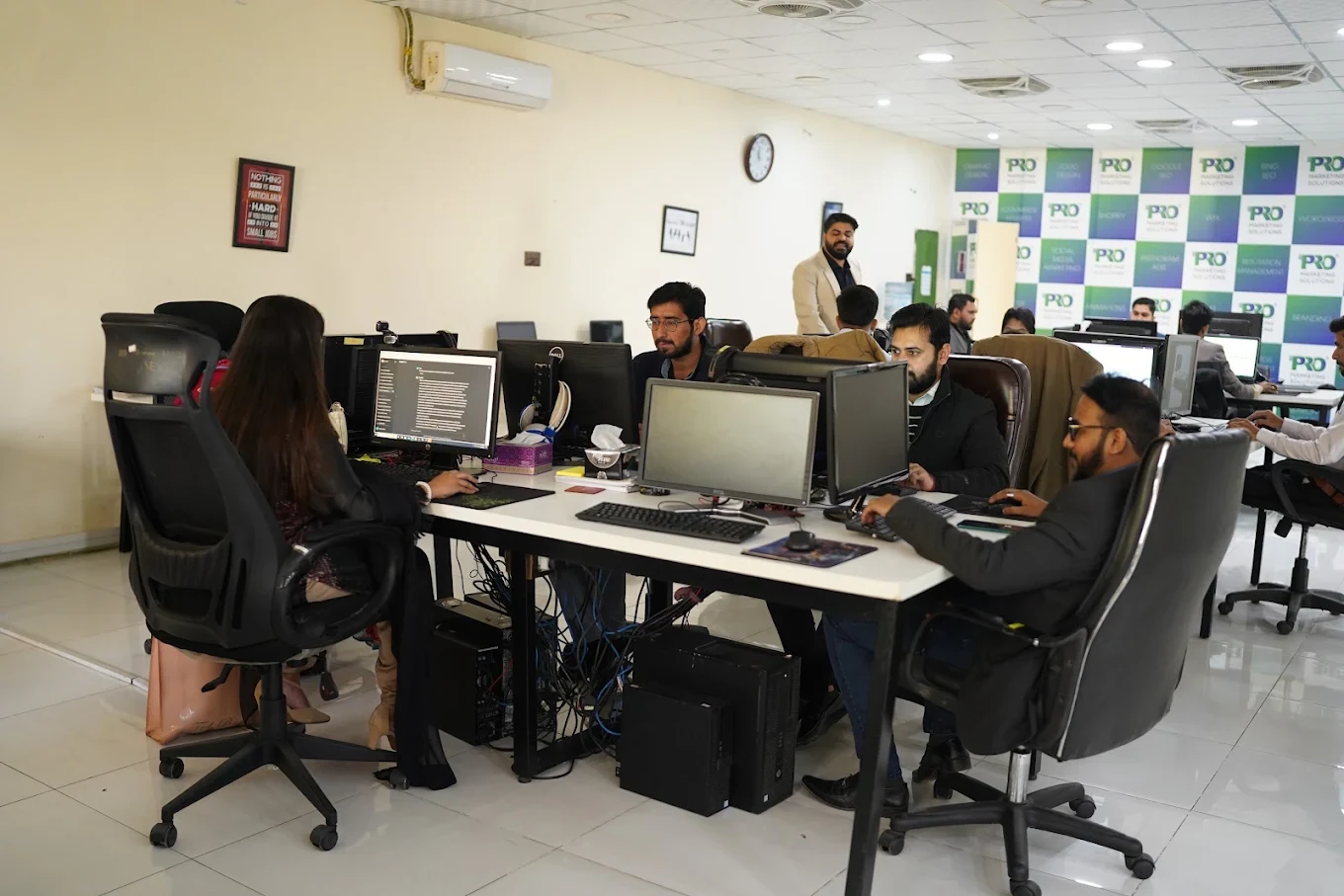

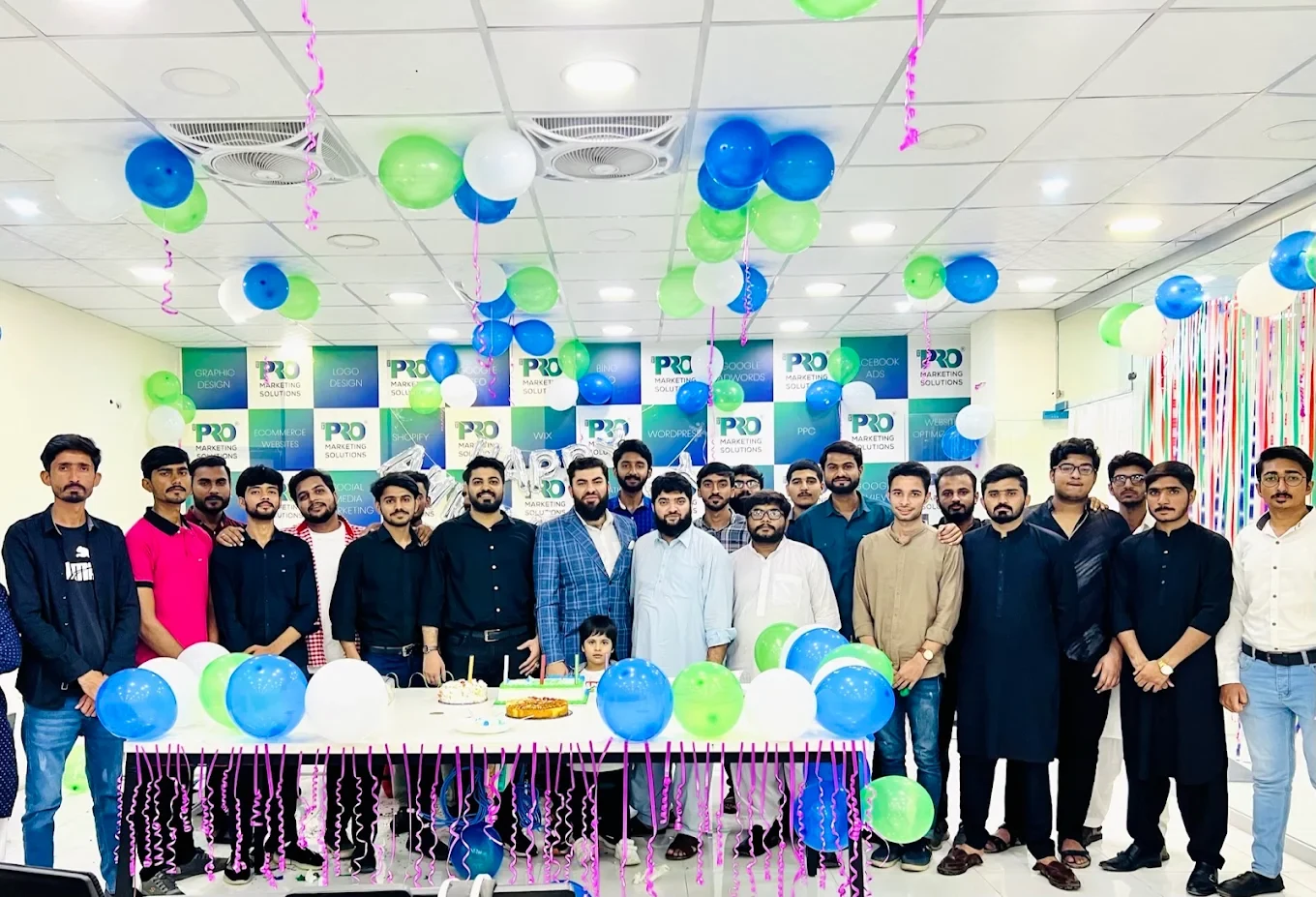

154, C1, Nespak Housing Scheme, Lahore 54770, Pakistan.
Working with a remote marketing team
You know your customers and market. Our strategists, creatives and technical specialists in Lahore help put the plan into practice. Agree the contact person, meeting times and approvals before we start.
Agree deliverables and the agency fee. Discuss ad spend and third-party tools separately.
Keep visibility and ownership. Agree access, asset licences and handover as part of the scope.
Agree a review schedule around your time zone. See what was delivered, what the numbers mean and what comes next.
Zoho CRM setup & automation
Straight answers to help you shape the brief.
More about working with WePromsWe review the edition and required features before scoping. If a requirement depends on an upgrade or another product, we explain that before implementation.
We can map supported source fields from the agreed capture points through to the relevant records, with checks for missing or conflicting values.
Only where the agreed requirement cannot be handled sensibly through available configuration. Custom development is identified and scoped explicitly.
Share the business, the market and the part you want to improve. We’ll help shape the next step.
Start a conversation