
Portal and process blueprint
Define lifecycle stages, pipelines, properties, teams and permissions around the actual business.
HubSpot configuration, data migration and workflows built around your sales process. Give contacts, deals and follow-up a shared structure the team can actually use.
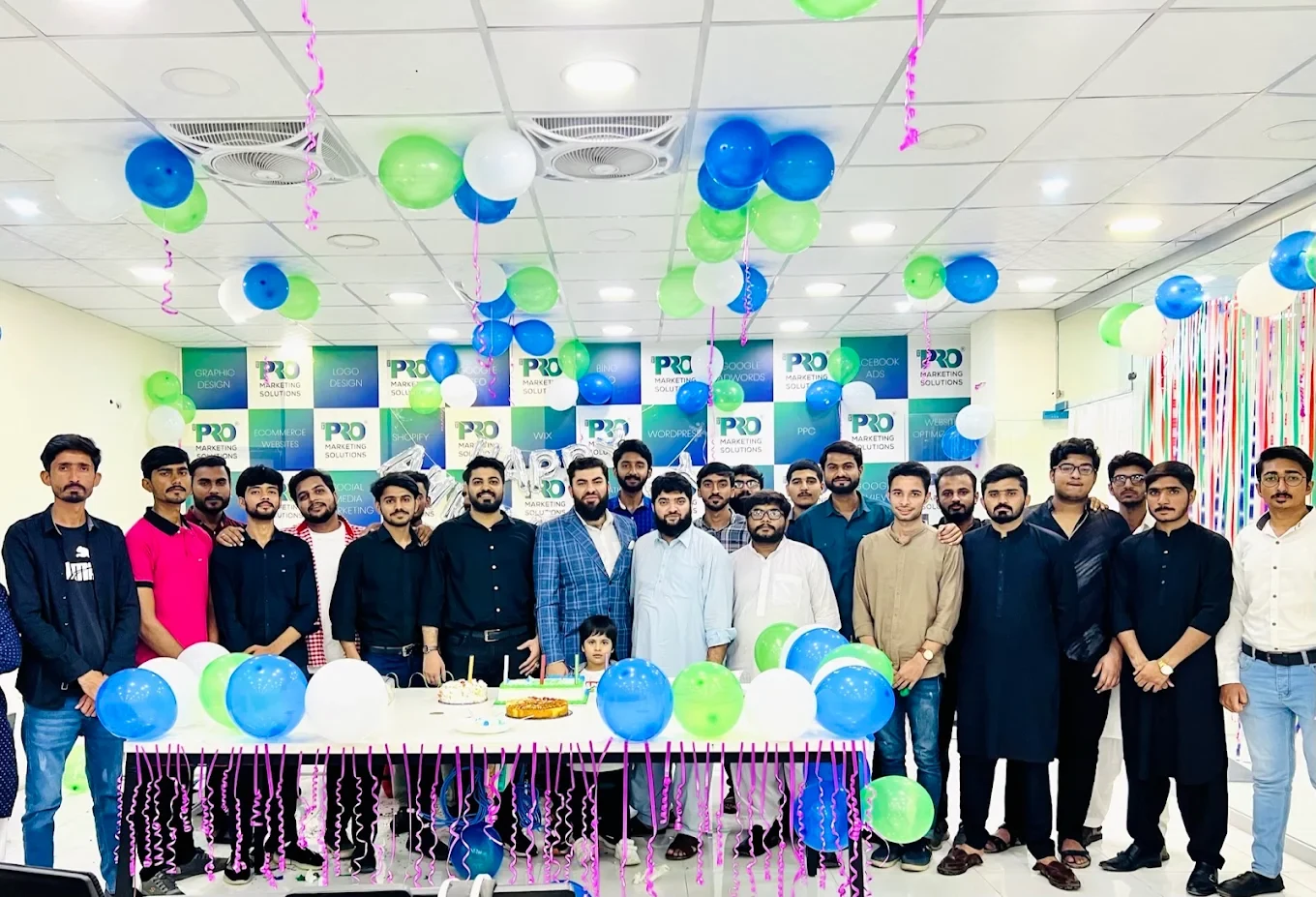
Get to know your team firstSee where the work happens and get to know WeProms before your first conversation. Our team is based in Lahore, working with business owners abroad and at home.
Get to know WeProms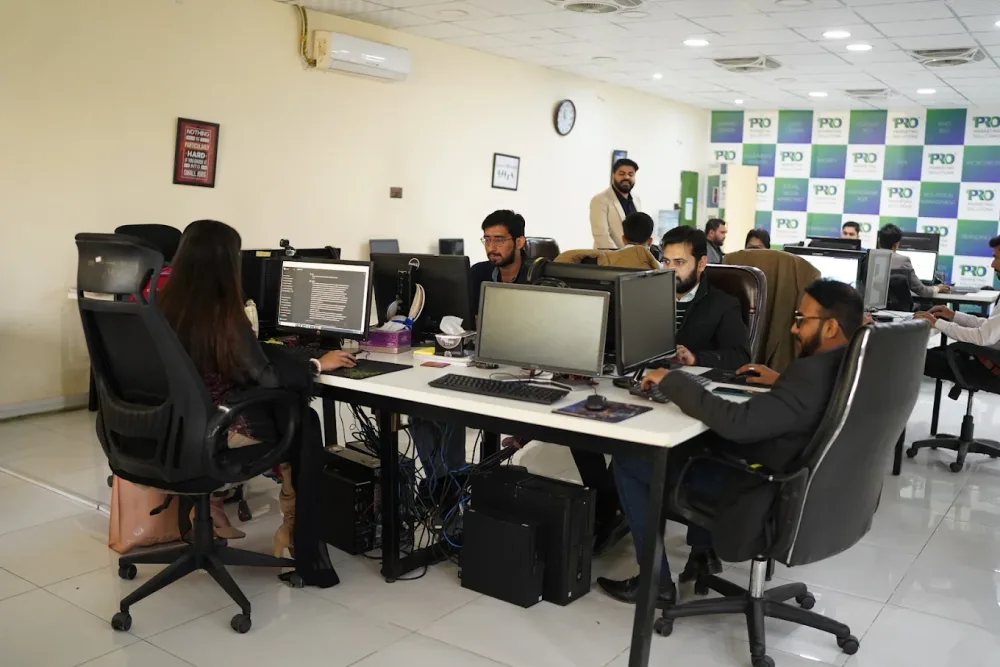 Watch our introduction
 A few of the brands we’ve worked with.








See the information, ownership and exception rules that make a handover useful. The portal should reflect what your sales team actually does.
Include a visible route for exceptions and human review.
Capture
Map the source record, relevant properties and company or deal associations before importing the main data.
Check duplicates and associations using a small test import.
Illustrative workflow. We agree the final setup around your business.
Include a visible route for exceptions and human review.
Assign
Match a reliable service or territory field with an owner, and route incomplete records for review.
Confirm that a person can take over when the rule cannot decide.
Illustrative workflow. We agree the final setup around your business.
Include a visible route for exceptions and human review.
Review
Define what each deal stage means and use the view to identify the next conversation or blocked task.
Check feature availability against the actual HubSpot subscription.
Illustrative workflow. We agree the final setup around your business.
HubSpot CRM implementation / The practical scope
Define lifecycle stages, pipelines, properties, teams and permissions around the actual business.
Map the agreed records, clean duplicates and test imports before the main migration.
Configure agreed assignment, tasks, reminders and connections within the available HubSpot plan.
Create relevant pipeline views and explain daily use, record ownership and maintenance.
Workflows and reporting depend on the HubSpot subscription. Licences, migration volume and third-party integrations are reviewed before the implementation scope is agreed.
Published client experiences
Hear what working with WeProms was like, directly from our clients.
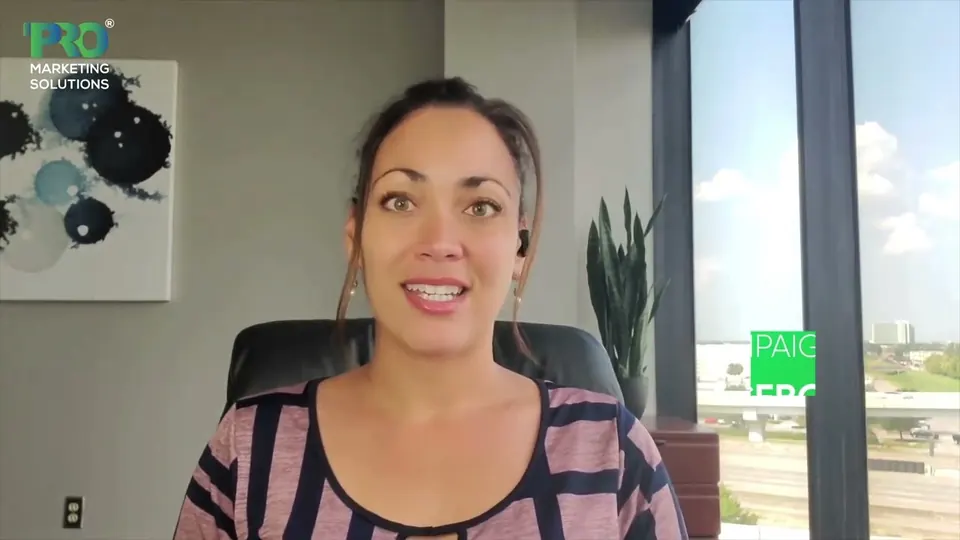 Watch their story
 Their business journey
 Watch their story
 Client feedback
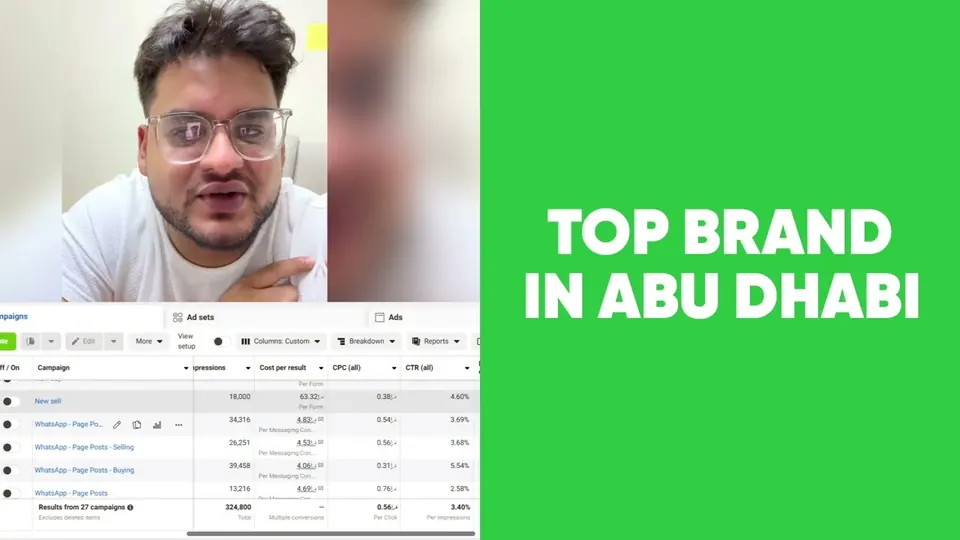 Watch their story
 Working with WeProms
Review the sales journey, current data and the people using the portal.
Agree properties, stages and access before importing the main records.
Test the data mapping and agreed workflow paths.
Walk through real tasks and document responsibilities and reporting definitions.
Service guide
The approach, practical steps and decisions behind the plan.
HubSpot gets bought with good intentions and then quietly ignored. The default lifecycle stages don’t match how the business actually qualifies leads. Deal stages read like a template copied from someone else’s sales process. Contacts are half-imported, duplicated, and missing the fields that matter. Within a few weeks the sales team is back in Excel and WhatsApp, and the CRM is just another tool nobody opens.
A proper HubSpot CRM implementation fixes this by configuring the portal around your real sales motion before you ask anyone to use it. The point isn’t to switch HubSpot on — it’s to build a system your team trusts enough to maintain.
Everything starts with the data model. We map your lifecycle stages — Subscriber, Lead, MQL, SQL, Opportunity, Customer — to the way your team genuinely qualifies and closes, and we define the entry and exit criteria for each one. Then we design deal pipelines that mirror your real sales steps, with probabilities and required properties at each stage so a deal can’t quietly stall.
On top of that we set up custom properties for the information your business actually tracks: product line, territory, lead source, deal type, renewal date, whatever matters to you. Account structure, users, teams, and permissions get configured across Sales Hub, Marketing Hub, and Service Hub so the right people see the right records and nothing sensitive leaks sideways.
Data migration is where most CRM projects lose time. We handle imports from spreadsheets, Salesforce, Zoho, Pipedrive, and legacy systems, and we do the unglamorous work before the import ever runs: field mapping between the old system and HubSpot, deduplication of contacts and companies, formatting of dates and phone numbers, and setup of the associations between contacts, companies, deals, and tickets.
The result is a HubSpot database you can trust. When a rep opens a contact record, the history, company, and open deals are all attached — not orphaned in a separate spreadsheet nobody updates.
Once the structure is clean, we build the automation that makes HubSpot earn its subscription. Lead rotation rules assign new contacts to the right rep by territory or round-robin. Workflows create follow-up tasks, send internal Slack or WhatsApp alerts when a high-value deal sits idle, move records between lifecycle stages based on behaviour, and trigger nurture sequences. We set up email templates, sequences, meeting links, and playbooks so reps spend their time selling rather than typing.
For Pakistani businesses especially, WhatsApp integration matters — it’s where most of your customers actually live — so we wire it in alongside inbox connections and the channels your team already uses day to day.
A CRM on its own is only half the picture. We connect HubSpot to GA4 and your ad platforms so you can see which campaigns produce pipeline, to Shopify so orders and customers stay in sync, and to Slack, Outlook, Gmail, and the tools your team lives in. Where native integrations aren’t enough, we use HubSpot’s API or Make and Zapier to bridge the gap.
Default HubSpot reports tend to show activity — emails sent, calls logged, tasks completed. Useful, but not what an owner or sales lead needs to decide where to focus. We build custom dashboards around the numbers that drive decisions: pipeline velocity, win rate by lead source, conversion between lifecycle stages, deal forecast, and revenue attribution back to the campaign or channel that started it.
Because the lifecycle stages and properties underneath are clean, the reports are trustworthy. You stop arguing about whether the data is right and start arguing about how to hit the number.
Configuration alone doesn’t make a CRM stick. We train your team on the workflows, document the playbooks, and run a QA pass against real records so the system holds up when reps start using it in earnest. We also scope in ongoing optimisation for the first weeks after launch, because the pipelines and workflows that look right on paper usually need a round of adjustments once they meet real sales activity.
If you’re moving off spreadsheets, replacing an old CRM, or trying to rescue a HubSpot portal that nobody uses, we can help — start with a conversation or explore our broader marketing automation services.
From Lahore, across borders
We work with clients in the UK, UAE, Singapore, Germany, Canada and Australia. Wherever your business takes you, our team in Lahore helps move your marketing forward.
Hear from our clients United Kingdom
 United Arab Emirates
 Singapore
 Germany
 Canada
 Australia
We also welcome enquiries from Pakistani business owners in:
Inside WeProms
Lahore, Pakistan
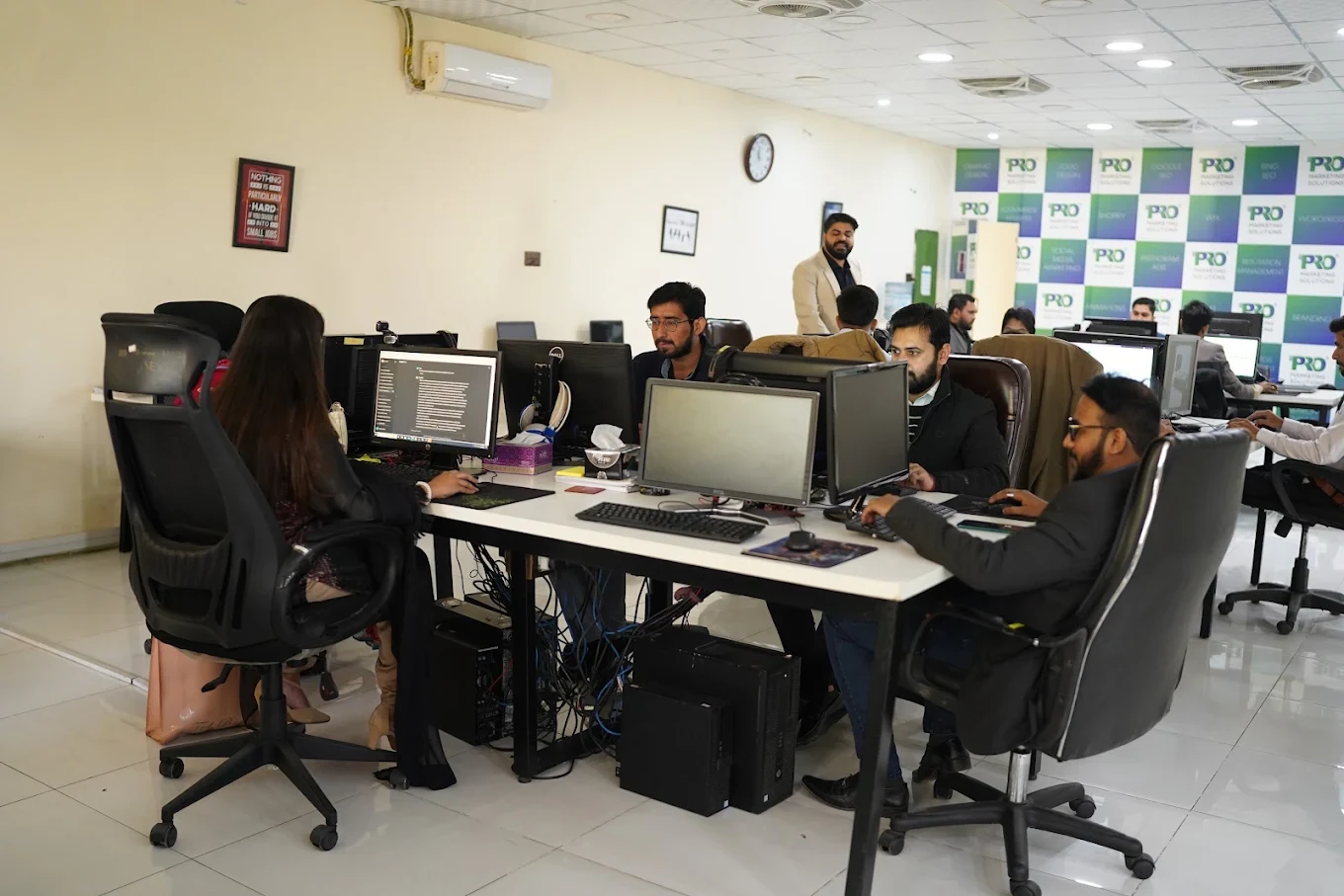


154, C1, Nespak Housing Scheme, Lahore 54770, Pakistan.
Working with a remote marketing team
You know your customers and market. Our strategists, creatives and technical specialists in Lahore help put the plan into practice. Agree the contact person, meeting times and approvals before we start.
Agree deliverables and the agency fee. Discuss ad spend and third-party tools separately.
Keep visibility and ownership. Agree access, asset licences and handover as part of the scope.
Agree a review schedule around your time zone. See what was delivered, what the numbers mean and what comes next.
The useful starting point is how an enquiry becomes a customer. We define stages and ownership with your team, then configure HubSpot so the records, tasks and reports reflect those decisions.
Does this sound familiar?
Questions worth reviewing
Are contacts, companies and deals associated and populated as intended?
Does each relevant enquiry have a responsible person and next action?
Do stage definitions and reports support the team’s actual sales decisions?
HubSpot CRM implementation
Straight answers to help you shape the brief.
More about working with WePromsYes. We can review its existing stages, fields, data, workflows and reporting, then agree a focused improvement scope.
Migration can be included after reviewing the source records, associations, history and fields. We agree what transfers and test the mapping first.
The handover can include practical training for the agreed roles, using the tasks and pipeline process the team will use day to day.
Share the business, the market and the part you want to improve. We’ll help shape the next step.
Start a conversation