
Digital Marketing
Digital Marketing Agency
Full-service digital marketing agency providing integrated strategy, execution, and optimization for Pakistani businesses seeking measurable growth.
Explore the detailApple Search Ads management for iOS and iPadOS apps — keyword strategy across brand, discovery, and competitor terms, Creative Sets and Custom Product Pages matched to each search intent, and installs attributed back through your MMP. We run Advanced campaigns to lower target CPA and defend your App Store position.
Paid Media and Advertising
Apple Search Ads management for iOS and iPadOS apps — keyword strategy across brand, discovery, and competitor terms, Creative Sets and Custom Product Pages matched to each search intent, and installs attributed back through your MMP. We run Advanced campaigns to lower target CPA and defend your App Store position.
Review useful outcomes alongside spend. State conversion definitions and attribution limits before making budget decisions.
A closer look
The approach, practical steps and decisions behind the plan.
Apple Search Ads is the only paid placement that appears inside the App Store itself — at the top of search results and on the Today tab — so it captures intent that no Google or Meta campaign can reach: someone already inside the App Store with their thumb on Install. Because the inventory is one platform and one auction type, the work is less about creative volume and more about matching the right screenshots and the right CPA target to the right keyword. There is no audience layer, no lookalike, and no feed to optimise; the lever is keyword-to-creative relevance, measured by tap-through rate and post-install conversion.
That difference is why standard paid-media playbooks underperform here. A campaign that runs every keyword against one screenshot and one CPA target burns budget on terms it can’t convert and starves the terms that can. Our management rebuilds that mapping from the keyword up.
We split Apple Search Ads Advanced campaigns into clusters, each with its own CPA target, match-type mix, and budget, because the economics of each are completely different:
Running these as one campaign — the default mistake — lets expensive discovery spend hide behind cheap brand installs and makes optimisation impossible. The structure has to come first.
In Apple Search Ads, your ad isn’t text — it’s your app icon, title, subtitle, and a set of App Store screenshots. Creative Sets let you group screenshots so a specific search query shows the screenshot that answers it. Someone searching “expense splitter” should see the split-the-bill screen; someone searching “monthly budget tracker” should see the dashboard. Showing the wrong first screenshot is the single biggest driver of a low tap-through rate, and on a CPT-bid auction that is wasted spend before anyone even installs.
We map each keyword cluster to a Creative Set, and where the gap is big enough we build Custom Product Pages in App Store Connect — alternate app landing pages with their own screenshots and copy — and tie specific campaigns to them. Apple allows up to 35 Custom Product Pages per app, and used well they turn one app listing into several intent-specific storefronts.
Two numbers that should match — installs in the Apple Ads console and installs in your mobile measurement partner — almost never do on day one. Apple’s privacy model, SkAdNetwork postbacks, the AdServices attribution token, and the timing of MMP callbacks all create gaps that make real CPA a guessing game. We close that gap by wiring the Apple Ads Attribution API into your MMP — AppsFlyer, Adjust, Branch, Kochava, or Singular — and defining the post-install events (signup, purchase, subscription, day-7 retention) that actually matter, so cost is measured against value, not just installs. The Reports API feed goes into GA4 or Looker Studio alongside your web and Meta data, so Apple Search Ads isn’t a black box in your reporting.
Apple Search Ads Advanced lets you set a CPA target per campaign, and the algorithm bids to it. The most common failure is a CPA target set below what the auction will bear — the campaign simply stops serving and you see no installs and no data to learn from. We start conservative, gather impression and conversion data, then tune targets per keyword cluster and per country. Each week we work the Search Terms report: block irrelevant queries as negative keywords, promote high-converting terms to exact match, and reallocate budget toward the clusters earning installs at or below target. This is unglamorous, repetitive work, and it’s where most of the efficiency gain comes from over a quarter.
Apple Search Ads management suits any business with a live app on the App Store — iOS utility apps, fintech and wallet apps, e-commerce and marketplace apps, mobile games, and SaaS products with an iOS component. You don’t need a large budget to start; Apple’s Basic campaigns are designed for spend under roughly $10,000 a month and Advanced campaigns scale above that. What you do need is an app that’s published and a clear definition of the post-install action that makes a user valuable to you.
If your App Store listing is live and your installs feel expensive or opaque, tell us about your app and we’ll audit your current Apple Search Ads account, attribution setup, and Creative Sets.
Related services
Digital Marketing
Full-service digital marketing agency providing integrated strategy, execution, and optimization for Pakistani businesses seeking measurable growth.
Explore the detailAnalytics and Attribution
Create dashboards that combine ads, analytics, and CRM data in one decision view.
Explore the detailConversion Rate Optimization
Run structured A/B testing to improve conversion rates across key pages and funnels.
Explore the detailA few of the brands we’ve worked with.








See where the work happens and get to know WeProms before your first conversation. Our team is based in Lahore, working with business owners abroad and at home.
Get to know WeProms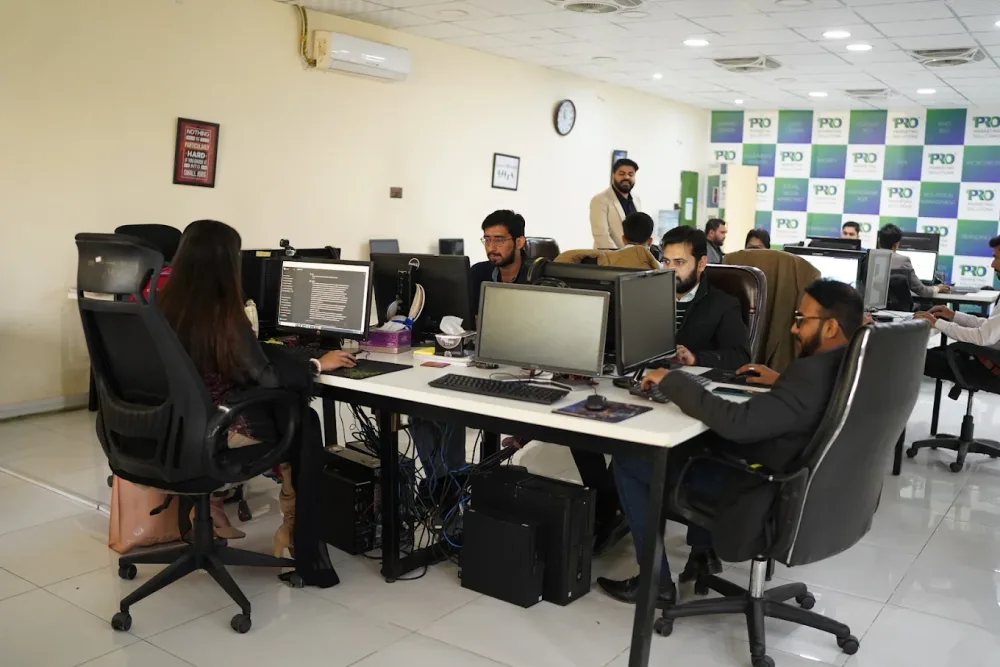 Watch our introduction
 Published client experiences
Hear what working with WeProms was like, directly from our clients.
 Watch their story
 Healthcare
 Watch their story
 Singapore · Video production
 Watch their story
 Education
Inside WeProms
Lahore, Pakistan
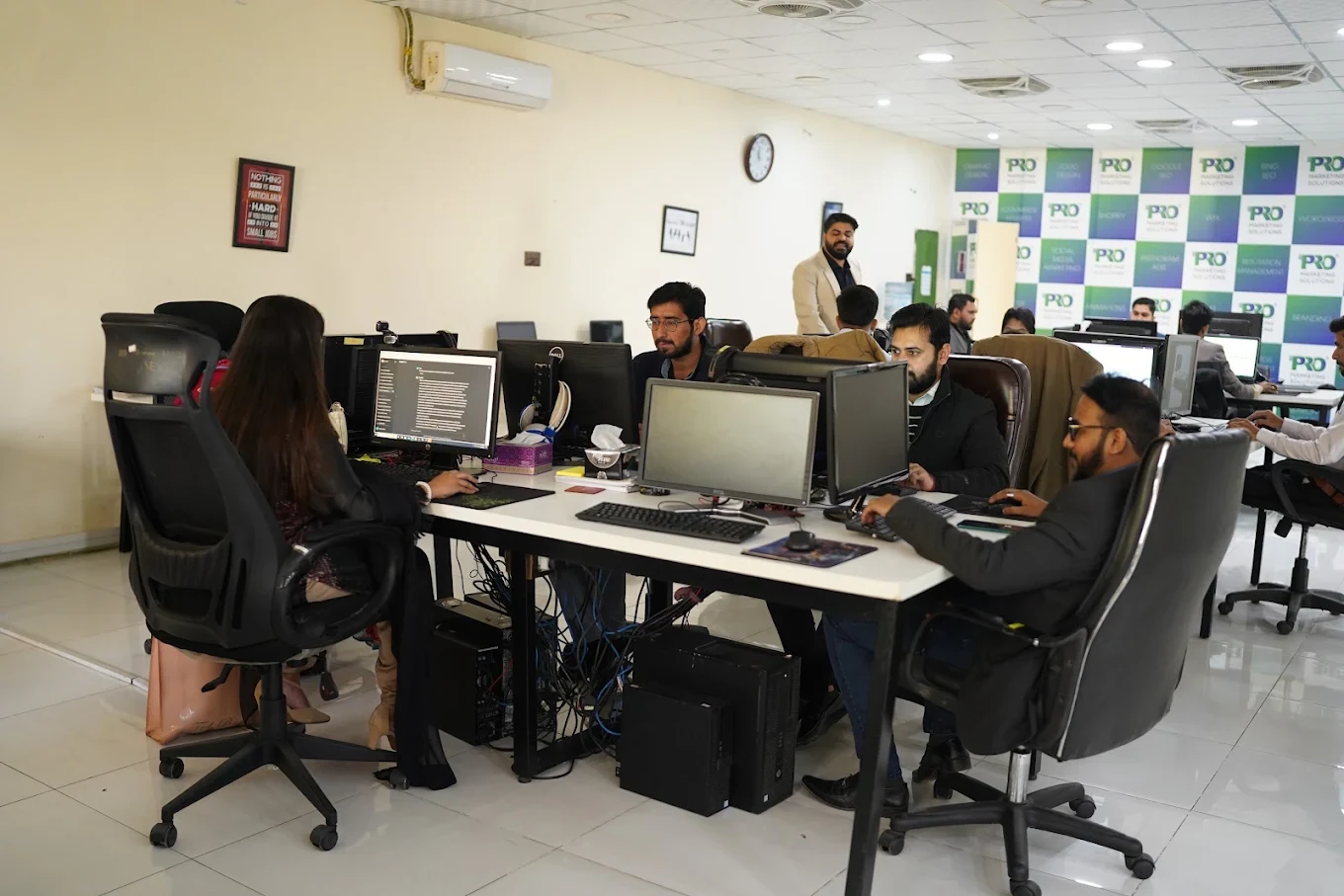
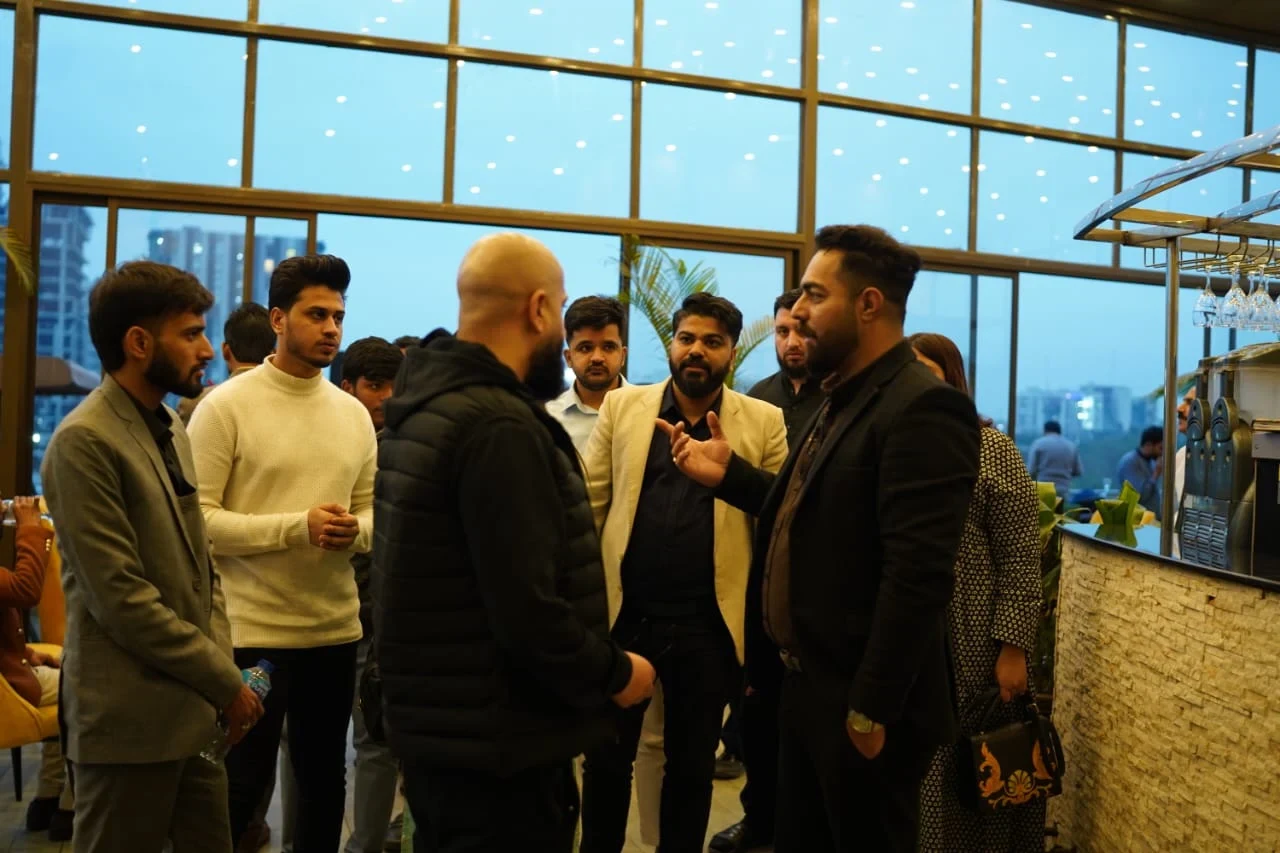
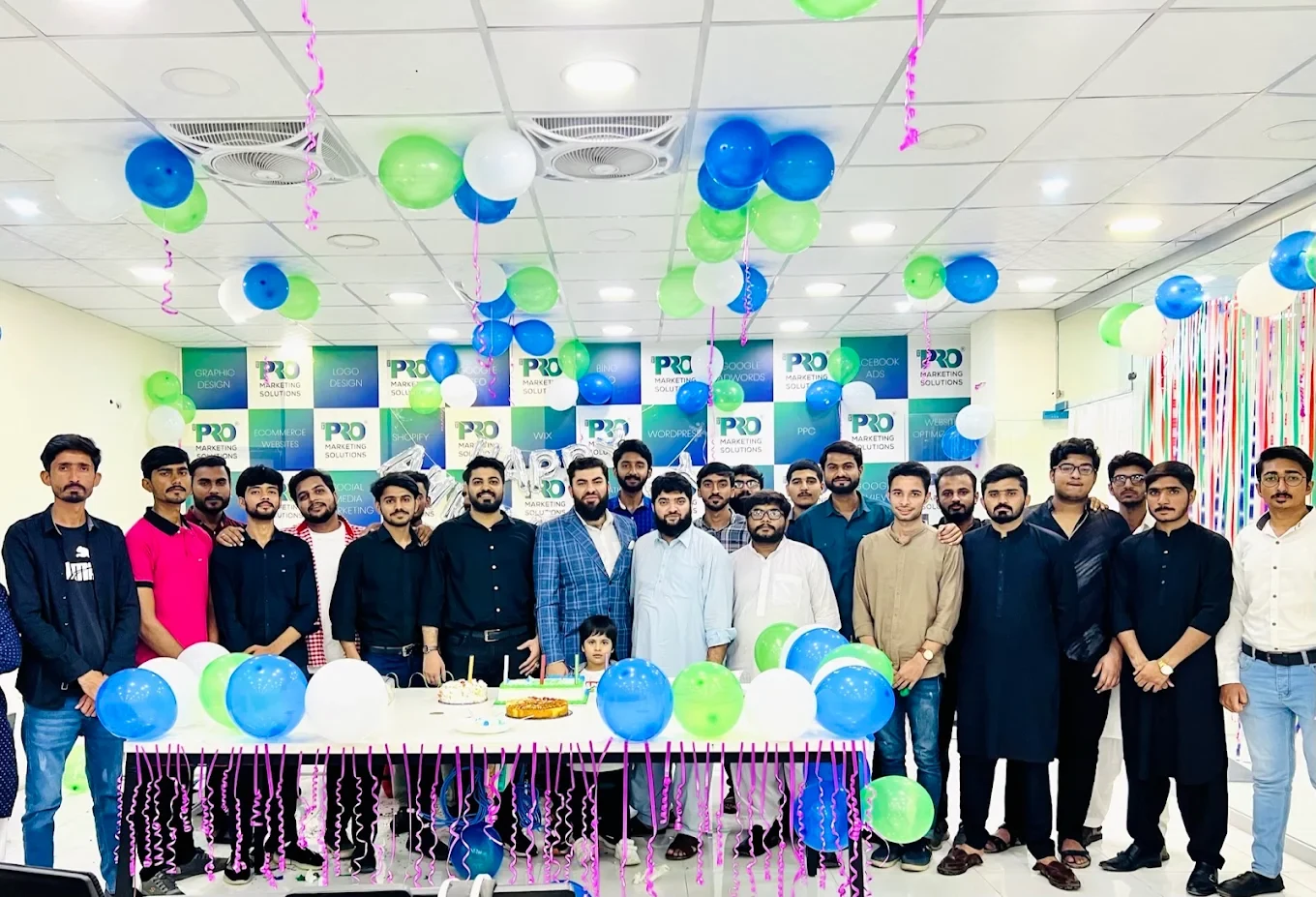
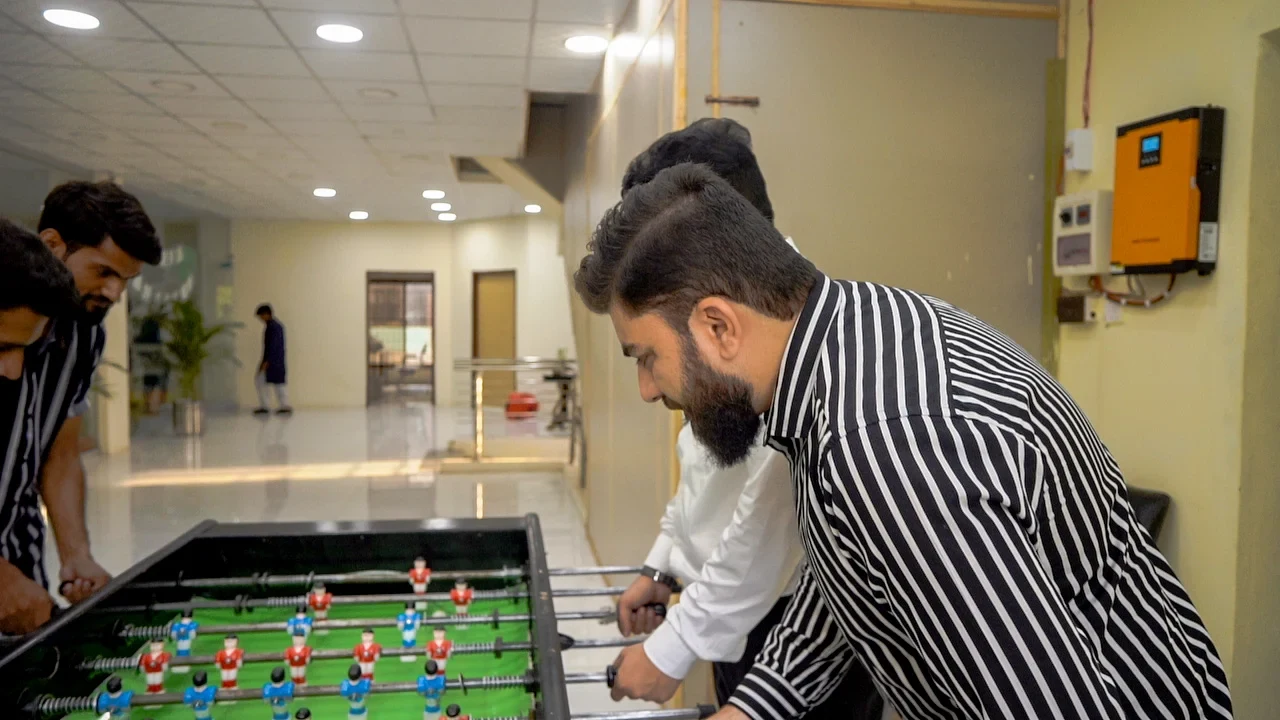
154, C1, Nespak Housing Scheme, Lahore 54770, Pakistan.
Working with a remote marketing team
You know your customers and market. Our strategists, creatives and technical specialists in Lahore help put the plan into practice. Agree the contact person, meeting times and approvals before we start.
Agree deliverables and the agency fee. Discuss ad spend and third-party tools separately.
Keep visibility and ownership. Agree access, asset licences and handover as part of the scope.
Agree a review schedule around your time zone. See what was delivered, what the numbers mean and what comes next.
Explore our Pakistan pricing guides for planning ranges and what shapes the cost. Your market, deliverables and existing setup determine the final quote; advertising spend and third-party costs are separate.
Discuss a quote for your market ↗Before the next step
A useful starting brief includes: account and spend history; approved offers and creative; lead-quality or order feedback. We can agree appropriate access after the first conversation.
Review useful outcomes alongside spend. State conversion definitions and attribution limits before making budget decisions.
We can discuss a one-off implementation, an ongoing scope or an initial build followed by support. The proposal states what is included, dependencies and the review points.
Agency work, media spend and third-party costs are identified separately. Your market, existing setup and delivery requirements determine the final scope and quote.
Share your website, target country and the next thing you want to improve. We’ll help you find a useful place to start.