Paid Media and Advertising
Shopping and Product Feed Management
Optimize product feeds and shopping campaigns for stronger ecommerce visibility and ROAS.
Explore the detailHands-on management of your Google Merchant Center account — feed setup, attribute optimization, disapproval resolution, and the supplemental feeds that power your Shopping and Performance Max campaigns.
Paid Media and Advertising
Hands-on management of your Google Merchant Center account — feed setup, attribute optimization, disapproval resolution, and the supplemental feeds that power your Shopping and Performance Max campaigns.
Review useful outcomes alongside spend. State conversion definitions and attribution limits before making budget decisions.
A closer look
The approach, practical steps and decisions behind the plan.
Google Shopping, Performance Max, and free product listings all read from the same place — your Merchant Center feed. The campaign structure and bidding in Google Ads matter, but they can only work with the product data Google receives. If titles are weak, attributes are missing, or a chunk of the catalog is disapproved, your ads compete with one hand tied behind them. Our Merchant Center management is built around that single dependency: get the feed right, keep it clean, and the campaigns downstream have something real to work with.
A new Merchant Center account looks simple until the first batch of products comes back disapproved. Website and business verification, shipping and return policy, tax settings, and a landing page that meets Google’s checkout requirements all have to line up before products serve. We configure the account properly from the start — including the move to Merchant Center Next where it fits — so you’re not weeks into a campaign still fighting eligibility issues. For accounts already live, we run the same checks retrospectively to clear warnings that have been quietly limiting coverage.
The primary feed has to reflect what’s actually on your store — price, availability, variant, image — and stay in sync as inventory changes. Depending on how you sell, we connect Shopify, WooCommerce, Magento, or BigCommerce directly, or we set up a feed through a tool or a Content API integration for custom setups. The output is a feed Google can validate cleanly, with supplemental feeds layered on top for the things you don’t want to hard-code into your store — custom labels for bidding, promotional pricing, and shipping overrides by product group.
Default product titles pulled straight from a store rarely match how people search. A shopper types “Samsung 55-inch 4K smart TV”, not your internal product name. We rebuild titles around brand, model, and the attributes buyers filter on, map each product to the right google_product_category, and fill in GTIN, MPN, brand, condition, and item group ID so variants cluster correctly. Custom labels 0 through 4 get assigned with a purpose — best-sellers, margin tier, seasonality, clearance — so Shopping and Performance Max can bid up what’s worth bidding up and stop spending on what isn’t. Descriptions and images get the same treatment where the platform allows it.
Merchant Center diagnostics tell you what’s wrong; they don’t fix it. A price that’s a few rupees off between the feed and the landing page, an image that’s too small or watermarked, a missing GTIN on a product that needs one, or an availability mismatch after a stockout — any of these can flip a product to disapproved. We work through the diagnostics item by item, fix the cause in the feed, and put monitoring in place so new disapprovals get caught as the catalog changes rather than at month-end. Account-level issues like misrepresentation warnings get handled separately and carefully, because they affect every product at once.
Feed work in isolation doesn’t pay. We line the feed up with your Shopping and Performance Max structure in Google Ads — asset groups that map to real product segments, custom labels that match your bidding tiers, and promotions that are actually live when the campaign needs them. When the feed improves, PMax has more eligible products to test and stronger signal to optimize with. When the feed degrades, we see it in the diagnostics before it shows up as wasted spend. That connection — diagnostics to feed to campaign — is what monthly management is built around.
Once the feed is set up and healthy, the work shifts to keeping it that way. Catalogs change constantly: new SKUs, price moves, stockouts, seasonal ranges, and policy updates from Google. Monthly management covers diagnostics monitoring, disapproval fixes, feed refreshes, new product segmentation, and coordination with whatever’s happening in Google Ads. You get a feed that stays eligible, a Merchant Center account without warnings, and a clear view of how product coverage is trending — not a dashboard nobody looks at until something breaks.
If your Shopping or Performance Max results feel capped and you’re not sure whether the feed or the bidding is the bottleneck, tell us about the account and we’ll pull the diagnostics first.
Related services
Paid Media and Advertising
Optimize product feeds and shopping campaigns for stronger ecommerce visibility and ROAS.
Explore the detailPaid Media and Advertising
Manage Google Ads with better structure, intent targeting, and conversion performance.
Explore the detailEcommerce Marketing
Drive online sales with integrated ecommerce marketing strategies across paid media, email, and conversion optimization.
Explore the detailA few of the brands we’ve worked with.








See where the work happens and get to know WeProms before your first conversation. Our team is based in Lahore, working with business owners abroad and at home.
Get to know WeProms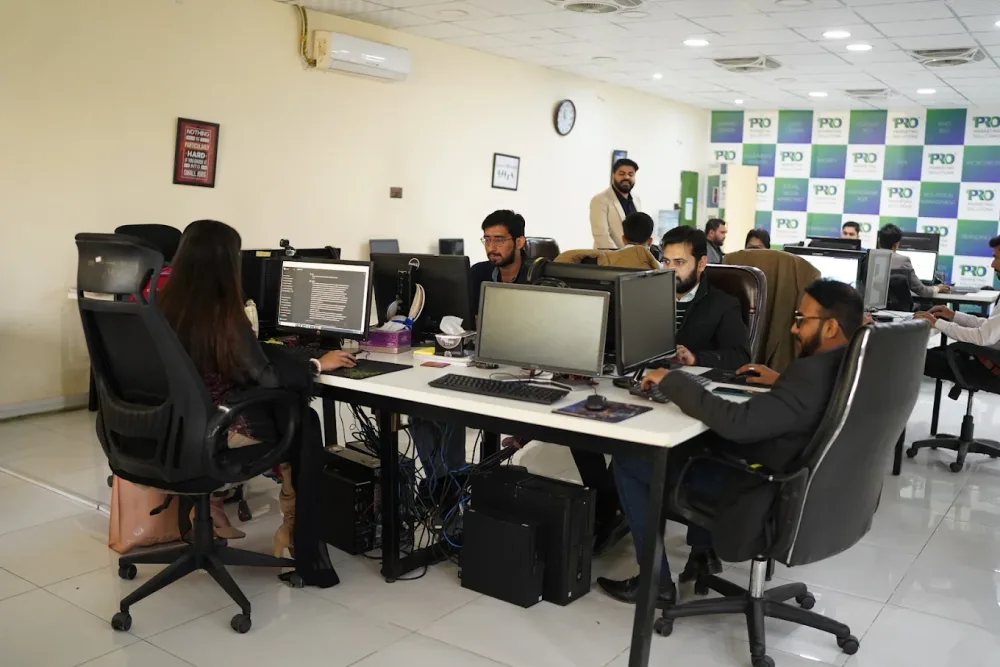 Watch our introduction
 Published client experiences
Hear what working with WeProms was like, directly from our clients.
 Watch their story
 Healthcare
 Watch their story
 Singapore · Video production
 Watch their story
 Education
Inside WeProms
Lahore, Pakistan
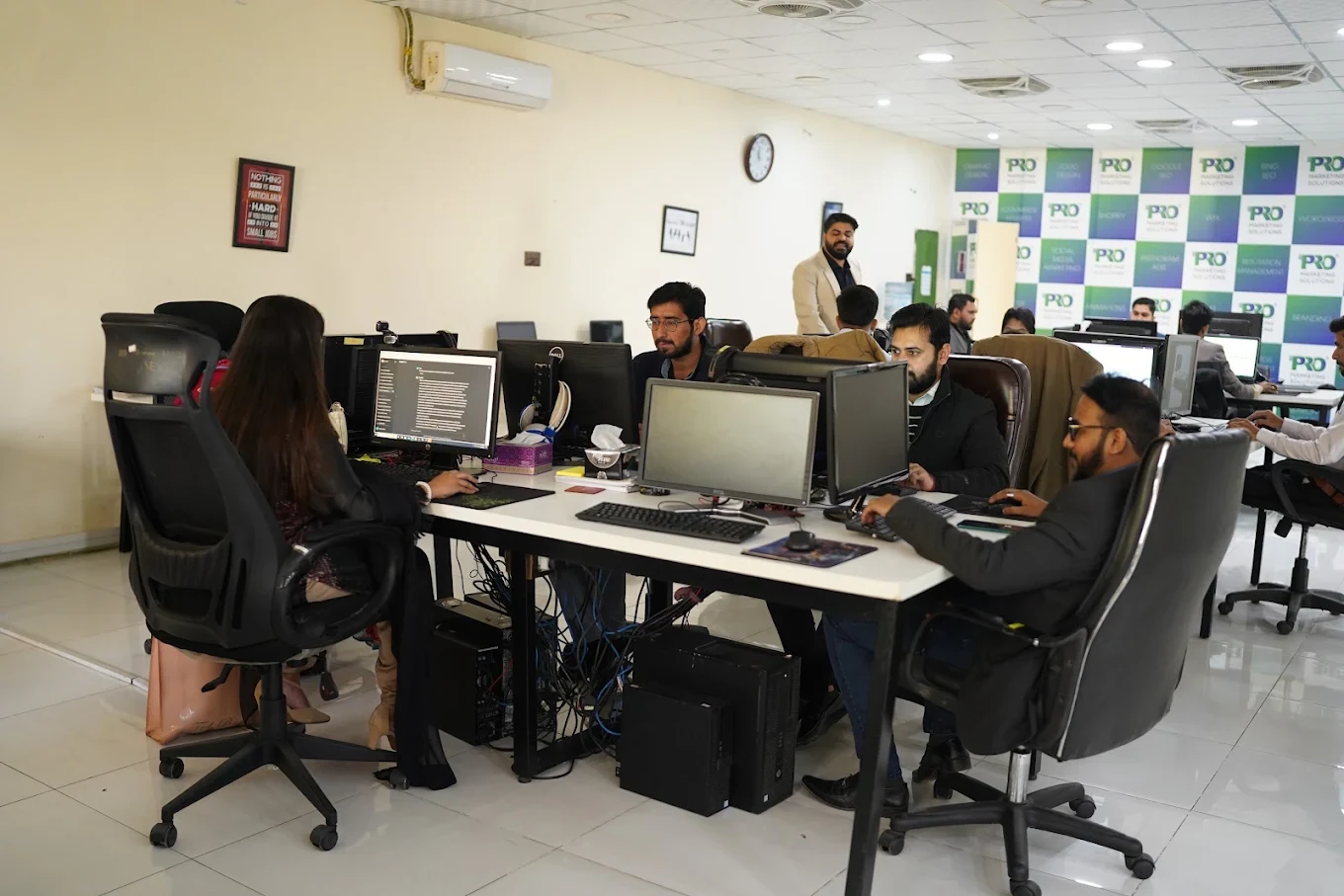


154, C1, Nespak Housing Scheme, Lahore 54770, Pakistan.
Working with a remote marketing team
You know your customers and market. Our strategists, creatives and technical specialists in Lahore help put the plan into practice. Agree the contact person, meeting times and approvals before we start.
Agree deliverables and the agency fee. Discuss ad spend and third-party tools separately.
Keep visibility and ownership. Agree access, asset licences and handover as part of the scope.
Agree a review schedule around your time zone. See what was delivered, what the numbers mean and what comes next.
Explore our Pakistan pricing guides for planning ranges and what shapes the cost. Your market, deliverables and existing setup determine the final quote; advertising spend and third-party costs are separate.
Discuss a quote for your market ↗Before the next step
A useful starting brief includes: account and spend history; approved offers and creative; lead-quality or order feedback. We can agree appropriate access after the first conversation.
Review useful outcomes alongside spend. State conversion definitions and attribution limits before making budget decisions.
We can discuss a one-off implementation, an ongoing scope or an initial build followed by support. The proposal states what is included, dependencies and the review points.
Agency work, media spend and third-party costs are identified separately. Your market, existing setup and delivery requirements determine the final scope and quote.
Share your website, target country and the next thing you want to improve. We’ll help you find a useful place to start.