
Paid Media and Advertising
Google Ads Management and Optimization
Manage Google Ads with better structure, intent targeting, and conversion performance.
Explore the detailSetup and repair of Google Ads conversion tracking so Smart Bidding optimises toward revenue, not vanity clicks. We wire the Google tag, enhanced conversions, call tracking, and CRM offline imports into one audited measurement layer.
Paid Media and Advertising
Setup and repair of Google Ads conversion tracking so Smart Bidding optimises toward revenue, not vanity clicks. We wire the Google tag, enhanced conversions, call tracking, and CRM offline imports into one audited measurement layer.
Review useful outcomes alongside spend. State conversion definitions and attribution limits before making budget decisions.
A closer look
The approach, practical steps and decisions behind the plan.
A Google Ads account without working conversion tracking is an account bidding blind. Smart Bidding can only chase what it can see, and if what it sees is a thank-you page that fires on form spam, double-clicks, and bounce traffic, your reported cost-per-acquisition is noise dressed up as a number. The job of conversion tracking setup is to make sure every rupee of ad spend is optimised toward an action that actually moves revenue — a purchase, a qualified lead, a booked call, a closed deal — and that the value of that action is recorded with the right attribution.
This is a measurement-engineering task, not a reporting task. It lives in your GTM container, your Google Ads conversion actions, your consent layer, and your CRM. Here is what we actually build.
Most accounts we inherit have either one conversion action (a generic “Lead” on the thank-you page) or a dozen overlapping ones, half of which haven’t fired in months. We rebuild the set deliberately:
Each action gets a name, a value, a count rule (“one” or “every”), and a decision about whether it belongs in Smart Bidding’s “Conversions” set. That last checkbox matters more than people realise.
Apple’s Intelligent Tracking Prevention, browser privacy changes, and the iOS consent screen quietly drop a meaningful slice of your attributable conversions — the visitor clicked your ad and bought, but the cookie that would have credited the click was blocked. Enhanced conversions is Google’s fix: instead of leaning on the cookie alone, you pass a SHA-256-hashed email or phone number at the point of conversion, and Google matches it on its side to recover that attribution.
This only works cleanly when consent mode v2 is in place — specifically the ad_user_data and ad_personalization signals set according to the visitor’s choice. We configure consent mode so that even visitors who decline analytics still send a cookieless, modelled signal, which keeps your campaign data populated without overriding their decision. If your tracking currently runs on a bare gtag.js tag with no consent layer, this is usually where the biggest measurement lift comes from.
For service businesses — clinics, real estate, education, B2B services — the phone call is often the real conversion, and it’s also the one Google Ads counts worst by default. We set up call tracking using whatever fits the account:
When a human qualifies or closes that call later, we capture the gclid from the original click and send the qualified outcome back as an offline conversion — so the keyword that earned a booked appointment gets credit for the appointment, not just the ring.
Lead-gen accounts carry a measurement gap that retail accounts don’t: the form fill lands on the site today, but the sale closes in your CRM three weeks from now. Without offline conversion import, Smart Bidding optimises toward form fills — junk ones included — because it never sees which leads turned into revenue.
We capture the gclid into a hidden field on your form, store it against the lead record in HubSpot, Salesforce, Zoho, or your in-house CRM, and upload qualified-lead and closed-won stages back to Google Ads as offline conversions via the Google Ads API or the bulk-upload CSV schema. Each stage becomes its own conversion action with its own value and conversion delay, so bidding can target the milestones that matter to finance.
You can count a conversion two ways: import it from GA4, where your event logic already lives, or tag it directly in Google Ads with the Google tag and enhanced conversions. The trade-off is latency, deduplication, and Smart Bidding signal quality. We make the choice per action — usually native tags with enhanced conversions for the primary event that drives bidding, GA4 imports for secondary reporting events — and we deduplicate carefully so the same thank-you page isn’t counted twice. Getting this wrong silently halves your reported CPA without changing a single rupee of spend.
Before the account goes back to automated bidding, we prove the setup in the tools Google actually provides: GTM Preview to confirm each tag fires on the right event, GA4 DebugView to watch parameters and consent states land in real time, and the Google Ads diagnostics tab to confirm each action shows “Recording recent conversions.” We run real test purchases, real form submissions, and real test calls, then hand over a one-page measurement doc that records what each action means, its value, and how to recheck it the next time something looks off.
If your account is bidding on conversions that haven’t been verified in six months, send us the account for an audit — and when the basics are clean, move into server-side tracking for the attribution gaps client-side tags still can’t close.
Related services
Paid Media and Advertising
Manage Google Ads with better structure, intent targeting, and conversion performance.
Explore the detailAnalytics and Attribution
Connect call and offline conversions to ad platforms for more accurate optimization and attribution.
Explore the detailAnalytics and Attribution
We configure, audit, and clean up Google Tag Manager containers — building the data layer, triggers, and tags that feed GA4, Google Ads, Meta, and your other measurement tools without a developer release for every change.
Explore the detailA few of the brands we’ve worked with.








See where the work happens and get to know WeProms before your first conversation. Our team is based in Lahore, working with business owners abroad and at home.
Get to know WeProms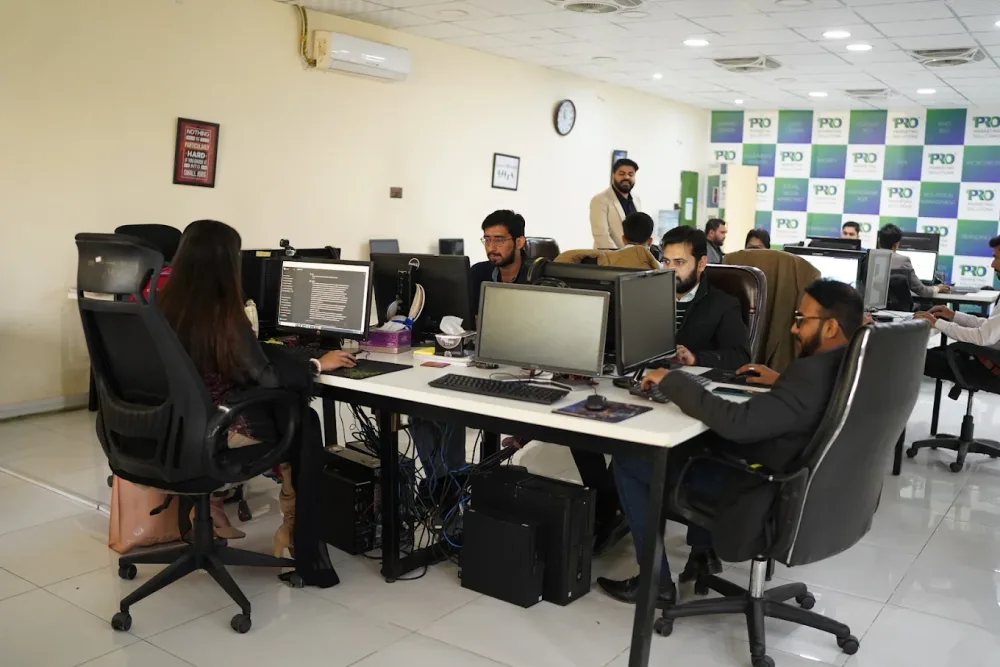 Watch our introduction
 Published client experiences
Hear what working with WeProms was like, directly from our clients.
 Watch their story
 Healthcare
 Watch their story
 Singapore · Video production
 Watch their story
 Education
Inside WeProms
Lahore, Pakistan
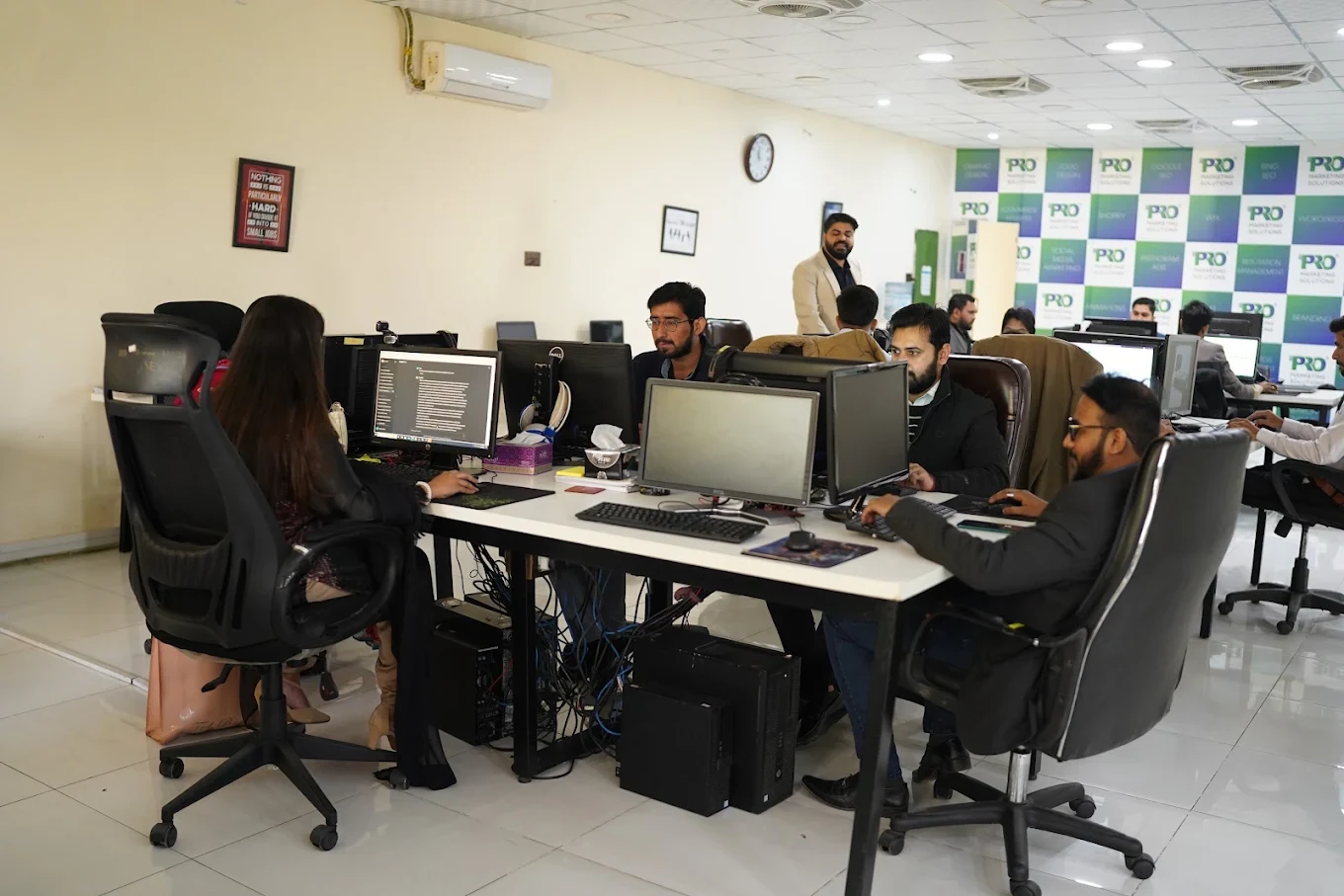

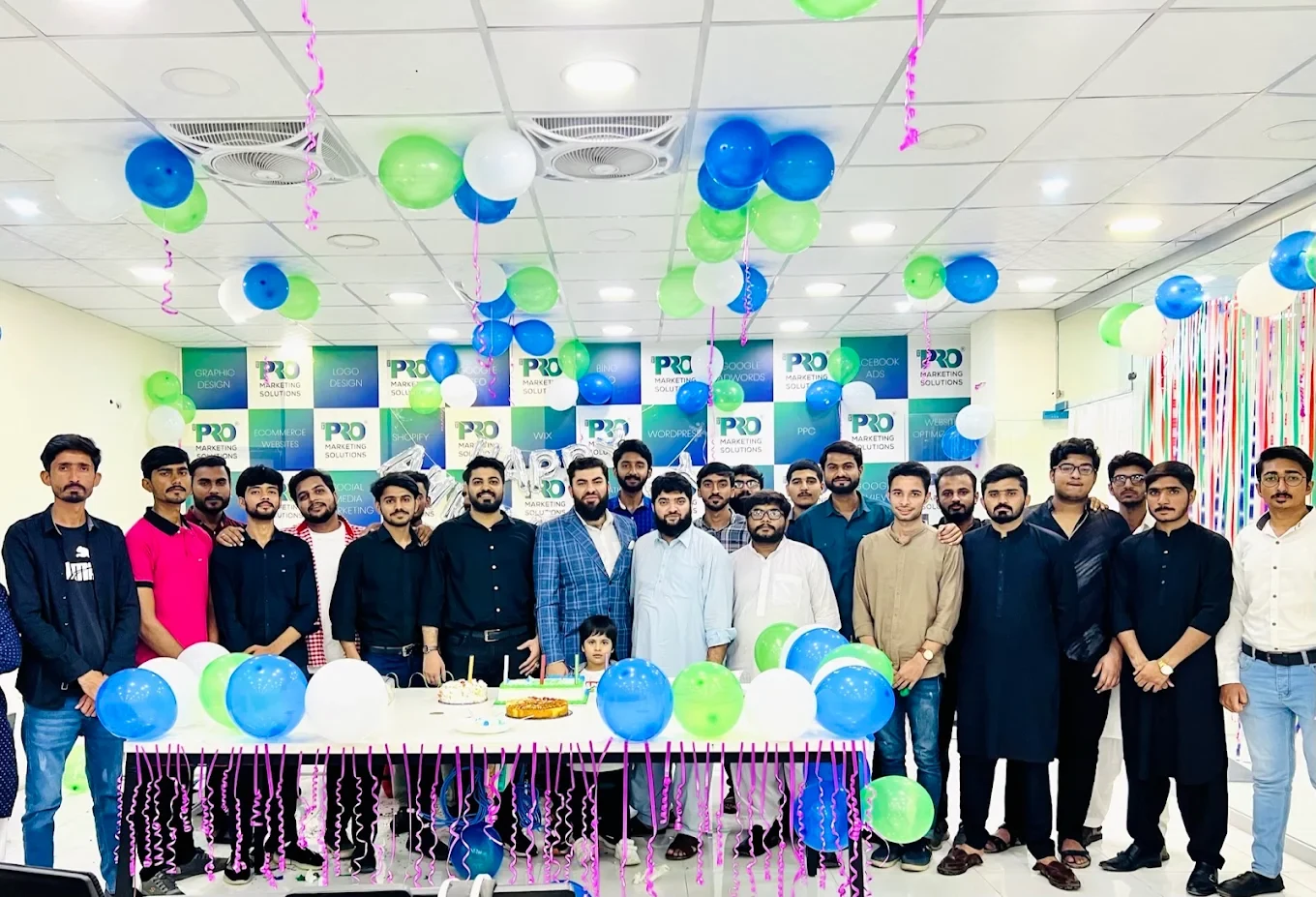

154, C1, Nespak Housing Scheme, Lahore 54770, Pakistan.
Working with a remote marketing team
You know your customers and market. Our strategists, creatives and technical specialists in Lahore help put the plan into practice. Agree the contact person, meeting times and approvals before we start.
Agree deliverables and the agency fee. Discuss ad spend and third-party tools separately.
Keep visibility and ownership. Agree access, asset licences and handover as part of the scope.
Agree a review schedule around your time zone. See what was delivered, what the numbers mean and what comes next.
Explore our Pakistan pricing guides for planning ranges and what shapes the cost. Your market, deliverables and existing setup determine the final quote; advertising spend and third-party costs are separate.
Discuss a quote for your market ↗Before the next step
A useful starting brief includes: account and spend history; approved offers and creative; lead-quality or order feedback. We can agree appropriate access after the first conversation.
Review useful outcomes alongside spend. State conversion definitions and attribution limits before making budget decisions.
We can discuss a one-off implementation, an ongoing scope or an initial build followed by support. The proposal states what is included, dependencies and the review points.
Agency work, media spend and third-party costs are identified separately. Your market, existing setup and delivery requirements determine the final scope and quote.
Share your website, target country and the next thing you want to improve. We’ll help you find a useful place to start.