
Analytics and Attribution
Tag Management and Event Tracking QA
Implement and quality-check tags and event tracking to keep data reliable across tools.
Explore the detailWe configure, audit, and clean up Google Tag Manager containers — building the data layer, triggers, and tags that feed GA4, Google Ads, Meta, and your other measurement tools without a developer release for every change.
Analytics and Attribution
We configure, audit, and clean up Google Tag Manager containers — building the data layer, triggers, and tags that feed GA4, Google Ads, Meta, and your other measurement tools without a developer release for every change.
Review data quality against a business source of truth. Document missing coverage, consent and attribution differences.
A closer look
The approach, practical steps and decisions behind the plan.
Google Tag Manager was built to solve one specific problem: marketing teams waiting on developers every time a pixel needs adding, changing, or removing. With GTM installed, the GA4 tag, the Meta Pixel, Google Ads conversions, Hotjar, LinkedIn Insight, and Bing UET all live in one container that publishes independently of your codebase. The moment your tracking needs to go beyond a single pageview — ecommerce funnels, cross-domain journeys, lead-form submissions, video engagement — hardcoded pixels become unmaintainable, and GTM stops being optional. Most of the containers we inherit were set up years ago, never documented, and now nobody on the team is quite sure what fires where.
A container isn’t a pile of tags. It’s three connected layers: variables that read values off the page or out of the data layer, triggers that decide when something should happen, and tags that send the data to GA4, Google Ads, or Meta. When those layers are built deliberately, you can trace any event from the user action that caused it to the platform that received it. When they aren’t, you get tags firing twice, conversions attributed to the wrong campaign, and a GA4 property where nobody trusts the numbers. We build the layers in order — variables first, then triggers, then tags — so nothing is left to guesswork.
If we had to name the single thing that separates a working GTM setup from a broken one, it’s the data layer. The data layer is a structured list of events — view_item, add_to_cart, begin_checkout, purchase — that your checkout and product pages push into GTM. Without it, GA4 and the Meta Pixel are guessing at what a user did by scraping the page, which breaks the moment your theme or checkout updates. We build the data layer on Shopify, WooCommerce, Magento, and headless React and Next.js storefronts, confirming each event lands in GA4 DebugView and Meta Events Manager before we call it done. For ecommerce, this is the gap between “we think purchases are tracked” and “we can see every step of the funnel fire”.
A lot of tracking problems are trigger problems in disguise. The trigger fires on every button instead of the one that matters. It fires on page load when it should fire on form submit. It misses single-page-app route changes because it’s listening for a pageview that never happens. It double-fires the Meta Pixel because two tags share a trigger. We rebuild triggers to match real user behaviour — scroll-depth thresholds, element-visibility triggers for lead forms, history-change triggers for SPAs, custom-event triggers for data-layer pushes, and click triggers constrained to specific classes and IDs. Every trigger gets named and documented so the next person to open the container understands what it does.
Since Google rolled out Consent Mode v2 and EU consent enforcement tightened, consent handling has become a tracking question, not just a legal one. We connect GTM to your consent management platform — Cookiebot, OneTrust, iubenda, Termly, or a custom banner — and set the four Consent Mode signals: ad_storage, analytics_storage, ad_user_data, and ad_personalization. Done right, tags only load after a user grants consent, and where they don’t, Google still receives consentless, modelled behavioural data so your campaign reporting isn’t blind. Done wrong — or not at all — you either breach the banner you showed users or you lose most of your ad-platform signal. We make sure the two agree.
Inheriting a container someone else built is its own skill. We export the whole thing, map every tag, trigger, and variable, and look for the usual suspects: duplicate GA4 and Pixel tags double-counting purchases, dead tags pointing at deleted pages, triggers firing on the wrong URLs, hardcoded pixels still sitting in the theme doing the same job as the GTM tags, and a variable graveyard of half-finished custom JavaScript. We remove what’s redundant, fix what’s broken, apply a consistent naming convention, and publish a clean version with a changelog you can read. If you’ve ever opened your GTM container, scrolled, and felt slightly ill, this is the service.
We’re a Lahore-based team that has rebuilt enough GTM containers — across Pakistani ecommerce stores and international SaaS sites — to know exactly where tags quietly break. A typical engagement starts with a container export and a call about what you’re actually trying to measure, then moves into audit, data-layer work, and tag build, with every change previewed and QA’d before publish. If you’re also redesigning GA4, fixing attribution, or moving to server-side tagging, we connect the work to the rest of your analytics setup so the pieces fit instead of overlapping. Tell us what your container is doing today and we’ll tell you what it should be doing instead.
Related services
Analytics and Attribution
Implement and quality-check tags and event tracking to keep data reliable across tools.
Explore the detailAnalytics and Attribution
Configure GA4 events, conversions, audiences, and ecommerce tracking for actionable insights.
Explore the detailAnalytics and Attribution
Deploy reliable server-side tracking for accurate conversion data across ad platforms.
Explore the detailA few of the brands we’ve worked with.








See where the work happens and get to know WeProms before your first conversation. Our team is based in Lahore, working with business owners abroad and at home.
Get to know WeProms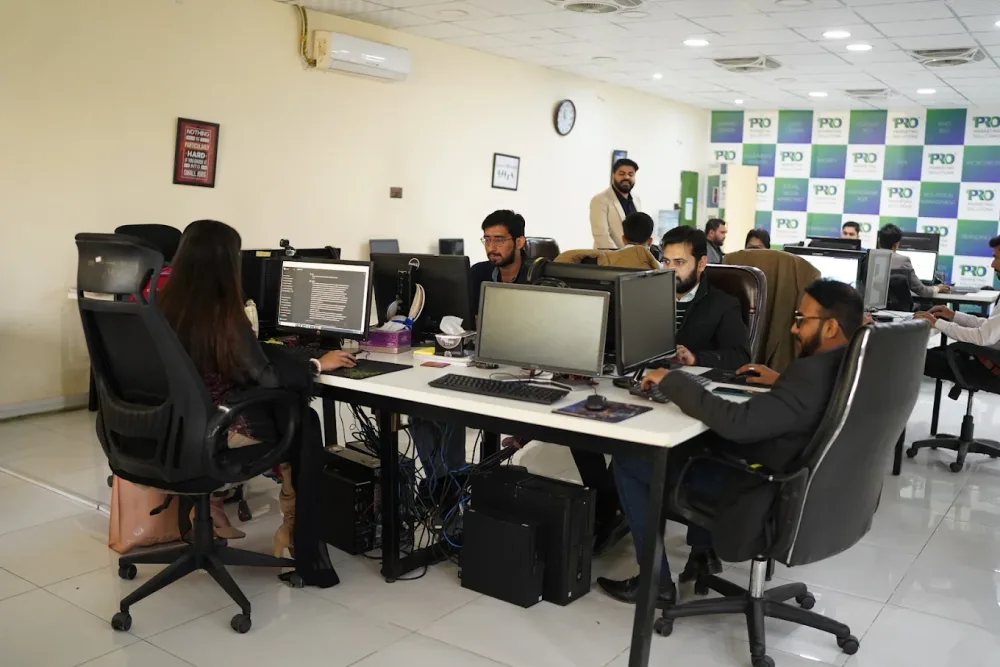 Watch our introduction
 Published client experiences
Hear what working with WeProms was like, directly from our clients.
 Watch their story
 Healthcare
 Watch their story
 Singapore · Video production
 Watch their story
 Education
Inside WeProms
Lahore, Pakistan
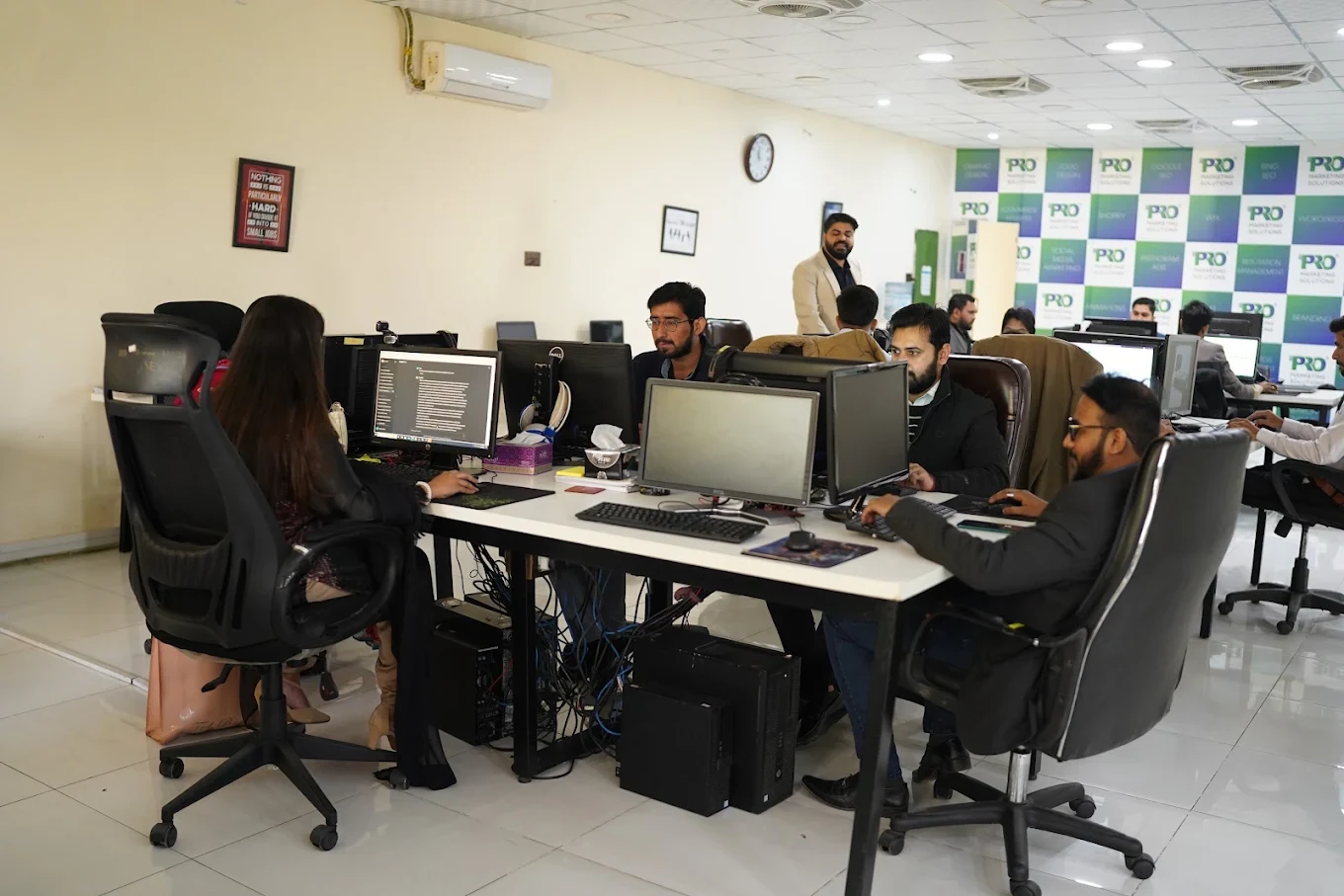

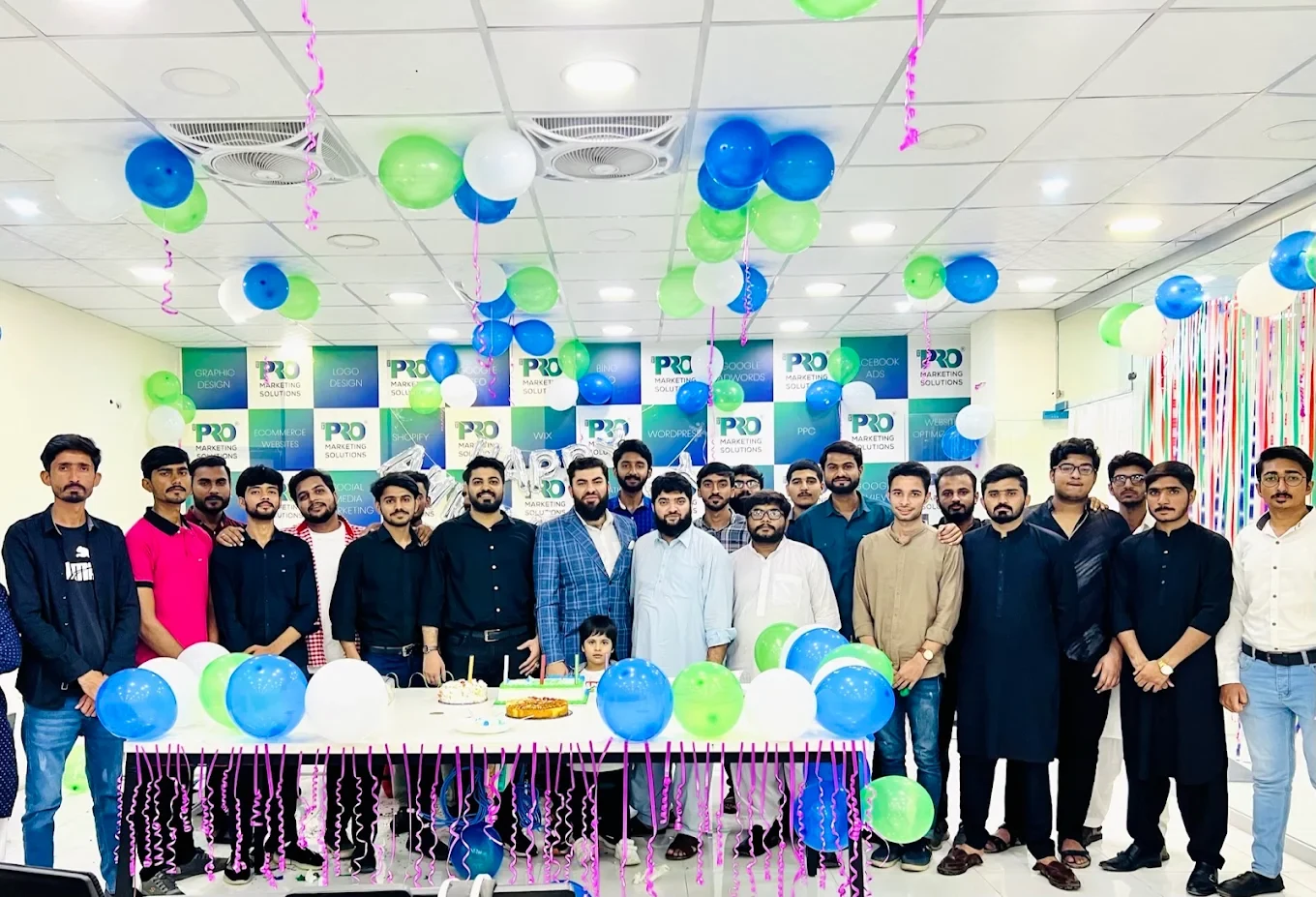

154, C1, Nespak Housing Scheme, Lahore 54770, Pakistan.
Working with a remote marketing team
You know your customers and market. Our strategists, creatives and technical specialists in Lahore help put the plan into practice. Agree the contact person, meeting times and approvals before we start.
Agree deliverables and the agency fee. Discuss ad spend and third-party tools separately.
Keep visibility and ownership. Agree access, asset licences and handover as part of the scope.
Agree a review schedule around your time zone. See what was delivered, what the numbers mean and what comes next.
Explore our Pakistan pricing guides for planning ranges and what shapes the cost. Your market, deliverables and existing setup determine the final quote; advertising spend and third-party costs are separate.
Discuss a quote for your market ↗Before the next step
A useful starting brief includes: event and tag inventory; examples of reporting disagreements; order or enquiry source records. We can agree appropriate access after the first conversation.
Review data quality against a business source of truth. Document missing coverage, consent and attribution differences.
We can discuss a one-off implementation, an ongoing scope or an initial build followed by support. The proposal states what is included, dependencies and the review points.
Agency work, media spend and third-party costs are identified separately. Your market, existing setup and delivery requirements determine the final scope and quote.
Share your website, target country and the next thing you want to improve. We’ll help you find a useful place to start.