
Digital Marketing
Digital Marketing Agency
Full-service digital marketing agency providing integrated strategy, execution, and optimization for Pakistani businesses seeking measurable growth.
Explore the detailWe build and host a server-side Google Tag Manager container on a first-party subdomain so your events survive ad blockers, ITP cookie limits, and consent opt-outs, then route them cleanly to GA4, Google Ads Enhanced Conversions, and Meta CAPI.
Analytics and Attribution
We build and host a server-side Google Tag Manager container on a first-party subdomain so your events survive ad blockers, ITP cookie limits, and consent opt-outs, then route them cleanly to GA4, Google Ads Enhanced Conversions, and Meta CAPI.
Review data quality against a business source of truth. Document missing coverage, consent and attribution differences.
A closer look
The approach, practical steps and decisions behind the plan.
A standard Google Tag Manager setup lives entirely in the browser. Every page fires the GA4 tag, the Google Ads tag, the Meta pixel, and whatever else you’ve bolted on, all racing to execute before the user navigates away or the page unloads. That model worked well for a decade. It doesn’t anymore.
Ad blockers, Safari’s Intelligent Tracking Prevention, Firefox’s Enhanced Tracking Protection, and iOS App Tracking Transparency all operate at the browser level, and that’s exactly where your tags run. When a user installs an extension or declines consent, the tag simply doesn’t fire — the conversion vanishes before it ever leaves the device. There’s no error, no warning, just a smaller number in GA4 and an unexplained gap between ad-platform-reported conversions and what your backend actually sold.
Server-side Google Tag Manager moves that execution to a container you control. Instead of the browser talking to ten different vendors, it sends one request to your own subdomain, and the server container fans the event out to GA4, Google Ads, and Meta CAPI from there. The browser gets lighter, the vendor calls become harder to block, and you get to enrich and validate the data before it reaches anyone.
The mechanics are straightforward but the effect on data quality is large. Your website sends its existing GA4-style hit to a first-party endpoint such as metrics.yourdomain.com. That endpoint is the server-side GTM container, hosted on Google Cloud Run or a managed provider like Stape. Inside the container, a GA4 client receives the request and a set of tags decides where the event goes next.
Because that hop happens on your server, three things change immediately. First, the request is first-party, so ITP’s short cookie windows and third-party script blocking apply far less aggressively. Second, you can attach data the browser never reliably had — an enriched user identifier, a consent state pulled from your consent platform, a clean transaction value from your backend — before the event is forwarded. Third, you decide exactly which parameters each vendor receives, which matters for both compliance and platform match quality.
The destinations we most often wire up are GA4 (via the Measurement Protocol), Google Ads Enhanced Conversions, and the Meta Conversions API. For Meta especially, sending hashed email and phone from the server rather than a flaky browser pixel is the single biggest lever on Event Match Quality, which directly affects how many conversions Meta can attribute and optimise toward.
We start by auditing your current web container, data layer, and consent implementation, and mapping which events matter commercially — purchase, lead, sign-up, add-to-cart, whatever your funnel actually depends on. Not every event needs to move server-side; part of the value is being deliberate about what does.
From there we provision the server container, configure the first-party subdomain and SSL certificate, and set the GA4 transport URL so the browser points at your endpoint instead of Google’s. We then rebuild each priority event server-side, adding enrichment and making sure the consent state travels with every hit. Destinations are wired next, with deduplication keys (event_id and transaction_id) set up so a browser-fired event and the matching server-fired event count as one conversion, not two.
Validation happens in three places: GTM’s server-side Preview mode, Google Tag Assistant for the GA4 and Ads side, and Meta Events Manager for the CAPI side. We QA against real transactions — a test purchase, a test lead — so nothing goes live on faith. Once published, we hold a two-week review to confirm event match quality is moving in the right direction and that previously-blocked conversions are now being captured.
The server container has to run somewhere, and that decision affects both cost and control. We can deploy to your own Google Cloud Run account, in which case you own the infrastructure, the logs, and the billing, and you pay Google directly for compute based on traffic. For lower-traffic sites or teams that don’t want to manage infrastructure, a managed tagging host like Stape bundles the container, subdomain, and SSL for a flat monthly fee.
Either way, the container is yours. We hand over documentation, the GTM container itself stays in your account, and your team can inspect or change anything. There’s no lock-in — a server-side container is still a GTM container, and the skills your team already uses for web GTM transfer over with some new concepts to learn.
There is a cost trade-off worth being honest about: server-side tagging introduces a per-hit compute cost, so we configure caching and sampling where it makes sense, and we don’t forward low-value events that inflate your bill without informing decisions.
This isn’t a universal upgrade. If you run a low-traffic site with a single conversion point and a permissive audience, browser tagging is probably fine. Server-side GTM earns its cost when any of these are true: a meaningful share of your audience uses ad blockers or Safari, you spend enough on Meta or Google Ads that improved attribution and Event Match Quality would shift performance, you operate in a market where consent opt-outs are common, or you’re hitting gaps between platform-reported conversions and your own backend numbers.
For Lahore, Karachi, and Islamabad e-commerce and lead-gen businesses — and the international clients we serve from the same team — the recovery of ad-blocked conversions alone usually justifies the build. If you’re seeing a widening gap between what your ad platforms report and what actually sold, that gap is the brief. Tell us what you’re tracking today and we’ll map exactly what a server container would recover.
Related services
Digital Marketing
Full-service digital marketing agency providing integrated strategy, execution, and optimization for Pakistani businesses seeking measurable growth.
Explore the detailAnalytics and Attribution
Create dashboards that combine ads, analytics, and CRM data in one decision view.
Explore the detailConversion Rate Optimization
Run structured A/B testing to improve conversion rates across key pages and funnels.
Explore the detailA few of the brands we’ve worked with.








See where the work happens and get to know WeProms before your first conversation. Our team is based in Lahore, working with business owners abroad and at home.
Get to know WeProms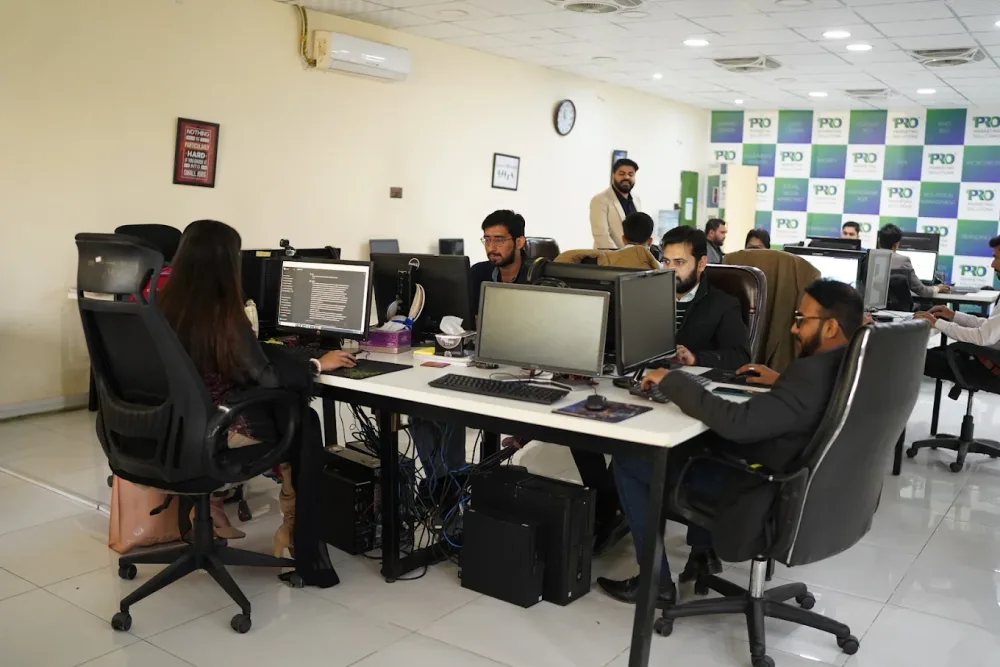 Watch our introduction
 Published client experiences
Hear what working with WeProms was like, directly from our clients.
 Watch their story
 Healthcare
 Watch their story
 Singapore · Video production
 Watch their story
 Education
Inside WeProms
Lahore, Pakistan
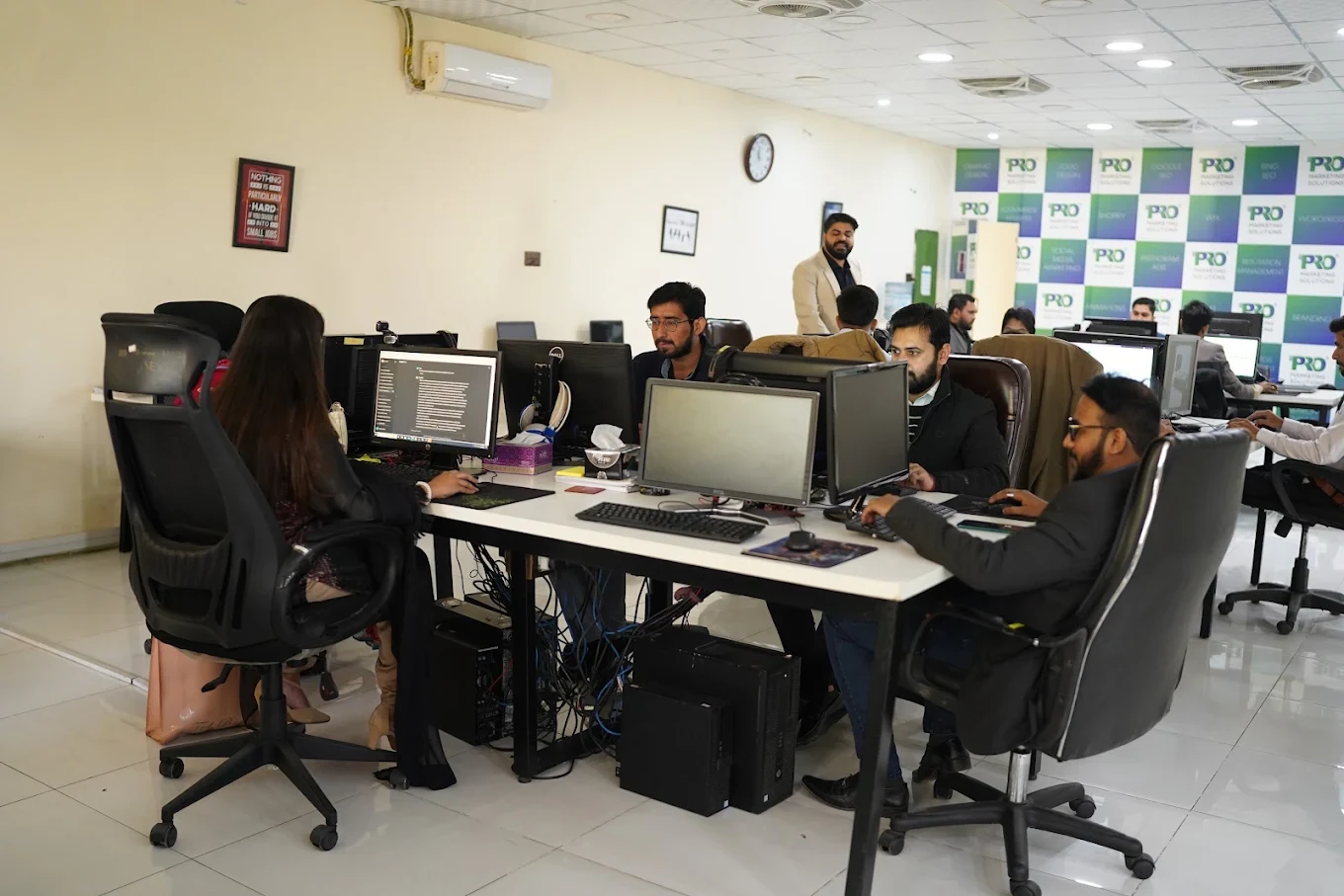

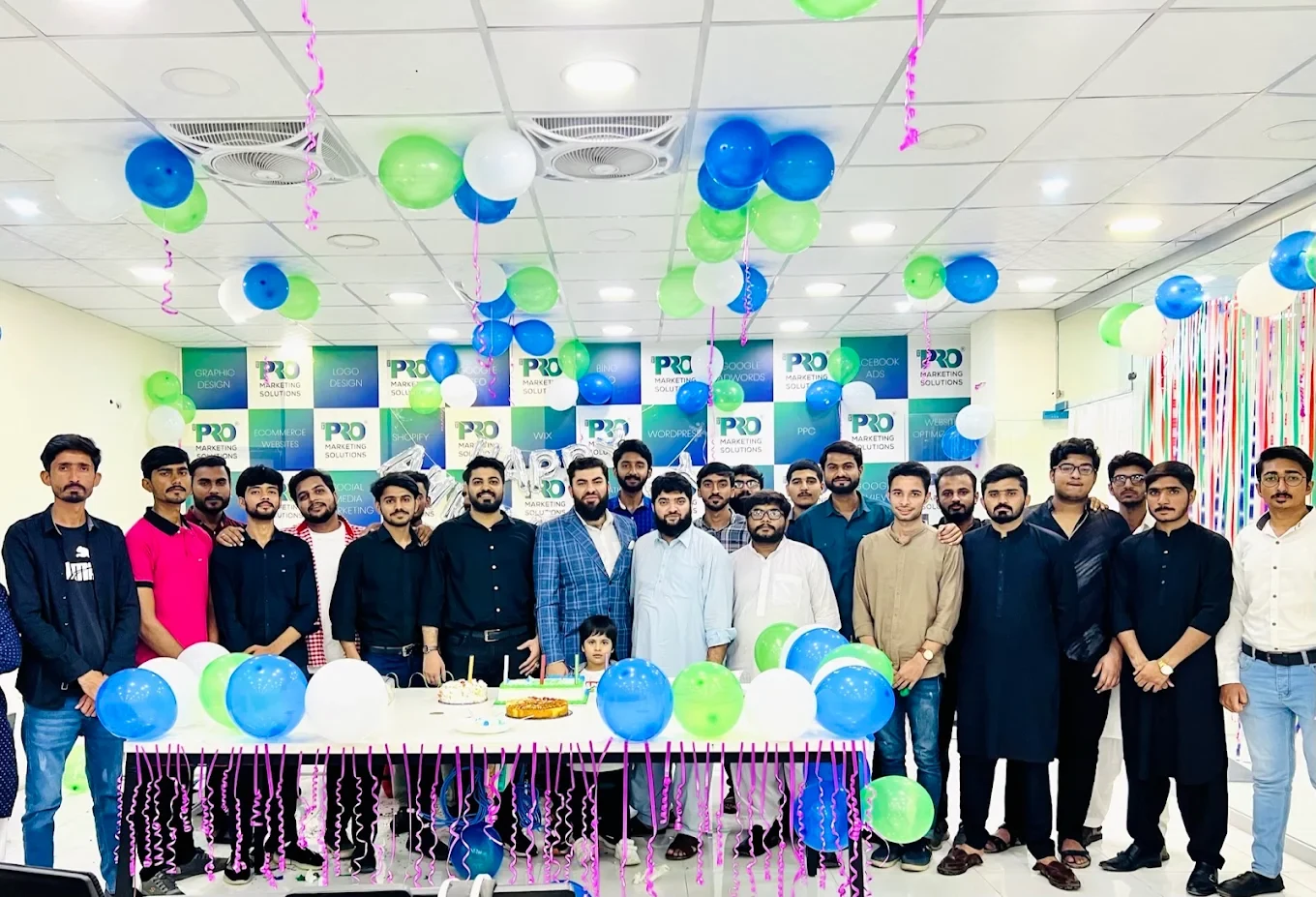

154, C1, Nespak Housing Scheme, Lahore 54770, Pakistan.
Working with a remote marketing team
You know your customers and market. Our strategists, creatives and technical specialists in Lahore help put the plan into practice. Agree the contact person, meeting times and approvals before we start.
Agree deliverables and the agency fee. Discuss ad spend and third-party tools separately.
Keep visibility and ownership. Agree access, asset licences and handover as part of the scope.
Agree a review schedule around your time zone. See what was delivered, what the numbers mean and what comes next.
Explore our Pakistan pricing guides for planning ranges and what shapes the cost. Your market, deliverables and existing setup determine the final quote; advertising spend and third-party costs are separate.
Discuss a quote for your market ↗Before the next step
A useful starting brief includes: event and tag inventory; examples of reporting disagreements; order or enquiry source records. We can agree appropriate access after the first conversation.
Review data quality against a business source of truth. Document missing coverage, consent and attribution differences.
We can discuss a one-off implementation, an ongoing scope or an initial build followed by support. The proposal states what is included, dependencies and the review points.
Agency work, media spend and third-party costs are identified separately. Your market, existing setup and delivery requirements determine the final scope and quote.
Share your website, target country and the next thing you want to improve. We’ll help you find a useful place to start.