
Digital Marketing
Digital Marketing Agency
Full-service digital marketing agency providing integrated strategy, execution, and optimization for Pakistani businesses seeking measurable growth.
Explore the detailA structured data layer on your website that captures every event, user property, and transaction once, then routes that same data into GA4, Google Ads, Meta, and server-side tagging — so every platform reports the same conversions and revenue.
Analytics and Attribution
A structured data layer on your website that captures every event, user property, and transaction once, then routes that same data into GA4, Google Ads, Meta, and server-side tagging — so every platform reports the same conversions and revenue.
Review data quality against a business source of truth. Document missing coverage, consent and attribution differences.
A closer look
The approach, practical steps and decisions behind the plan.
A data layer is a small JavaScript object on your website — usually called dataLayer — that holds structured facts about each page and action: what page type this is, who the user is, what’s in the cart, what just got bought. Instead of every analytics and marketing tool reading the page’s HTML and guessing, they read the data layer. It is the single source of truth for what happened on the site.
This matters because HTML is fragile. When a tag reads a price by finding the element with class .price, the first redesign breaks it. When a tag reads order value by scraping the confirmation page, a theme update zeroes out your revenue reports. A data layer decouples measurement from the front end. The developers push an event once; GA4, Google Ads, Meta, Klaviyo, and your server-side container all read it. Marketing can change a tag without raising a developer ticket, and a redesign can change the look of the site without touching what’s measured.
For an e-commerce site we build the standard event sequence — view_item_list, view_item, add_to_cart, begin_checkout, add_payment_info, and purchase — each carrying the parameters the platforms actually use: currency, value, an items array with item_id, item_name, price, and quantity, plus transaction_id and coupon on purchase. For lead-gen sites the sequence is different — form_start, form_submit, lead with a lead_type and value — but the principle is identical: define the event once, reuse it everywhere.
Each event flows from a dataLayer.push() call in your site code into Google Tag Manager, where data layer variables read the parameters and triggers decide when to fire. From there the same event fans out to a GA4 purchase, a Google Ads conversion carrying revenue, a Meta Pixel event, and a server-side payload. The platforms end up counting the same purchase with the same value because they all started from the same object.
Most tracking we inherit was added one tag at a time, by different people, over years. The result is a GTM container where nobody is sure which tags are live. Conversions double-count because GA4 and Google Ads both fire on the same thank-you page. Order value is missing because nobody mapped the revenue field. Enhanced Conversions never matches because the email was never captured cleanly. Meta’s Conversions API runs with a poor Event Match Quality score because hashed user data isn’t being sent.
A clean data layer fixes all of this at the source. We don’t patch individual tags; we replace the scraping with structured events and rebuild the tags on top. Once the events are consistent, the disagreement between platforms disappears — GA4, Google Ads, and Meta report the same purchase with the same revenue, because they’re reading the same event.
For most sites a client-side data layer in GTM is enough. For e-commerce and lead-gen sites spending meaningfully on paid ads, we add server-side tagging. A server-side GTM container on your own subdomain receives events from the browser and forwards them to GA4, Meta CAPI, Google Ads, and TikTok. Because the requests leave from your domain rather than a Facebook or Google endpoint, they survive ad blockers and Safari’s Intelligent Tracking Prevention — both of which can otherwise drop a large share of iOS conversions.
The same pipeline carries Enhanced Conversions and CAPI identity data. At checkout, the customer’s email and phone are captured in the data layer, hashed with SHA-256, and sent to Google and Meta. That lifts Meta’s Event Match Quality and lets Google attribute conversions it would otherwise lose to cookie restrictions. We read the match score in Meta Events Manager before we call the build finished.
We start with an audit: open GA4 DebugView, GTM Preview, and Meta Events Manager, and map exactly what fires today, what’s duplicated, and what’s missing. Then we write the event schema — a document listing every event, its parameters, their types, and the trigger that fires it. The schema is agreed before any code is written, because it’s the contract between your marketing goals and the build.
Developers wire the dataLayer.push() calls into your theme — Shopify, WooCommerce, or a custom React or Next.js build — and we build the GTM container around them: data layer variables, custom triggers, and GA4, Google Ads, Meta, and server-side tags. Then we QA in GTM Preview, walking through the full purchase or lead flow, confirming each parameter lands in GA4 DebugView, and reading the Event Match Quality in Meta. Nothing ships until every event fires in the right order with the right values.
At the end you keep three things: the event schema document, the GTM container (imported and version-controlled), and a short guide on adding new events following the same pattern. When the next campaign needs a generate_lead or subscribe event, your team can add it in GTM against the existing schema without a developer ticket and without breaking what’s already there.
If your tracking disagrees between platforms, breaks on every redesign, or can’t tie revenue to a campaign, the data layer is almost always the missing piece. Talk to our Lahore team about scoping an implementation, or see how it fits into our wider analytics and attribution work.
Related services
Digital Marketing
Full-service digital marketing agency providing integrated strategy, execution, and optimization for Pakistani businesses seeking measurable growth.
Explore the detailAnalytics and Attribution
Create dashboards that combine ads, analytics, and CRM data in one decision view.
Explore the detailConversion Rate Optimization
Run structured A/B testing to improve conversion rates across key pages and funnels.
Explore the detailA few of the brands we’ve worked with.








See where the work happens and get to know WeProms before your first conversation. Our team is based in Lahore, working with business owners abroad and at home.
Get to know WeProms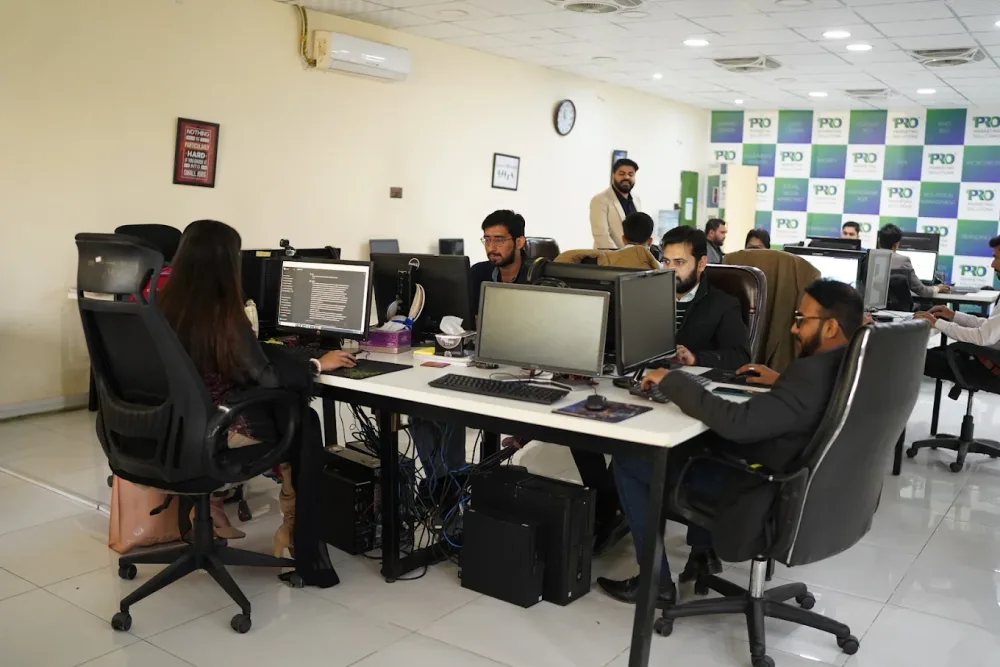 Watch our introduction
 Published client experiences
Hear what working with WeProms was like, directly from our clients.
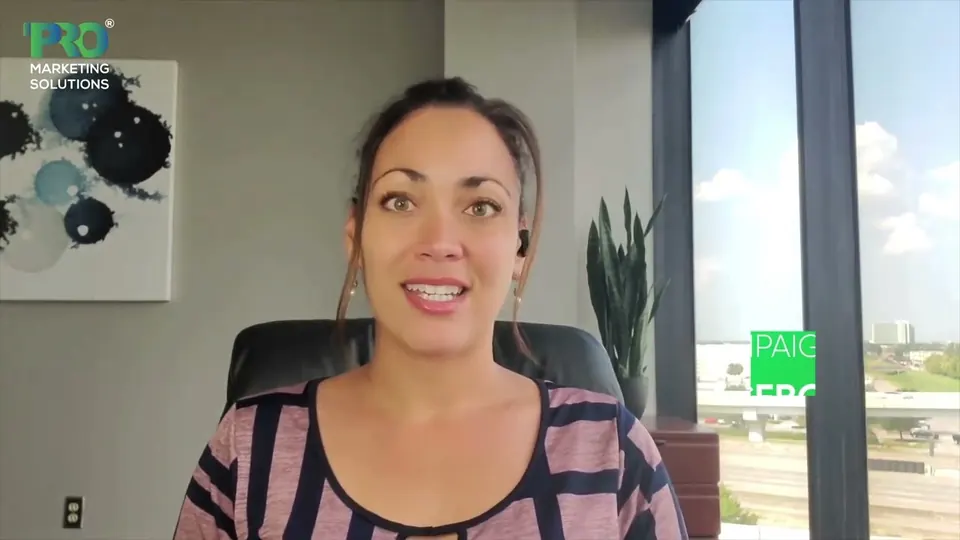 Watch their story
 Their business journey
 Watch their story
 Client feedback
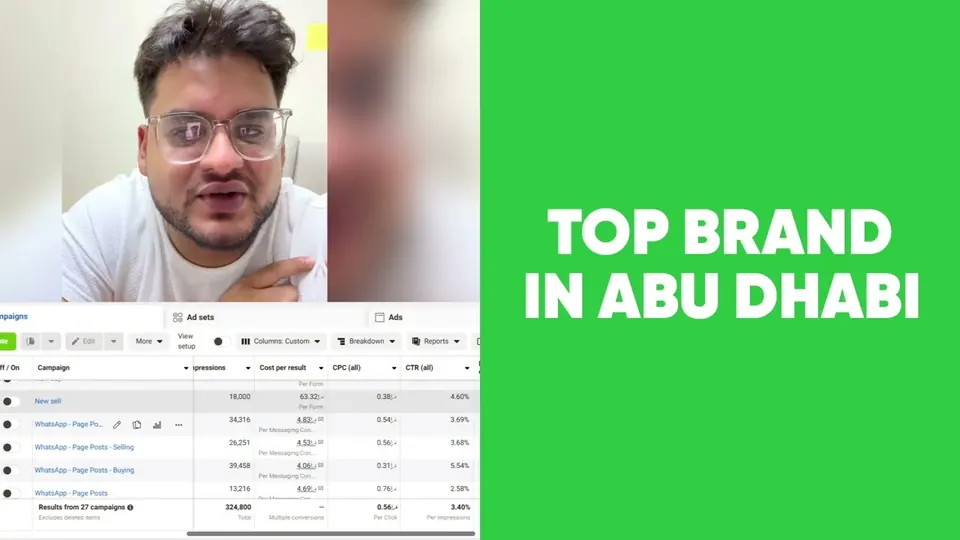 Watch their story
 Working with WeProms
Inside WeProms
Lahore, Pakistan
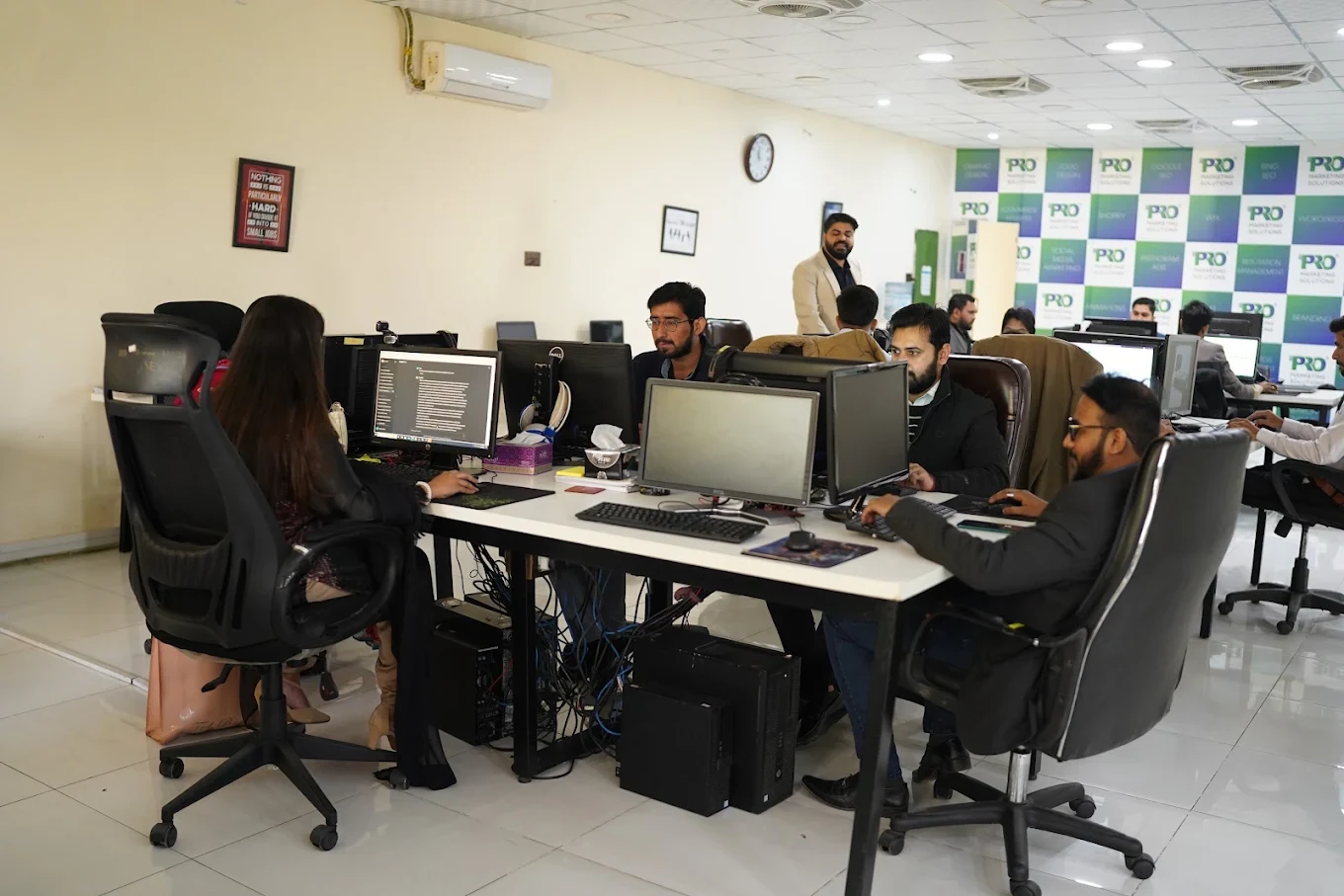

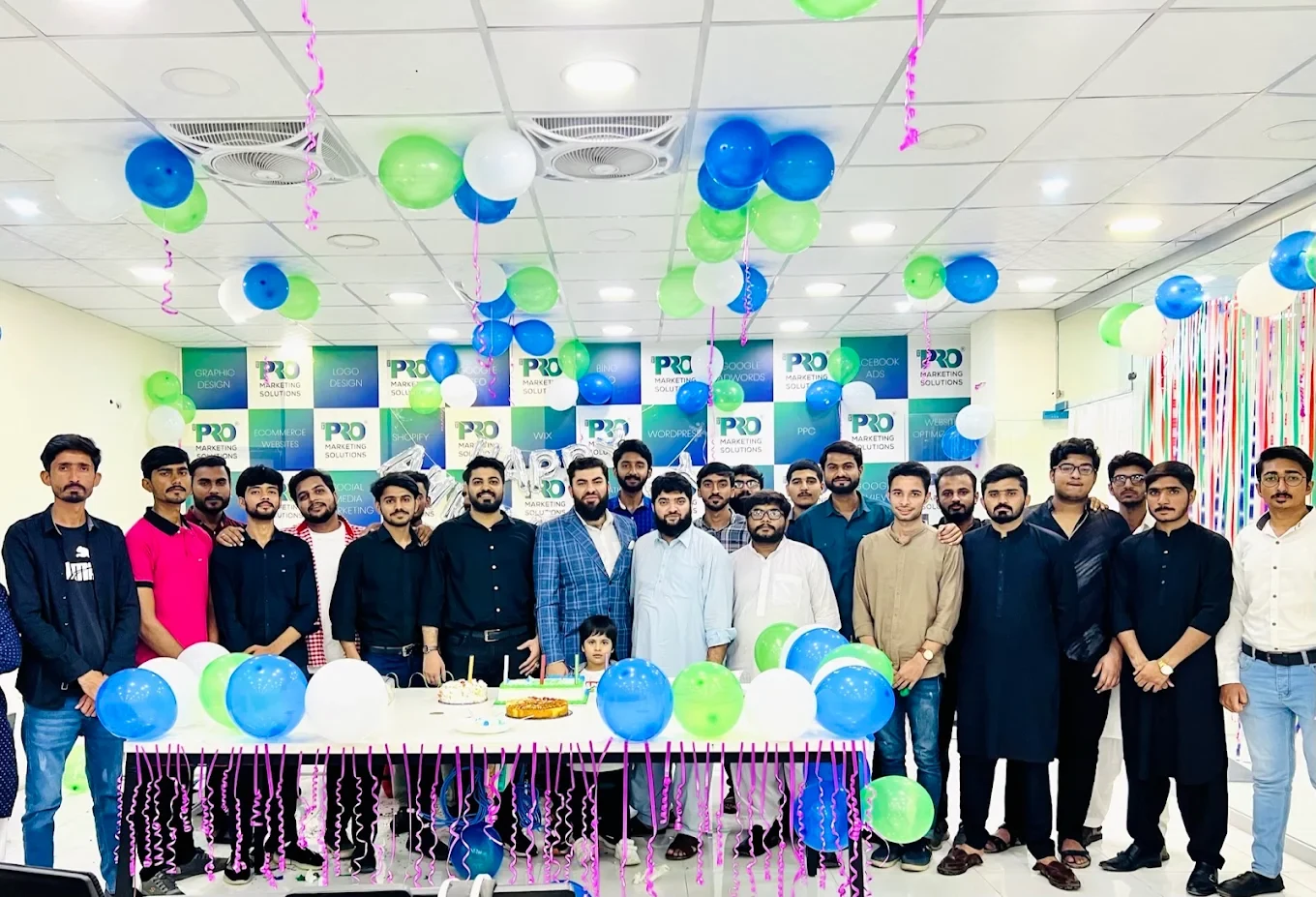

154, C1, Nespak Housing Scheme, Lahore 54770, Pakistan.
Working with a remote marketing team
You know your customers and market. Our strategists, creatives and technical specialists in Lahore help put the plan into practice. Agree the contact person, meeting times and approvals before we start.
Agree deliverables and the agency fee. Discuss ad spend and third-party tools separately.
Keep visibility and ownership. Agree access, asset licences and handover as part of the scope.
Agree a review schedule around your time zone. See what was delivered, what the numbers mean and what comes next.
Explore our Pakistan pricing guides for planning ranges and what shapes the cost. Your market, deliverables and existing setup determine the final quote; advertising spend and third-party costs are separate.
Discuss a quote for your market ↗Before the next step
A useful starting brief includes: event and tag inventory; examples of reporting disagreements; order or enquiry source records. We can agree appropriate access after the first conversation.
Review data quality against a business source of truth. Document missing coverage, consent and attribution differences.
We can discuss a one-off implementation, an ongoing scope or an initial build followed by support. The proposal states what is included, dependencies and the review points.
Agency work, media spend and third-party costs are identified separately. Your market, existing setup and delivery requirements determine the final scope and quote.
Share your website, target country and the next thing you want to improve. We’ll help you find a useful place to start.