
Lifecycle and Retention Marketing
SMS and WhatsApp Marketing
Launch compliant SMS and WhatsApp campaigns for faster engagement and recovery revenue.
Explore the detailWhatsApp Business API setup connects your number to Meta's Cloud API or a BSP, gets your templates through Meta review, and wires every conversation into your CRM, store, and chatbots so a whole team shares one verified, assignable inbox.
Marketing Automation and CRM
WhatsApp Business API setup connects your number to Meta's Cloud API or a BSP, gets your templates through Meta review, and wires every conversation into your CRM, store, and chatbots so a whole team shares one verified, assignable inbox.
Review routing accuracy, data completeness and stage progression with the people responsible for sales.
A closer look
The approach, practical steps and decisions behind the plan.
In Pakistan, WhatsApp is where the purchase decision actually happens — the order confirmation, the cash-on-delivery courier update, the “is this in stock?” message that closes the sale. The free WhatsApp Business app works for a solo founder, but the moment two people need to answer the same number, or you want a paid order to trigger a shipping message automatically, it breaks. The WhatsApp Business API is the server-side version built for exactly that: one verified number, many agents, templates that fire from your systems, and a full log of every conversation. We set that up end to end.
The API itself is Meta’s Cloud API — or, if you prefer, a Business Solution Provider like 360dialog, WATI, Interakt, or Twilio. Our job is to get you verified, get your templates approved, wire the number into your CRM and store, and hand over something your team can actually run, not a connected account that nobody knows how to operate.
Everything starts in Meta Business Manager. We create or tidy up your business account, submit the documents Meta needs for business verification, and register a phone number that isn’t already tied to a WhatsApp account. That number gets a display name, which Meta reviews and approves before you can message anyone commercially. Get the documents wrong and verification stalls for weeks; we handle the submission and follow up so a clerical rejection doesn’t cost you a fortnight.
Once verified, your account sits inside a messaging-limit tier — starting at 1,000 business-initiated conversations over 24 hours and scaling up as your number builds a healthy quality rating. We plan the first sends so you don’t trip the limit on day one, and we configure the webhooks that receive inbound messages and delivery callbacks so your integrations actually fire when a customer replies.
You cannot send a promotional or transactional broadcast to a customer on the API without a pre-approved template. Every template lands in one of three Meta categories — marketing (promotions, abandoned cart, re-engagement), utility (order confirmations, shipping updates, appointment reminders), and authentication (OTP logins) — and Meta reviews the wording, the variables, the buttons, and the language before it goes live.
We draft templates around your real use cases, write them to pass review on the first pass, and structure them with the right variables and interactive buttons. We also build the consent capture so you have a defensible opt-in before any marketing template goes out — because without it, blocks and reports drag your quality rating down and Meta throttles your sending.
A connected number that isn’t wired into your stack is just a more expensive version of the app. The value is in the integration: a paid order in Shopify or WooCommerce fires the shipping template; an abandoned checkout triggers a recovery template; every inbound message logs to the right contact in HubSpot, Salesforce, Zoho, or your helpdesk (Zendesk, Freshdesk) against the deal or ticket it belongs to.
We map the fields, set the routing rules so chats assign to the right agent or queue, configure SLA timers so nothing rots in an unread state, and sync the contact records both ways. When a salesperson opens a deal, they see the full WhatsApp history attached to it — not a separate silo living on someone’s phone.
WhatsApp runs on a 24-hour customer service window: once a customer messages you, you can reply freely for 24 hours, and after that you need an approved template to reach them again. That window is where chatbots earn their keep. We design flows for the moments that matter — a welcome and qualification flow when a lead opts in, FAQ handling, appointment booking, and order-status lookups — using interactive buttons and list messages so customers tap instead of type.
Where the journey justifies it, we layer an AI assistant grounded in your product and policy content for open-ended questions, with a clean handoff to a human agent when the bot hits its limit. The bot handles the first reply day or night; your team steps in for the conversations that genuinely need them.
After setup, Meta bills per 24-hour conversation, priced by category and by country, with 1,000 free service conversations each month. Your BSP may add a platform fee on top. We model your expected conversation volume — by category, by market — before you go live so the running cost is a forecast, not a shock on the first invoice.
We also stand up the reporting layer: delivery rate, read rate, response time, template-level performance, and conversion attribution back to the campaigns and templates that drove it. WhatsApp becomes a channel you can measure and optimise, not a guess.
This pays off fastest for teams drowning in WhatsApp volume: ecommerce stores running cash-on-delivery that need order and courier updates to go out automatically, education providers doing admissions follow-up at scale, clinics managing appointments, real estate teams qualifying enquiries, and any sales operation where the first reply wins the deal. If your team is copying order numbers into a personal phone and losing leads when someone goes on leave, this is the fix. Start with an audit and we’ll map your number, your templates, and your stack before anything gets moved.
Related services
Lifecycle and Retention Marketing
Launch compliant SMS and WhatsApp campaigns for faster engagement and recovery revenue.
Explore the detailMarketing Automation and CRM
Customer-facing AI agents for support and sales, including WhatsApp AI bots built for Pakistan's WhatsApp-first market.
Explore the detailMarketing Automation and CRM
Set up automated email, CRM, and workflow systems that nurture leads and reduce manual work.
Explore the detailA few of the brands we’ve worked with.








See where the work happens and get to know WeProms before your first conversation. Our team is based in Lahore, working with business owners abroad and at home.
Get to know WeProms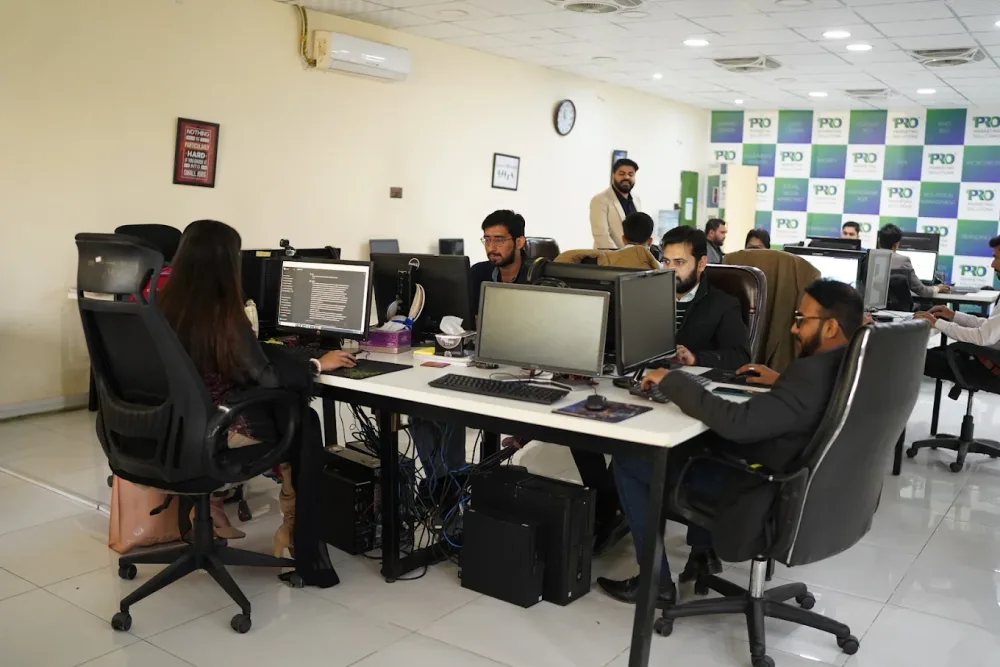 Watch our introduction
 Published client experiences
Hear what working with WeProms was like, directly from our clients.
 Watch their story
 Healthcare
 Watch their story
 Singapore · Video production
 Watch their story
 Education
Inside WeProms
Lahore, Pakistan
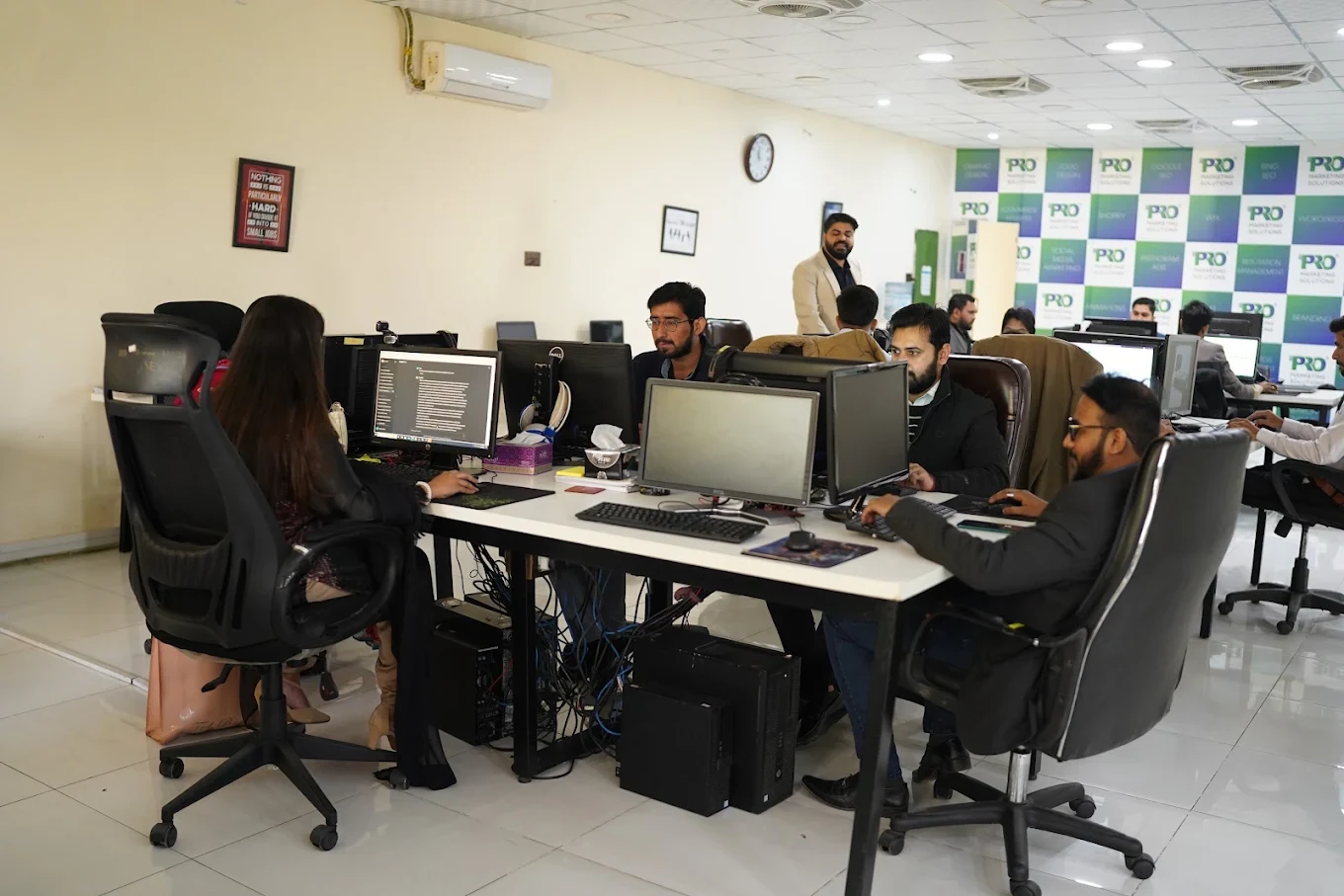
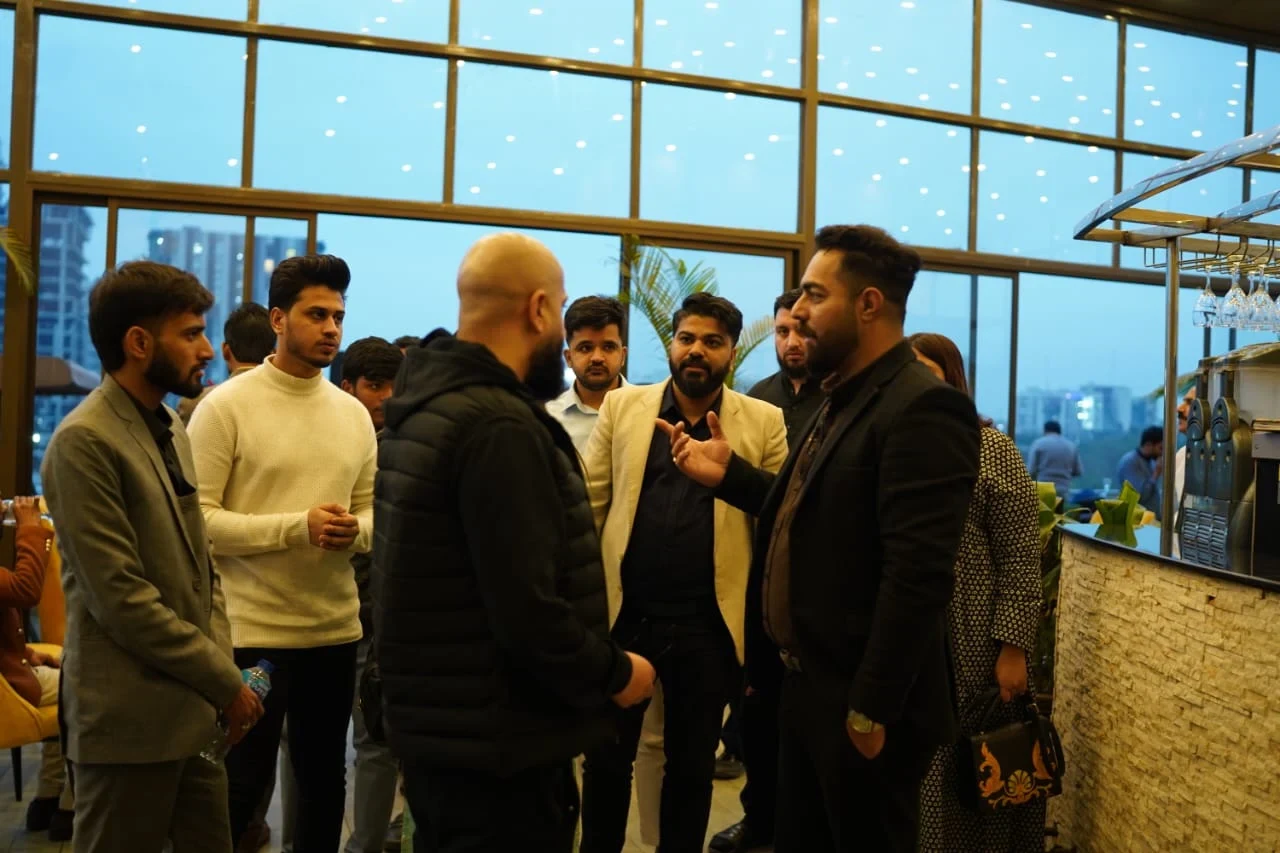
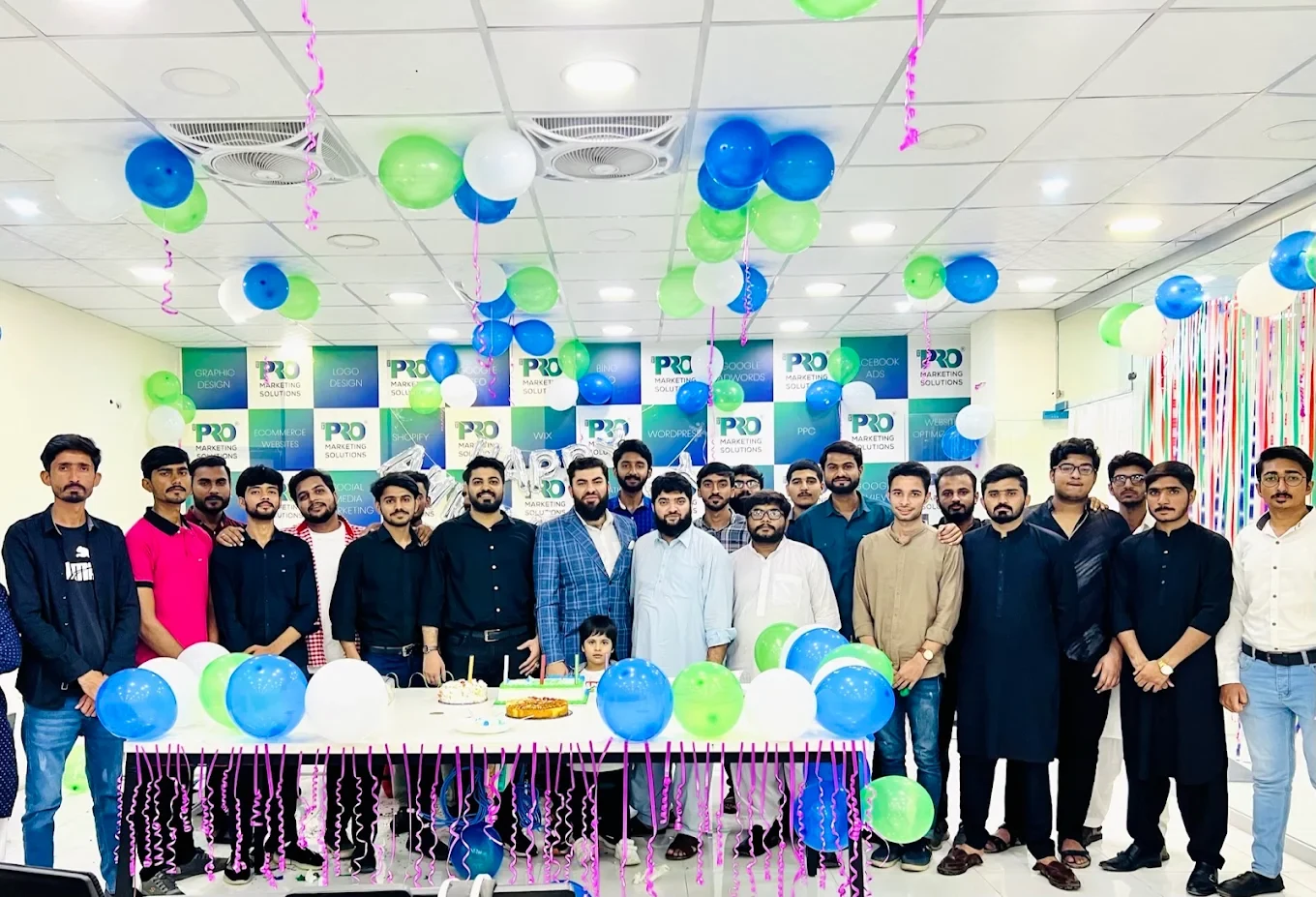

154, C1, Nespak Housing Scheme, Lahore 54770, Pakistan.
Working with a remote marketing team
You know your customers and market. Our strategists, creatives and technical specialists in Lahore help put the plan into practice. Agree the contact person, meeting times and approvals before we start.
Agree deliverables and the agency fee. Discuss ad spend and third-party tools separately.
Keep visibility and ownership. Agree access, asset licences and handover as part of the scope.
Agree a review schedule around your time zone. See what was delivered, what the numbers mean and what comes next.
Explore our Pakistan pricing guides for planning ranges and what shapes the cost. Your market, deliverables and existing setup determine the final quote; advertising spend and third-party costs are separate.
Discuss a quote for your market ↗Before the next step
A useful starting brief includes: current pipeline stages; ownership and routing rules; field and integration inventory. We can agree appropriate access after the first conversation.
Review routing accuracy, data completeness and stage progression with the people responsible for sales.
We can discuss a one-off implementation, an ongoing scope or an initial build followed by support. The proposal states what is included, dependencies and the review points.
Agency work, media spend and third-party costs are identified separately. Your market, existing setup and delivery requirements determine the final scope and quote.
Share your website, target country and the next thing you want to improve. We’ll help you find a useful place to start.