Web Design and Development
WordPress Development and Optimization
Develop and optimize WordPress websites for speed, SEO, and conversion.
Explore the detailWordPress SEO work that goes past installing Yoast or Rank Math — we configure the plugin, clean up the theme and page-builder bloat that drags on Core Web Vitals, and fix the crawl, schema, archive, and WooCommerce issues specific to the platform.
SEO and Search Visibility
WordPress SEO work that goes past installing Yoast or Rank Math — we configure the plugin, clean up the theme and page-builder bloat that drags on Core Web Vitals, and fix the crawl, schema, archive, and WooCommerce issues specific to the platform.
Review technical changes, relevant demand and business actions together. Ranking movement alone is not a commercial outcome.
A closer look
The approach, practical steps and decisions behind the plan.
Yoast SEO, Rank Math, and All in One SEO are solid tools, and most WordPress sites already have one installed. The problem is that installation is where the work tends to stop. Default indexable content types, untouched schema templates, auto-generated title variables, and sitemaps that include everything leave the site readable to Google but not actually optimised. WordPress SEO, done properly, is the configuration, the technical cleanup, the content architecture, and the ongoing measurement that turns the plugin into a working system rather than a green-light checklist.
We start from the assumption that the plugin is the least interesting part. The interesting part is everything the plugin depends on — your theme, your page builder, your image pipeline, your permalink structure, your archive strategy, and the way WooCommerce (if you run it) generates URLs.
WordPress has a particular set of SEO failure modes that don’t appear on other platforms, and they are usually what holds a site back:
Article when some pages are products or FAQs.None of these are fixed by ticking a box in a plugin. They are fixed by understanding how your specific WordPress stack is wired together.
If your site is built on Elementor, Divi, WPBakery, Bricks, or a heavy Gutenberg block pack, Core Web Vitals are almost always the constraint. Builders tend to nest containers many levels deep, load global CSS and JS on every page, and defer or duplicate jQuery. The result is LCP pushed back by late-loading hero images, INP dragged down by third-party scripts firing on every interaction, and CLS from images and fonts without dimensions or preload hints.
We work with the builder you have rather than against it. That usually means removing unused CSS, deferring non-critical JavaScript, converting and lazy-loading images, hosting fonts locally with preconnect, and restructuring the worst-offending templates. We measure against real Search Console CrUX data rather than synthetic scores, because the field data is what Google actually uses for ranking.
For stores, WooCommerce adds its own SEO surface area. Product variations, layered navigation, filter widgets, and sorting parameters generate dozens of URLs for a single product, and most of them get indexed when they shouldn’t. The shop archive, product category, and product tag pages compete with the products themselves, and add-to-cart, checkout, and account pages leak into the index if no one has excluded them.
Our WooCommerce SEO work covers product and product-category schema, canonical strategy for filtered and parameter URLs, archive indexation, and the cleanup of facets and pagination. The goal is simple: keep Google’s crawl focused on the products and categories that earn revenue, and stop splitting their link equity across duplicate variants.
Structured data is where a lot of WordPress sites leave value on the table. The SEO plugin can emit schema, but it rarely maps the right type to the right template without configuration. We build out a schema graph that matches your content — Product on product templates, FAQPage on FAQ blocks, BreadcrumbList across the site, Article on posts, and Organization with correct sameAs links — and we validate it in the Rich Results Test rather than trusting the plugin’s output.
Sitemaps get the same treatment. We trim the sitemap index to the URLs that should rank, remove noindexed and redirecting URLs, and align canonical tags so Google sees one clear version of each page. Robots.txt, the plugin’s indexable settings, and .htaccess where relevant all get checked against the same source of truth.
SEO work that isn’t measured is just opinion. We connect GA4, Google Search Console, and a Looker Studio dashboard so you can see impressions, clicks, average position, and page-level Core Web Vitals for the templates we touched. Every change — plugin setting, schema edit, canonical, noindex, performance fix — is documented in a changelog your developer can follow.
That documentation matters because WordPress core updates, new plugins, and theme revisions can silently undo SEO work. We hand over a maintenance checklist covering what to watch after plugin updates, how to keep sitemaps clean, and when to re-check schema and Core Web Vitals.
If your WordPress site ranks below where it should, loads slowly, or has an SEO plugin that’s installed but never properly configured, a focused review is the fastest way to find out why. We work with sites on Elementor, Divi, Gutenberg, and custom themes, with and without WooCommerce, from our Lahore team for clients across Pakistan and overseas. Get in touch for a WordPress-specific audit, or browse our broader SEO and search visibility services.
Related services
Web Design and Development
Develop and optimize WordPress websites for speed, SEO, and conversion.
Explore the detailSEO and Search Visibility
Fix technical SEO issues that block rankings, crawlability, and organic growth.
Explore the detailSEO and Search Visibility
Improve site speed and Core Web Vitals to boost UX, SEO, and conversion rates.
Explore the detailA few of the brands we’ve worked with.








See where the work happens and get to know WeProms before your first conversation. Our team is based in Lahore, working with business owners abroad and at home.
Get to know WeProms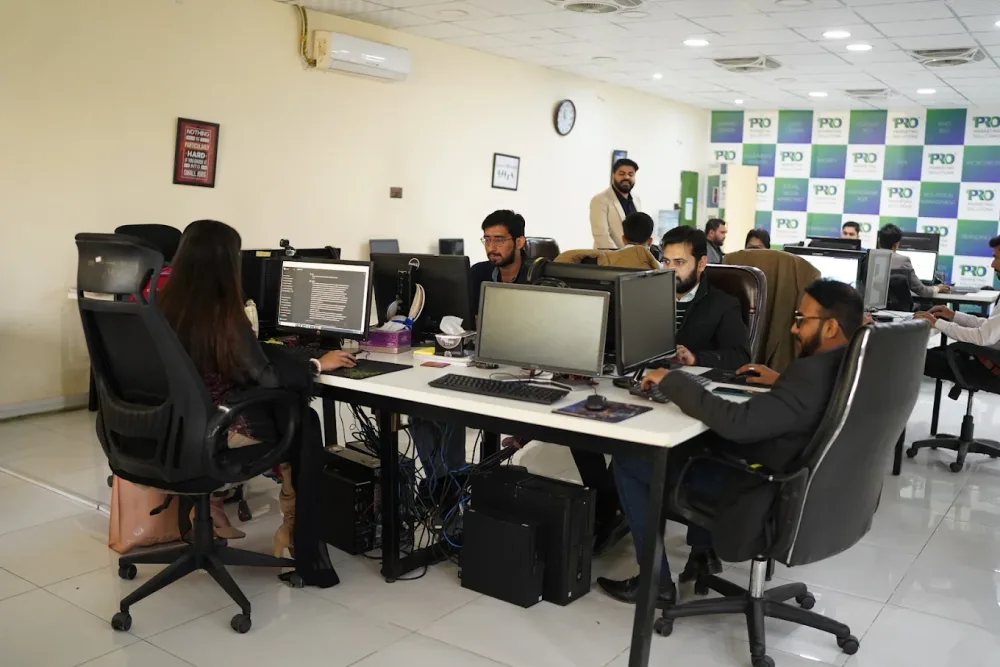 Watch our introduction
 Published client experiences
Hear what working with WeProms was like, directly from our clients.
 Watch their story
 Their business journey
 Watch their story
 Client feedback
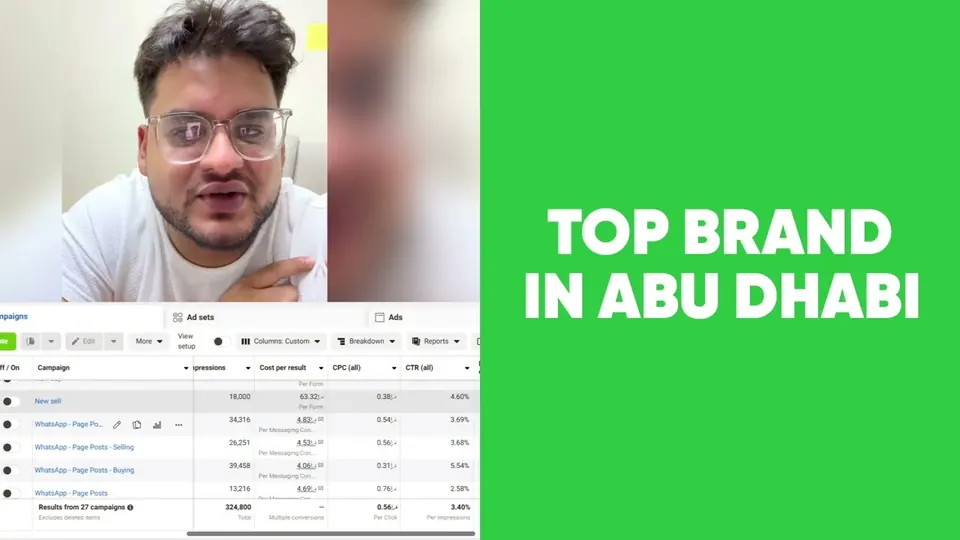 Watch their story
 Working with WeProms
Inside WeProms
Lahore, Pakistan
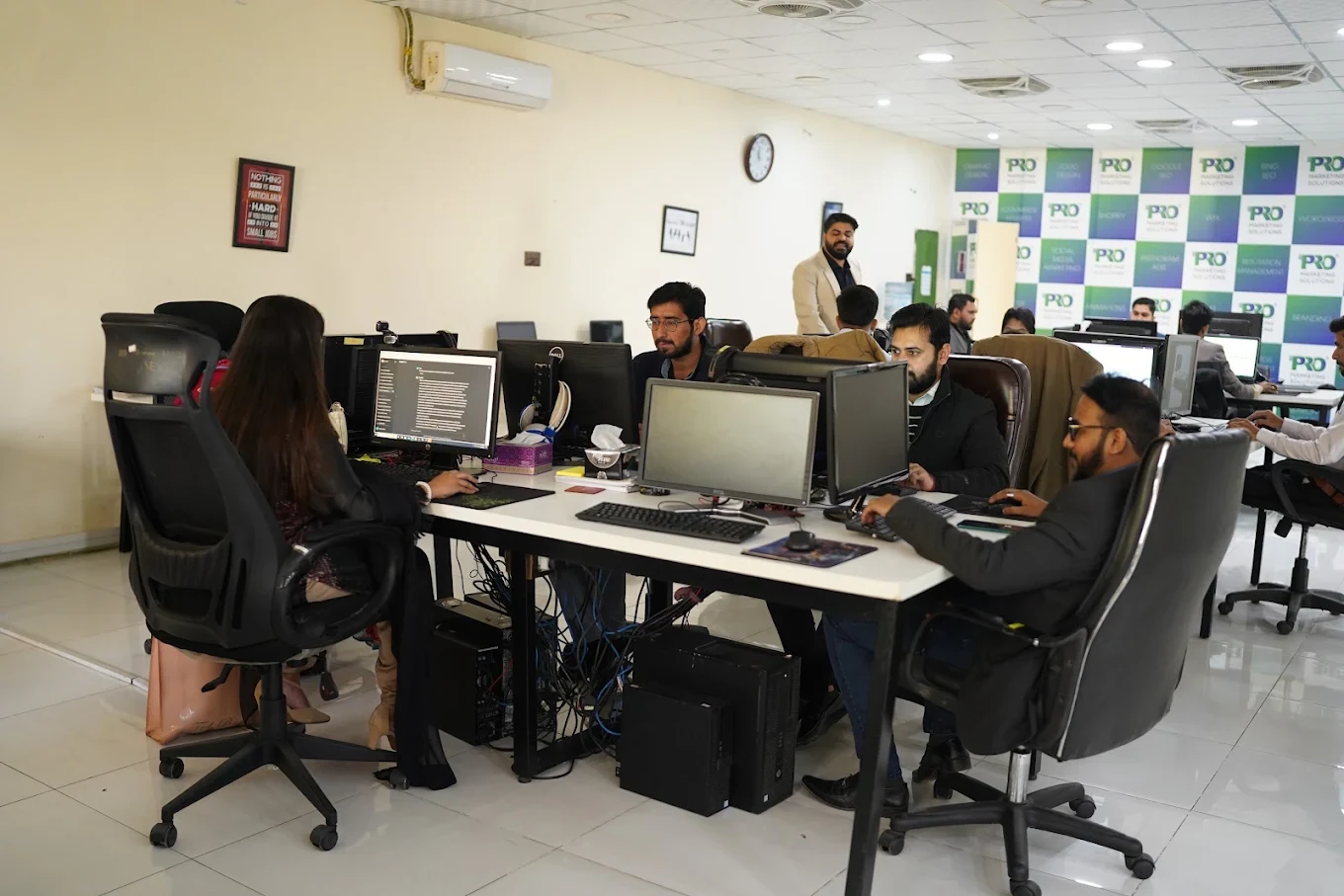

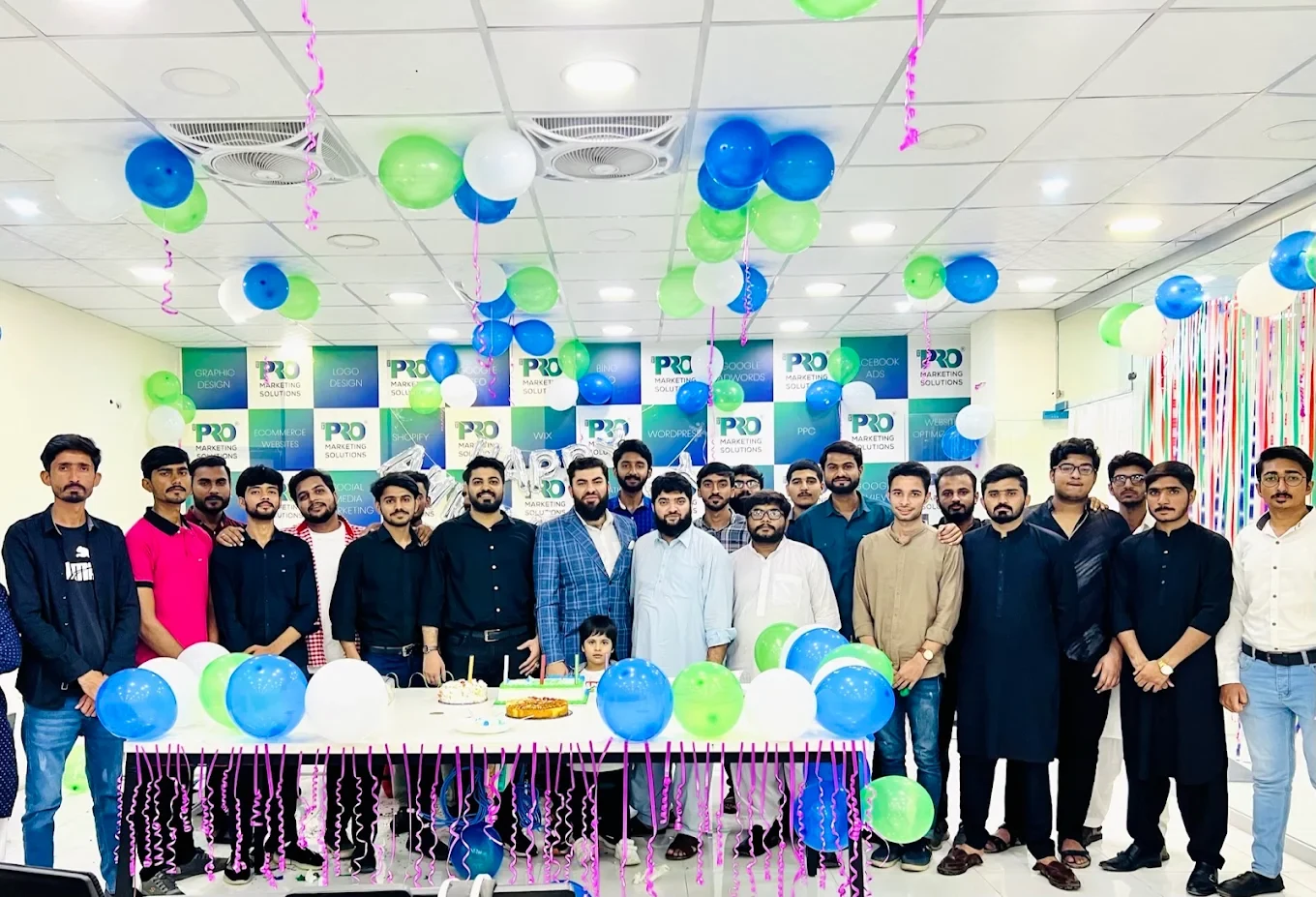

154, C1, Nespak Housing Scheme, Lahore 54770, Pakistan.
Working with a remote marketing team
You know your customers and market. Our strategists, creatives and technical specialists in Lahore help put the plan into practice. Agree the contact person, meeting times and approvals before we start.
Agree deliverables and the agency fee. Discuss ad spend and third-party tools separately.
Keep visibility and ownership. Agree access, asset licences and handover as part of the scope.
Agree a review schedule around your time zone. See what was delivered, what the numbers mean and what comes next.
Explore our Pakistan pricing guides for planning ranges and what shapes the cost. Your market, deliverables and existing setup determine the final quote; advertising spend and third-party costs are separate.
Discuss a quote for your market ↗Before the next step
A useful starting brief includes: website and search access; priority services and markets; publishing and developer constraints. We can agree appropriate access after the first conversation.
Review technical changes, relevant demand and business actions together. Ranking movement alone is not a commercial outcome.
We can discuss a one-off implementation, an ongoing scope or an initial build followed by support. The proposal states what is included, dependencies and the review points.
Agency work, media spend and third-party costs are identified separately. Your market, existing setup and delivery requirements determine the final scope and quote.
Share your website, target country and the next thing you want to improve. We’ll help you find a useful place to start.