
Digital Marketing
Digital Marketing Agency
Full-service digital marketing agency providing integrated strategy, execution, and optimization for Pakistani businesses seeking measurable growth.
Explore the detailWe find where your Shopify store loses buyers between product view and purchase, then fix the theme, checkout, and tracking causing the leak.
Ecommerce Marketing
We diagnose where your Shopify store loses buyers between product view and purchase, then fix the theme, checkout, and tracking responsible for the leak. Work covers funnel analysis in GA4, product-page and checkout changes, app cleanup, and tests measured against purchases.
Review completed orders, refunds, fulfilment and contribution after costs alongside acquisition reporting.
A closer look
The approach, practical steps and decisions behind the plan.
Traffic is rarely the problem on a Shopify store that isn’t growing — the leak is usually between the product page and the order confirmation page. Buyers arrive, scroll a product, maybe add it to cart, and then disappear at a step you can’t see because the tracking isn’t set up to show it. Our Shopify conversion rate optimization work finds that leak, fixes it, and measures the result against purchases in GA4 — not against impressions or sessions.
We treat conversion rate as the output of a chain of specific events: view_item, add_to_cart, begin_checkout, and purchase. If any of those events is misfiring, duplicated, or missing, the rate you’re reading is wrong, and you end up optimising the wrong page.
Before we change anything, we pull 30–90 days of funnel data from GA4 and Shopify Analytics and quantify drop-off at each step. The biggest leak is almost never where the team assumes. On most stores we audit, the steepest drop is either between product view and add-to-cart, or between checkout start and purchase — and those two problems need completely different fixes.
Naming the specific step that leaks is what keeps the work from becoming a random list of generic best-practice changes.
The product detail page does most of the heavy lifting on a Shopify store, so it gets the most attention. We work on the variant selector, the image gallery load order, the position of the buy box on mobile, and how price, compare-at price, and urgency are displayed. Reviews matter — we integrate or repair Loox, Judge.me, or Yotpo so they load without dragging LCP — and so do the trust signals around shipping, returns, and stock.
For stores serving the Pakistan market, the product page also has to make COD and shipping terms obvious before the buyer reaches checkout, because that’s where uncertainty kills the order. Small product-page changes — surfacing “Cash on delivery available” or a courier dispatch time — regularly move add-to-cart more than a full redesign would.
Checkout is where the most revenue escapes. On Shopify we fix fields that ask for information the order doesn’t need, clarify shipping and COD costs up front, and — where you’re on Shopify Plus — use checkout extensibility to tighten the flow. On non-Plus stores, the gains come from the cart page and the post-purchase experience instead.
Abandoned-cart recovery is usually underused. We build or repair the Klaviyo sequences so they fire against real cart events, and for local stores we add WhatsApp recovery because that’s where Pakistani buyers actually respond. We also look at upsells and post-purchase offers — ReConvert or Shopify’s native post-purchase page — to lift average order value without adding checkout steps.
Most Shopify traffic is mobile, and most mobile drop-off is speed-related. We audit Core Web Vitals — LCP, INP, and CLS — on the product and checkout pages, then remove or replace the apps and theme code responsible for the delay. Stores accumulate apps over time, and each one injects scripts that slow the theme. Trimming the app list and deferring non-critical scripts is often the single biggest conversion lift in the first sprint, ahead of any copy or design change.
We edit the theme directly — Dawn, Impulse, or a custom build — rather than stacking another optimisation app on top, which would just add to the problem.
None of this is defensible without clean data. We verify that the GA4 ecommerce events fire once per action, match Shopify’s order data, and flow through Google Tag Manager correctly. We reconcile the purchase count in GA4 against Shopify’s orders for the same period, because if those two numbers don’t match, every conversion-rate decision built on them is off.
Once purchase data is reliable, we push it back to Meta and your ad platforms so they optimise toward buyers, not clickers. That’s what makes paid media more efficient without raising the budget.
We report against a short list of metrics tied to Shopify orders: store conversion rate, average order value, checkout abandonment, and revenue per session. Each change ships as a single test where possible, so the lift is attributed correctly rather than credited to a bundle of edits. The output is a dashboard your team can read in a minute, with the next test already queued.
If your Shopify store has traffic but purchases aren’t following, the fastest next step is a tracking and funnel audit — tell us about the store and we’ll pinpoint where buyers are dropping. You can also compare this with our broader ecommerce marketing services if you’re weighing where to start.
Related services
Digital Marketing
Full-service digital marketing agency providing integrated strategy, execution, and optimization for Pakistani businesses seeking measurable growth.
Explore the detailAnalytics and Attribution
Create dashboards that combine ads, analytics, and CRM data in one decision view.
Explore the detailConversion Rate Optimization
Run structured A/B testing to improve conversion rates across key pages and funnels.
Explore the detailA few of the brands we’ve worked with.








See where the work happens and get to know WeProms before your first conversation. Our team is based in Lahore, working with business owners abroad and at home.
Get to know WeProms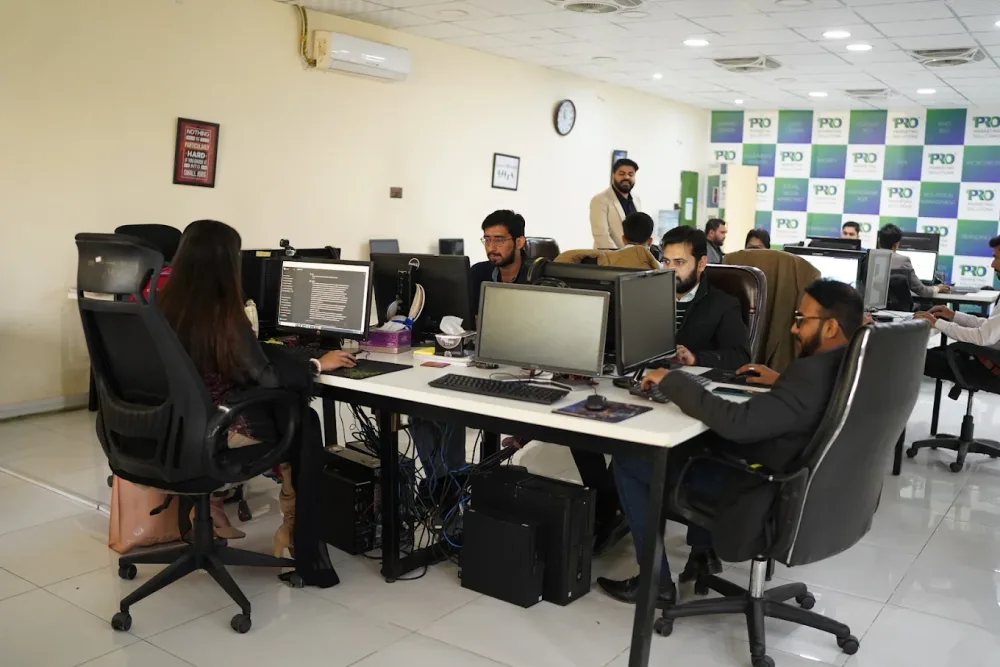 Watch our introduction
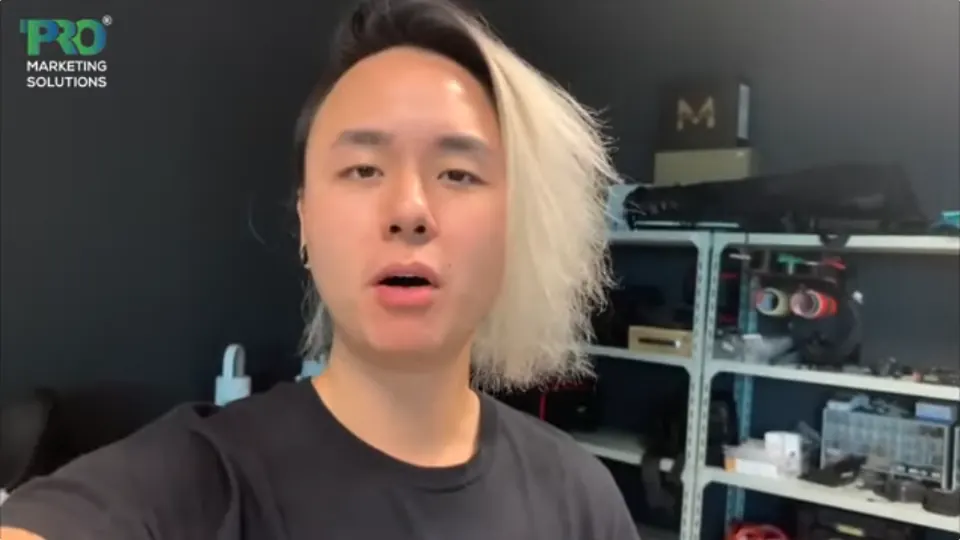
 Published client experiences
Hear what working with WeProms was like, directly from our clients.
 Watch their story
 Healthcare
 Watch their story
 Singapore · Video production
 Watch their story
 Education
Inside WeProms
Lahore, Pakistan
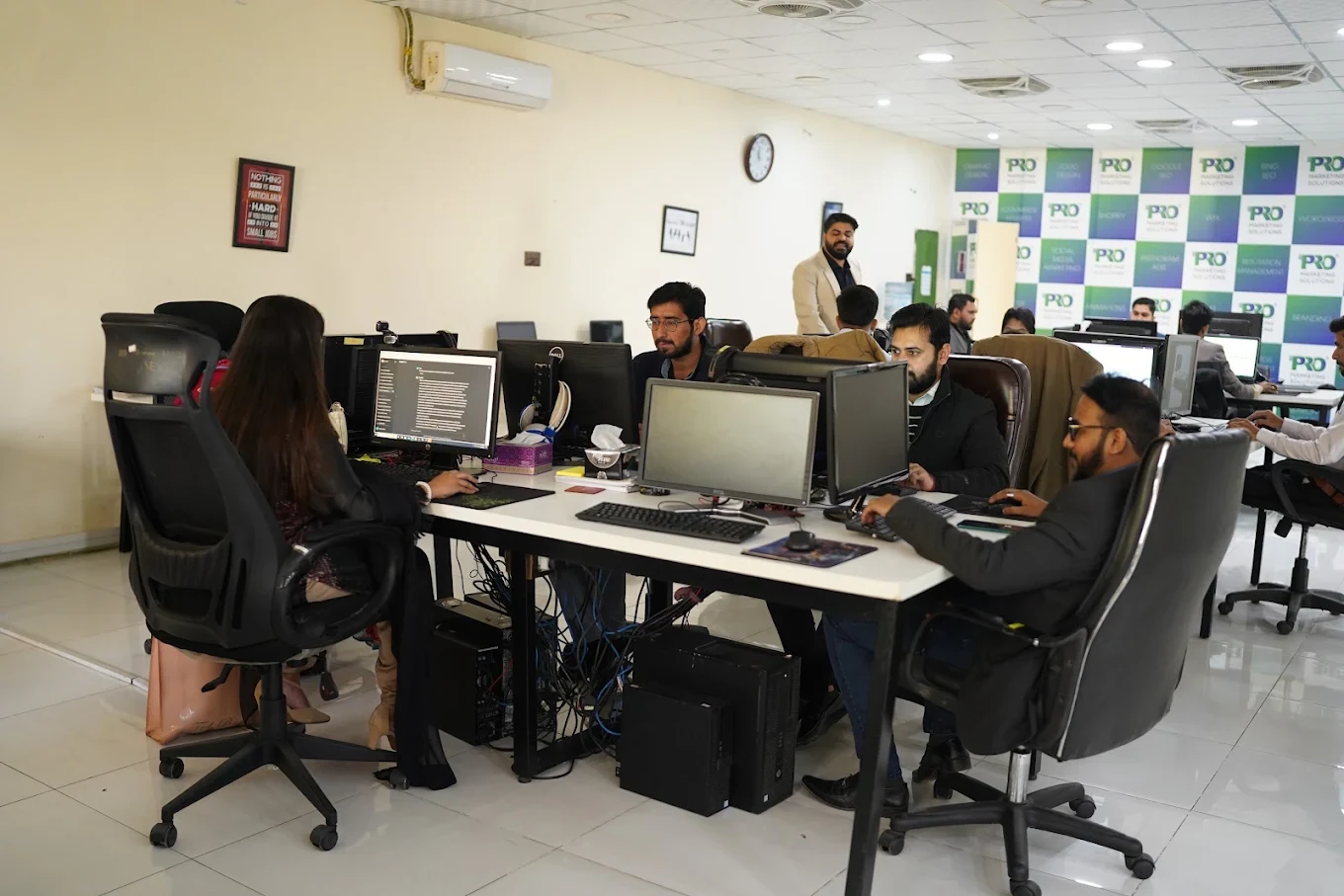

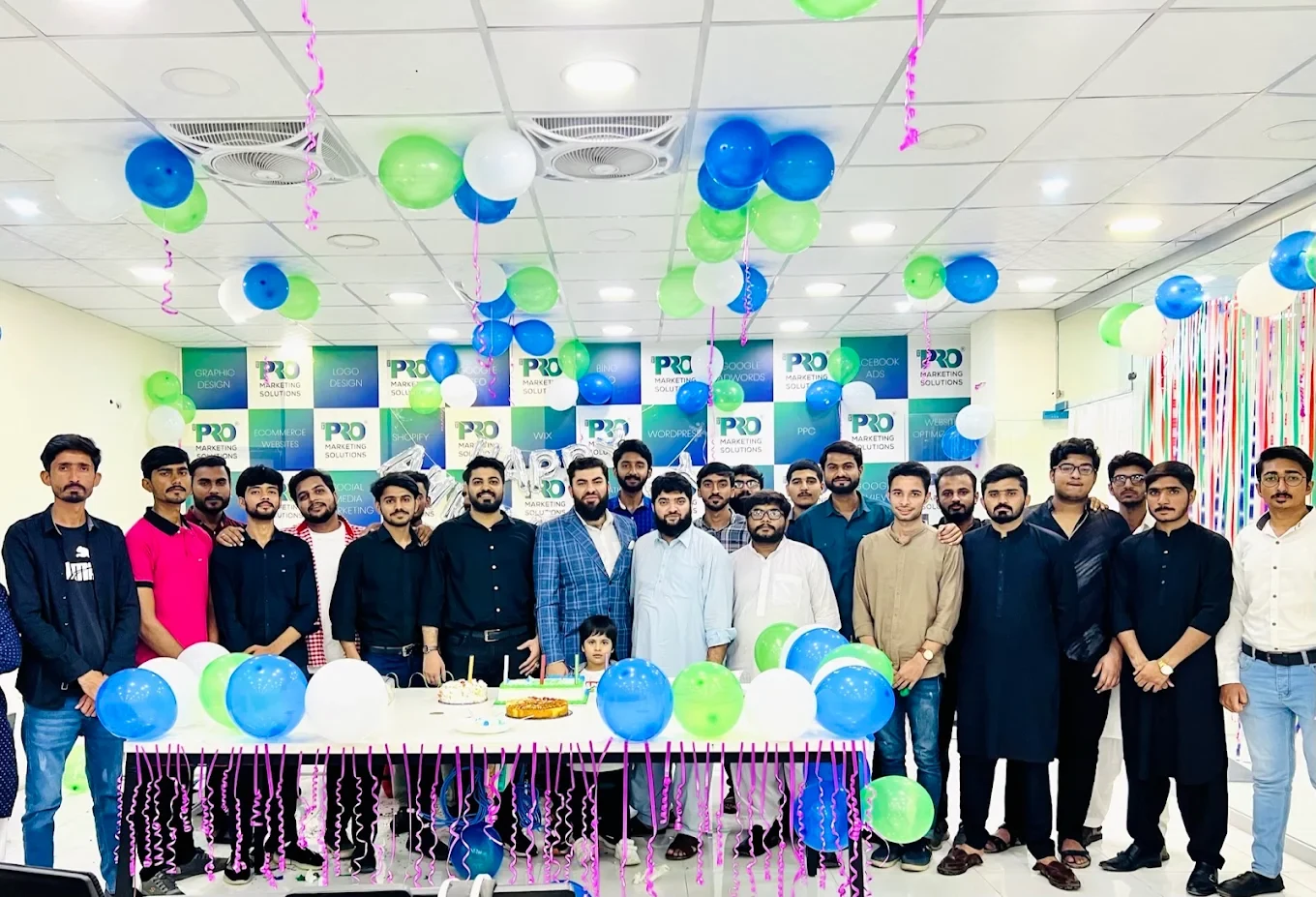

154, C1, Nespak Housing Scheme, Lahore 54770, Pakistan.
Working with a remote marketing team
You know your customers and market. Our strategists, creatives and technical specialists in Lahore help put the plan into practice. Agree the contact person, meeting times and approvals before we start.
Agree deliverables and the agency fee. Discuss ad spend and third-party tools separately.
Keep visibility and ownership. Agree access, asset licences and handover as part of the scope.
Agree a review schedule around your time zone. See what was delivered, what the numbers mean and what comes next.
Explore our Pakistan pricing guides for planning ranges and what shapes the cost. Your market, deliverables and existing setup determine the final quote; advertising spend and third-party costs are separate.
Discuss a quote for your market ↗Before the next step
A useful starting brief includes: product and margin context; store and acquisition reports; delivery, return and support feedback. We can agree appropriate access after the first conversation.
Review completed orders, refunds, fulfilment and contribution after costs alongside acquisition reporting.
We can discuss a one-off implementation, an ongoing scope or an initial build followed by support. The proposal states what is included, dependencies and the review points.
Agency work, media spend and third-party costs are identified separately. Your market, existing setup and delivery requirements determine the final scope and quote.
Share your website, target country and the next thing you want to improve. We’ll help you find a useful place to start.