Digital Marketing
Digital Marketing Agency
Full-service digital marketing agency providing integrated strategy, execution, and optimization for Pakistani businesses seeking measurable growth.
Explore the detailWe rewrite and restructure your ecommerce product detail pages — imagery, copy, variants, trust signals, and Product schema — so more shoppers add to cart. Built for Shopify, WooCommerce, and custom stores selling in Pakistan and overseas.
Ecommerce Marketing
We rewrite and restructure your ecommerce product detail pages — imagery, copy, variants, trust signals, and Product schema — so more shoppers add to cart. Built for Shopify, WooCommerce, and custom stores selling in Pakistan and overseas.
Review completed orders, refunds, fulfilment and contribution after costs alongside acquisition reporting.
A closer look
The approach, practical steps and decisions behind the plan.
A product detail page is where traffic either turns into revenue or quietly leaves. You can run a tight Google Ads campaign, a healthy Meta funnel, and solid organic rankings — but if the PDP is slow, confusing, or untrustworthy, the add-to-cart button never gets clicked. Most of the conversion lift ecommerce stores are chasing is hiding on the page where the buying decision actually happens.
In Pakistan that gap is sharper. Mobile dominates sessions, cash-on-delivery is the default expectation, and first-time buyers are wary of scams. A product page that hides the COD option, buries the buy button below the description, or shows no reviews reads as risky — and risk kills the sale before it starts.
Optimization isn’t a single tweak. It’s a set of decisions across the page, each one removing a reason not to buy.
The symptoms are consistent across the stores we audit. Sessions land and leave within seconds. Add-to-cart rate sits in low single digits. Mobile conversion lags desktop by a wide margin. Search Console shows impressions but low click-through because there are no price or rating rich results — just plain blue links next to competitors who have them.
Underneath those symptoms is usually the same set of problems. The product image is a single low-res studio shot that doesn’t zoom. The variant picker is a dropdown that hides stock state. The description is manufacturer copy pasted in bulk. COD is mentioned somewhere near the footer instead of beside the price. Reviews are missing or buried. And the Product schema either doesn’t exist or throws errors in the Rich Results Test, so Google treats the page as a generic result.
We start by watching real shoppers. Using Microsoft Clarity or Hotjar heatmaps plus GA4 funnel data on a sample of your PDPs, we find exactly where sessions drop — the gallery, the variant step, the add-to-cart button, the price reveal. That evidence, not best-practice opinion, sets the priority list.
Then we benchmark each page against the conversion patterns that work for your category and against the product pages of competitors outranking or out-converting you. From there we move into your theme — Shopify, WooCommerce, Magento, or a custom build — and restructure the PDP template: the above-the-fold block, the gallery, the copy, the trust block, the mobile sticky CTA, and the structured data. Product titles and descriptions are rewritten using the queries buyers actually type, surfaced from Search Console.
Before anything ships we validate the Product schema in the Rich Results Test and check Core Web Vitals on the updated template. After release we watch add-to-cart rate, checkout completion, and rich-result coverage, and iterate on the weakest templates first.
We work inside whatever stack you sell on. For Shopify that means theme edits, metafields, and app choices that don’t bloat the page. For WooCommerce it’s the theme, product attributes, and plugin configuration. For custom or headless builds we work with your developers on the component-level changes. The optimization levers are the same in every case; only the implementation path differs.
Everything ties back to measurement. Add-to-cart and checkout events are confirmed in GA4, rich-result eligibility is tracked in Search Console, and the changes can be surfaced in your existing Looker Studio or dashboard so the impact sits alongside the rest of your marketing — not in a separate silo. This is also where the work connects to a wider conversion-rate programme or your analytics setup.
This work earns its keep when you’re already spending on traffic — paid or organic — and the PDP is the bottleneck. If ad spend sends qualified shoppers to pages that convert poorly, every rupee of acquisition cost is wasted at the last step. Fixing the page raises the return on traffic you’re already paying for, which is usually a faster payback than buying more of it.
It also compounds with the rest of your ecommerce marketing. Better PDPs mean higher Quality Scores and lower CPCs on Shopping ads, more organic clicks from rich results, and lower CAC across every channel — not a one-time bump that fades after launch.
Ready to find out why your product pages aren’t converting? Talk to us about a PDP audit.
Related services
Digital Marketing
Full-service digital marketing agency providing integrated strategy, execution, and optimization for Pakistani businesses seeking measurable growth.
Explore the detailAnalytics and Attribution
Create dashboards that combine ads, analytics, and CRM data in one decision view.
Explore the detailConversion Rate Optimization
Run structured A/B testing to improve conversion rates across key pages and funnels.
Explore the detailA few of the brands we’ve worked with.








See where the work happens and get to know WeProms before your first conversation. Our team is based in Lahore, working with business owners abroad and at home.
Get to know WeProms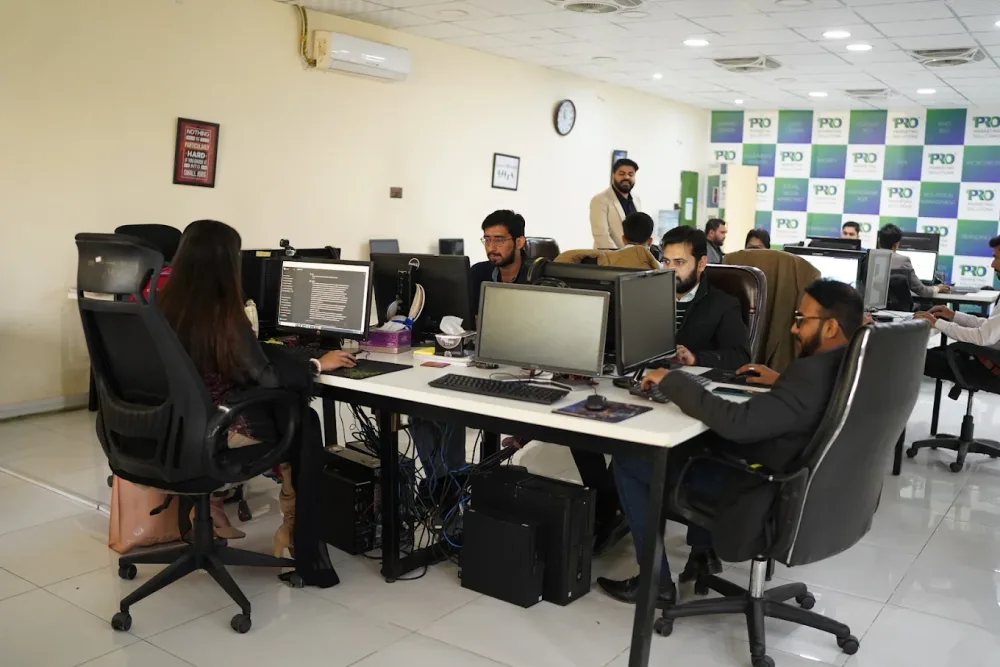 Watch our introduction
 Published client experiences
Hear what working with WeProms was like, directly from our clients.
 Watch their story
 Their business journey
 Watch their story
 Client feedback
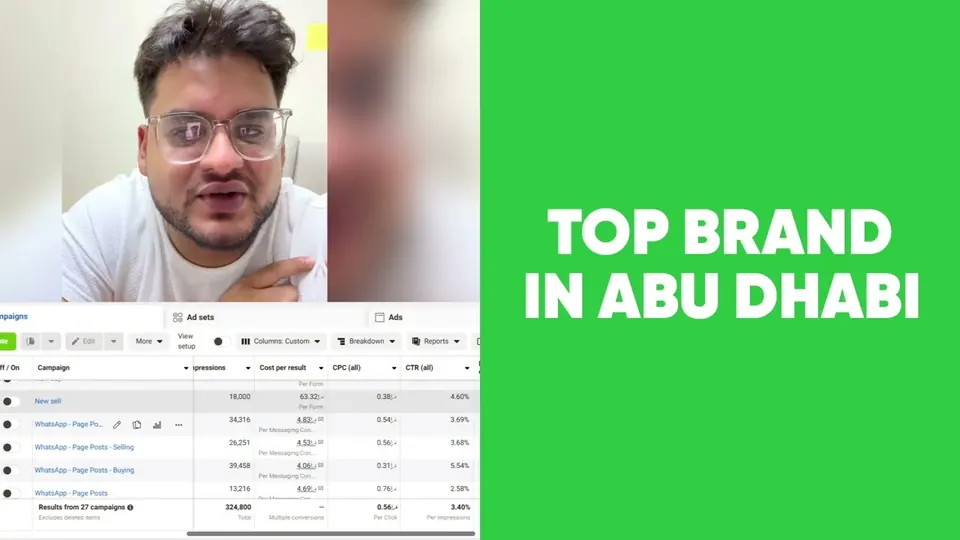 Watch their story
 Working with WeProms
Inside WeProms
Lahore, Pakistan
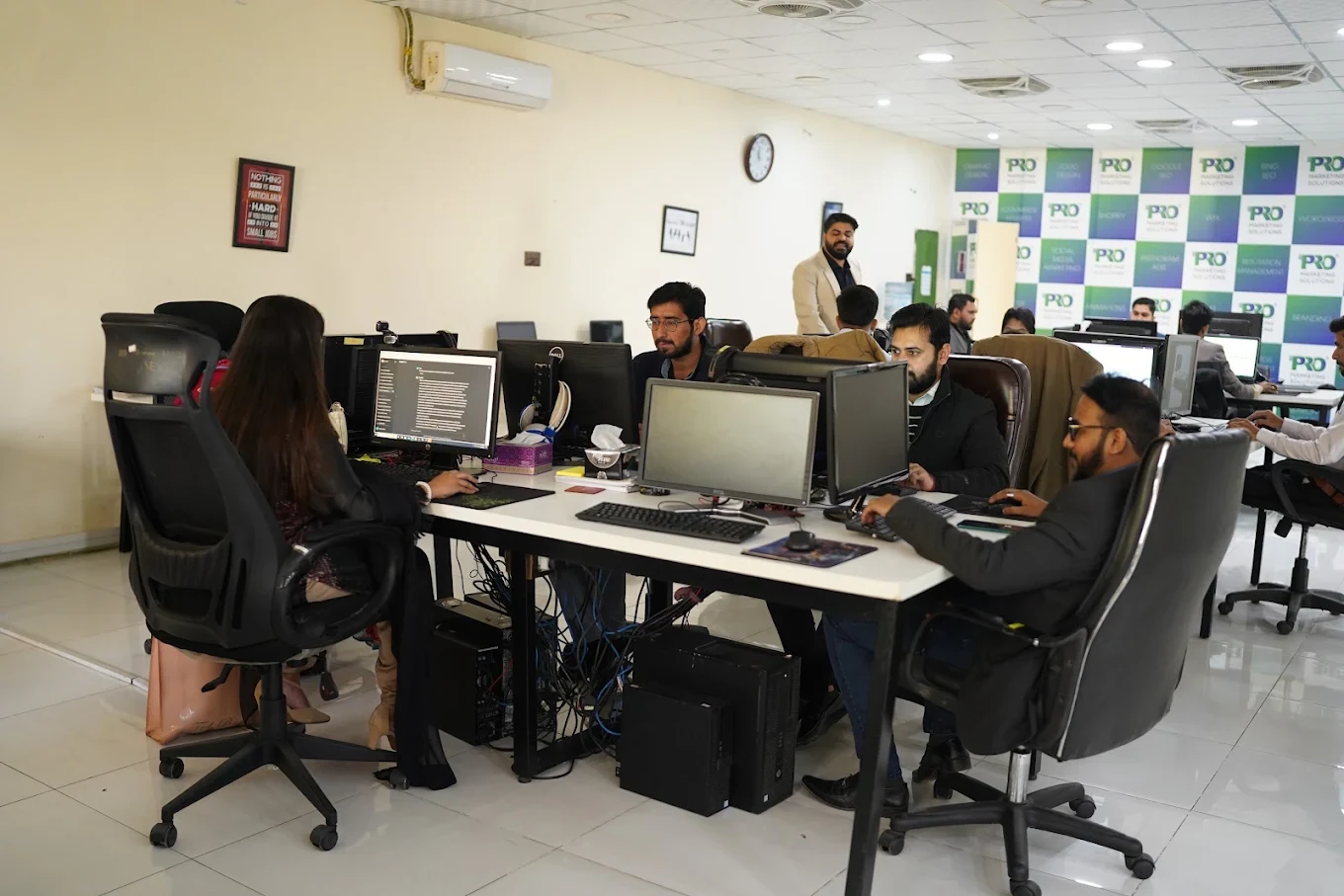
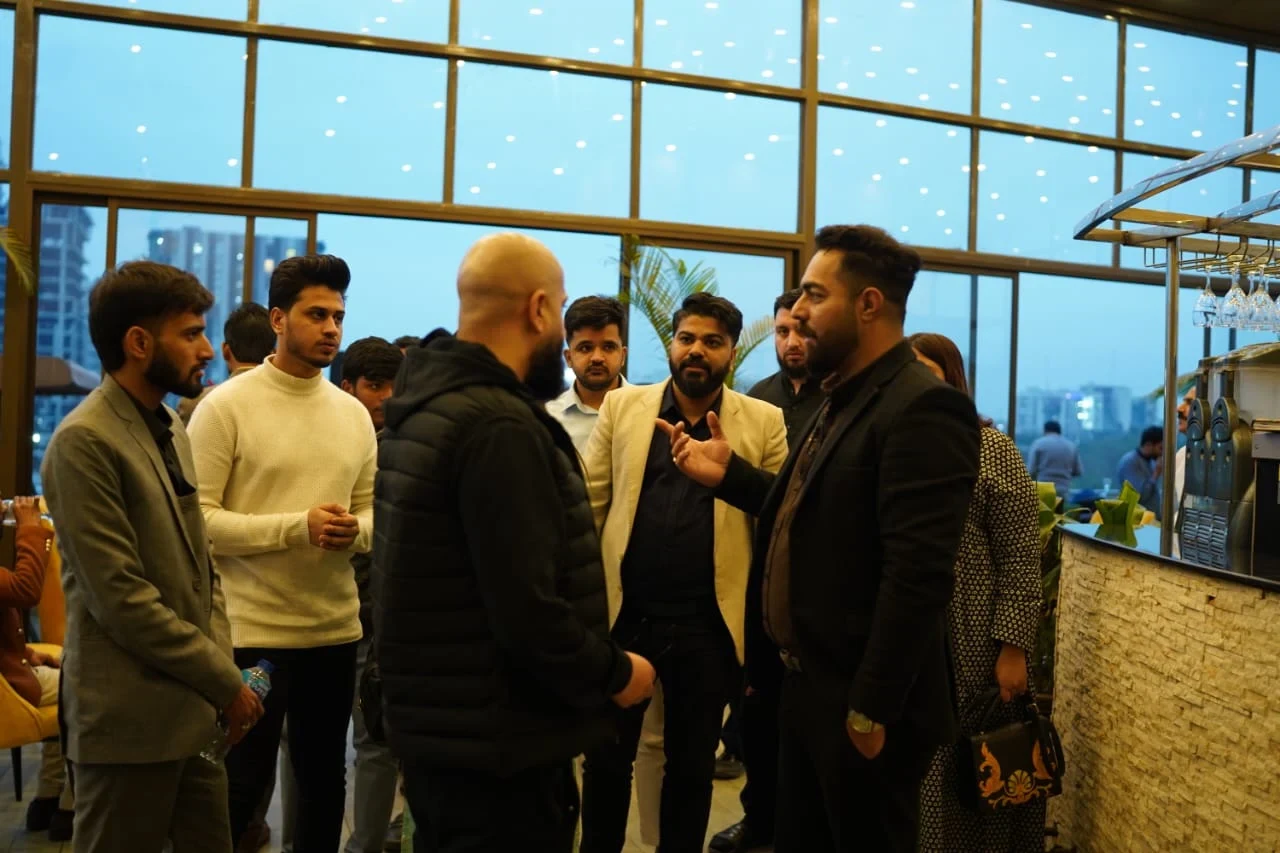
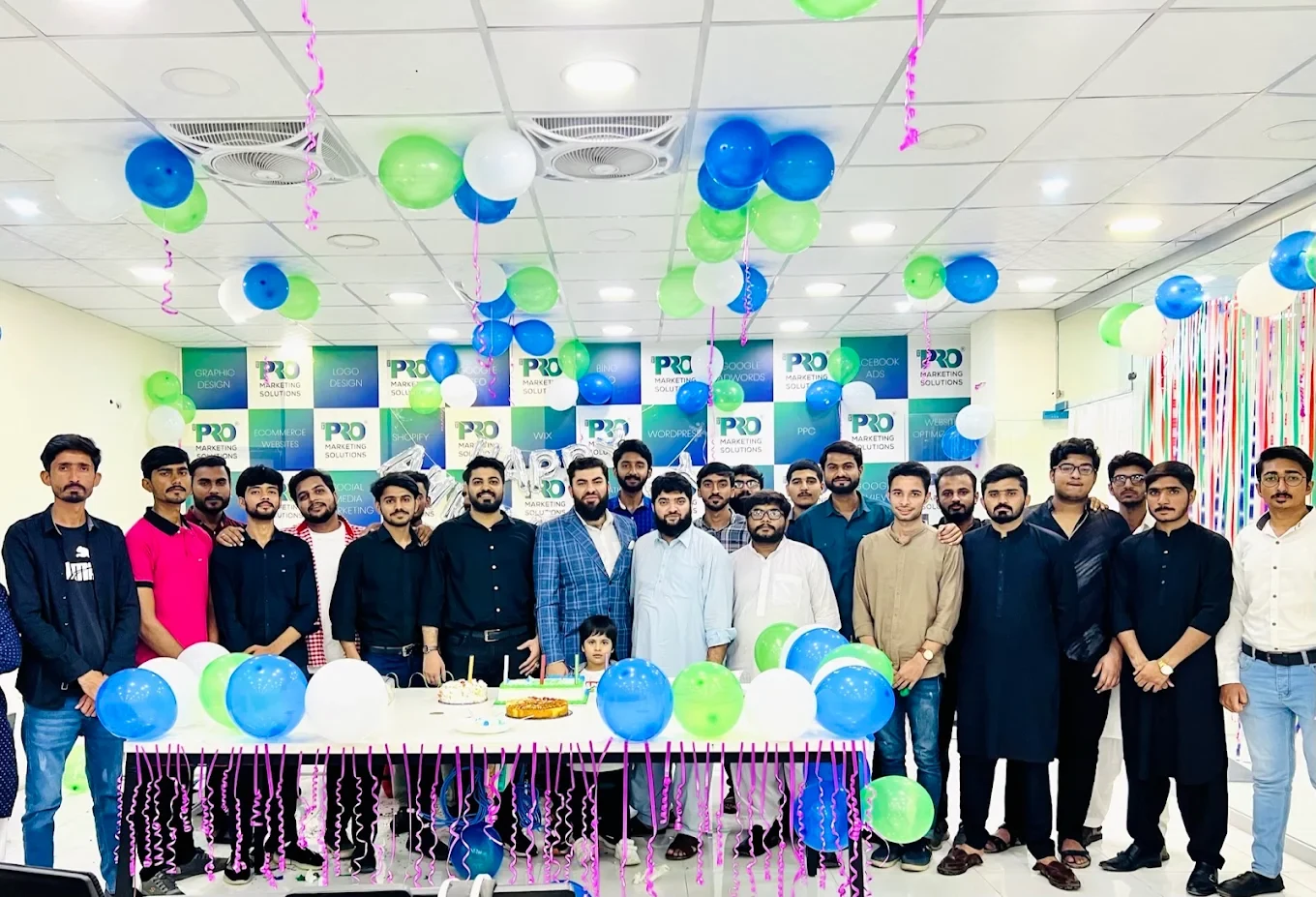
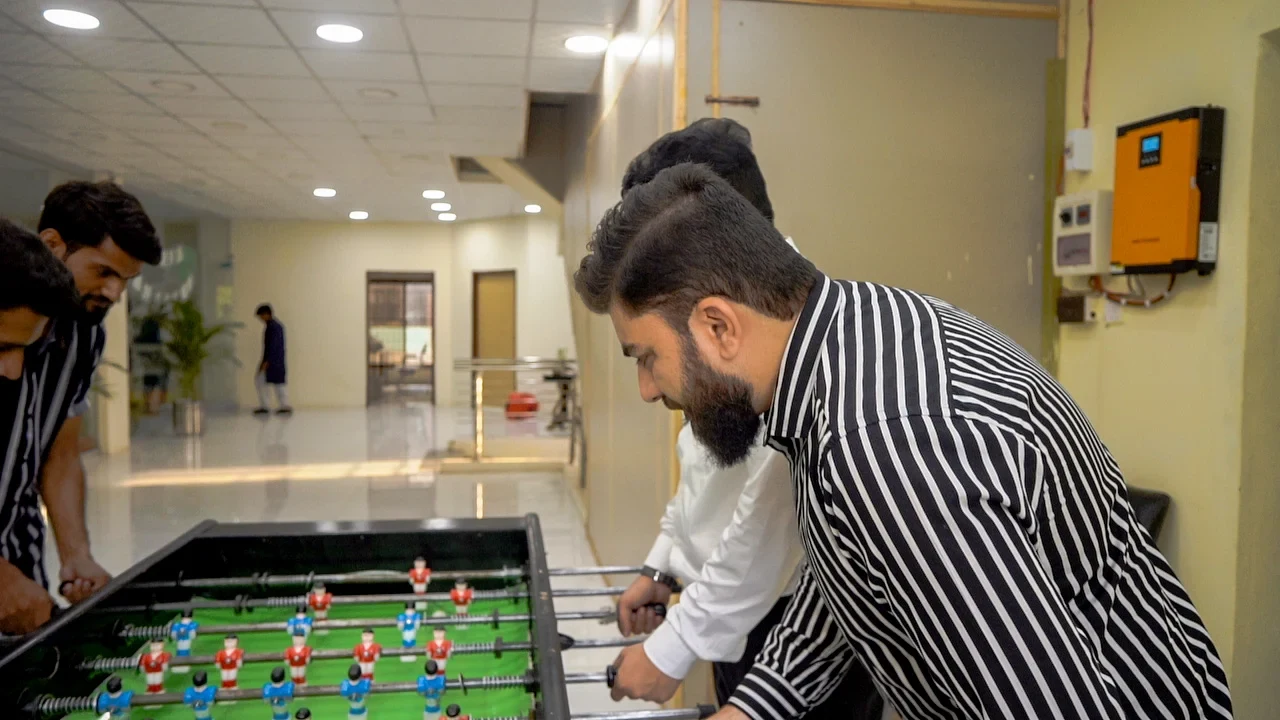
154, C1, Nespak Housing Scheme, Lahore 54770, Pakistan.
Working with a remote marketing team
You know your customers and market. Our strategists, creatives and technical specialists in Lahore help put the plan into practice. Agree the contact person, meeting times and approvals before we start.
Agree deliverables and the agency fee. Discuss ad spend and third-party tools separately.
Keep visibility and ownership. Agree access, asset licences and handover as part of the scope.
Agree a review schedule around your time zone. See what was delivered, what the numbers mean and what comes next.
Explore our Pakistan pricing guides for planning ranges and what shapes the cost. Your market, deliverables and existing setup determine the final quote; advertising spend and third-party costs are separate.
Discuss a quote for your market ↗Before the next step
A useful starting brief includes: product and margin context; store and acquisition reports; delivery, return and support feedback. We can agree appropriate access after the first conversation.
Review completed orders, refunds, fulfilment and contribution after costs alongside acquisition reporting.
We can discuss a one-off implementation, an ongoing scope or an initial build followed by support. The proposal states what is included, dependencies and the review points.
Agency work, media spend and third-party costs are identified separately. Your market, existing setup and delivery requirements determine the final scope and quote.
Share your website, target country and the next thing you want to improve. We’ll help you find a useful place to start.