
Digital Marketing
Digital Marketing Agency
Full-service digital marketing agency providing integrated strategy, execution, and optimization for Pakistani businesses seeking measurable growth.
Explore the detailManaged Google Shopping and Performance Max campaigns built on a clean Merchant Center feed — covering feed optimisation, campaign structure, search-term isolation, and tROAS bidding for Shopify, WooCommerce, and custom ecommerce stores.
Google Shopping / Measurement
Connect product-feed improvements with orders, revenue and acquisition cost.
Illustrative example. These figures are invented to demonstrate reporting. This is not a client result or an advertising-platform screenshot.
Explore a related case study Ask about relevant client evidenceBefore vs after · equal 30-day periods
Attributed purchases
| Measure | Before | After |
|---|---|---|
| Ad spend | PKR 150,000 | PKR 150,000 |
| Attributed revenue | PKR 450,000 | PKR 675,000 |
| Revenue ROAS | 3.0× | 4.5× |
A sample of two equal 30-day periods. A live review would also account for returns, product margins and the attribution settings.
SAMPLE DATA — NOT CLIENT RESULTS
Ecommerce Marketing
Managed Google Shopping and Performance Max campaigns built on a clean Merchant Center feed — covering feed optimisation, campaign structure, search-term isolation, and tROAS bidding for Shopify, WooCommerce, and custom ecommerce stores.
Review completed orders, refunds, fulfilment and contribution after costs alongside acquisition reporting.
A closer look
The approach, practical steps and decisions behind the plan.
Google Shopping doesn’t use keywords the way Search does. The ad — title, image, price, and availability — is assembled from your product feed, and Google matches it to queries based on how well your attributes line up with what shoppers actually type. So a feed written for your store catalogue (“Men’s Tee — Blue”) will lose almost every auction to a feed written for search (“Nike Dri-FIT Men’s T-Shirt Blue XL”). Our first job is to rebuild titles around the queries that convert in your category, fix google_product_category and product_type, and make sure GTIN, MPN, brand, and image requirements are met so your listings serve in the first place.
A feed is only useful if its products are approved. We work through Merchant Center disapprovals and warnings — missing GTINs, price or availability that doesn’t match the landing page, unclear shipping, and the misrepresentation flags Google has tightened significantly. That includes business verification, website claim, a consistent returns and shipping policy on the site, and price parity between the feed and what a shopper sees at checkout. For Pakistan-based stores running cash-on-delivery, we make sure the shipping costs and delivery times in the feed reflect what the courier actually charges, because a mismatch is a policy issue, not just a conversion one.
Two campaign types do most of the work. Standard Shopping campaigns give you search-term visibility and full control over product groups, bids, and negatives — which matters when your margins vary sharply by SKU and you need to spend more on a high-margin best-seller while excluding a loss-maker. Performance Max campaigns take the same feed and spend across Google’s full inventory — Search, Display, YouTube, Gmail, and Discovery — and they scale faster, but the query-level data is limited. We usually run both: Performance Max for reach, fed by a clean feed, and Standard Shopping kept open for the query isolation and margin control that PMax can’t give you. The split depends on your catalogue, not a default.
Because you can’t target keywords in Shopping, negative keywords are the main lever for keeping spend off irrelevant queries. We mine the search terms report weekly and build out negative keyword lists by theme — cheap, used, wholesale, parts, jobs — so your budget stops going to queries that will never convert. We also partition product groups down to item ID on your best-sellers so bids reflect margin, and roll the rest of the catalogue up into manageable groups. This is where most Shopping accounts quietly waste money: one broad product group, no negatives, and a bid strategy optimising toward a noisy conversion signal.
Smart bidding in Shopping — Target ROAS, Target CPA, Maximise Conversion Value — only works if the conversion data feeding it is clean. Before we change a bid strategy we confirm that GA4 purchase events are firing on the checkout confirmation, that conversion value is passed (not just a count), and that enhanced conversions are configured so GA4 and Google Ads agree on revenue. Once the data is reliable and there’s enough conversion volume, we stage the move from manual CPC to tROAS and let the bid strategy steer toward margin rather than clicks. We pair this with a Looker Studio view so ROAS is visible by product, campaign, and channel instead of buried across three tabs.
This engagement suits established ecommerce stores on Shopify, WooCommerce, Magento, or a custom stack that have a real product catalogue and want their Shopping spend managed against revenue, not clicks. It’s a fit whether you’ve never run Shopping before, you’ve inherited an account where Performance Max was switched on and left, or your feed has drifted into a mess of disapprovals. You can see the wider ecommerce scope on our services page, or tell us about your store and we’ll start with a feed and Merchant Center audit before a single campaign goes live.
Related services
Digital Marketing
Full-service digital marketing agency providing integrated strategy, execution, and optimization for Pakistani businesses seeking measurable growth.
Explore the detailAnalytics and Attribution
Create dashboards that combine ads, analytics, and CRM data in one decision view.
Explore the detailConversion Rate Optimization
Run structured A/B testing to improve conversion rates across key pages and funnels.
Explore the detailA few of the brands we’ve worked with.








See where the work happens and get to know WeProms before your first conversation. Our team is based in Lahore, working with business owners abroad and at home.
Get to know WeProms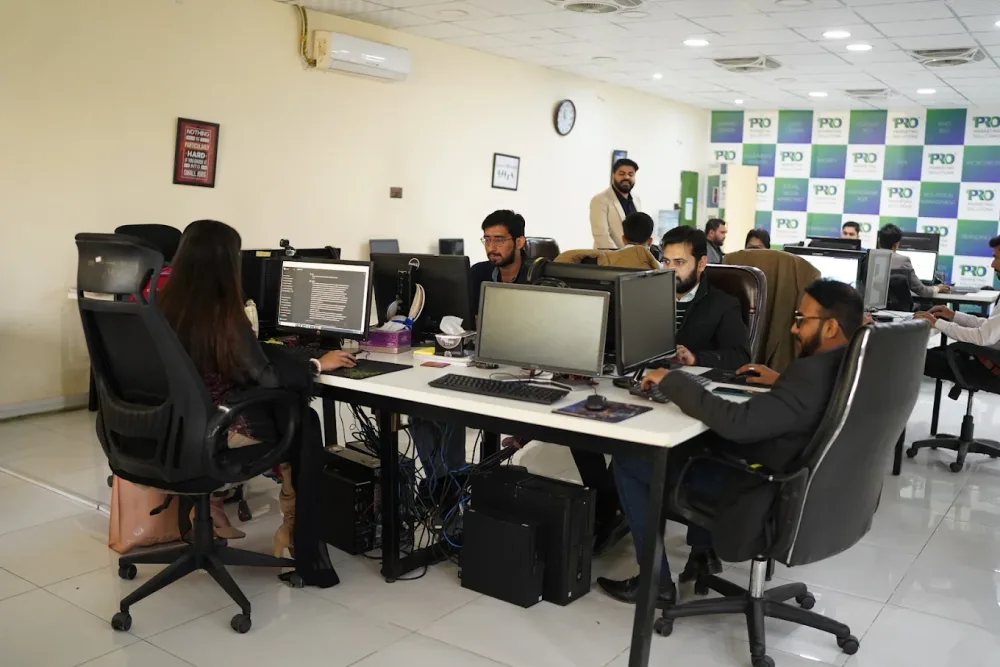 Watch our introduction
 Published client experiences
Hear what working with WeProms was like, directly from our clients.
 Watch their story
 Healthcare
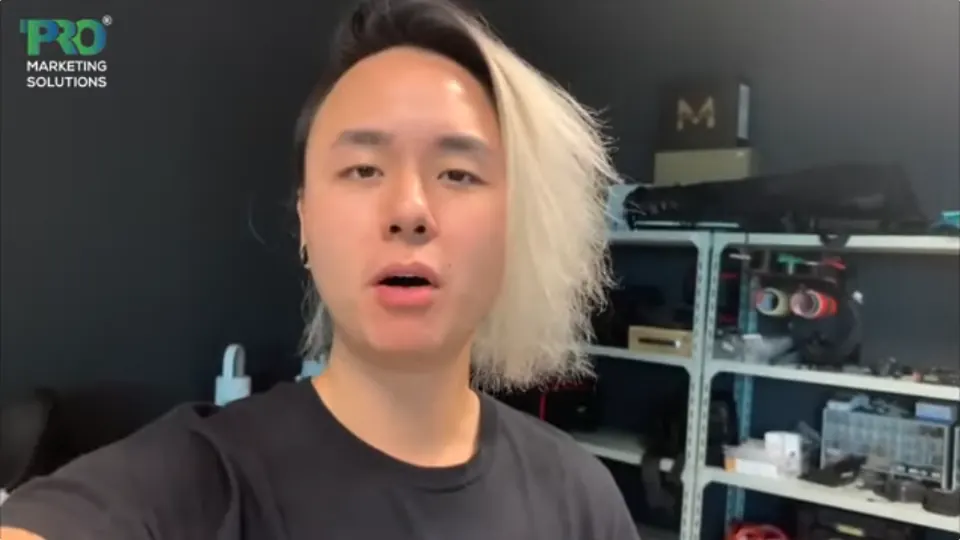 Watch their story
 Singapore · Video production
 Watch their story
 Education
Inside WeProms
Lahore, Pakistan
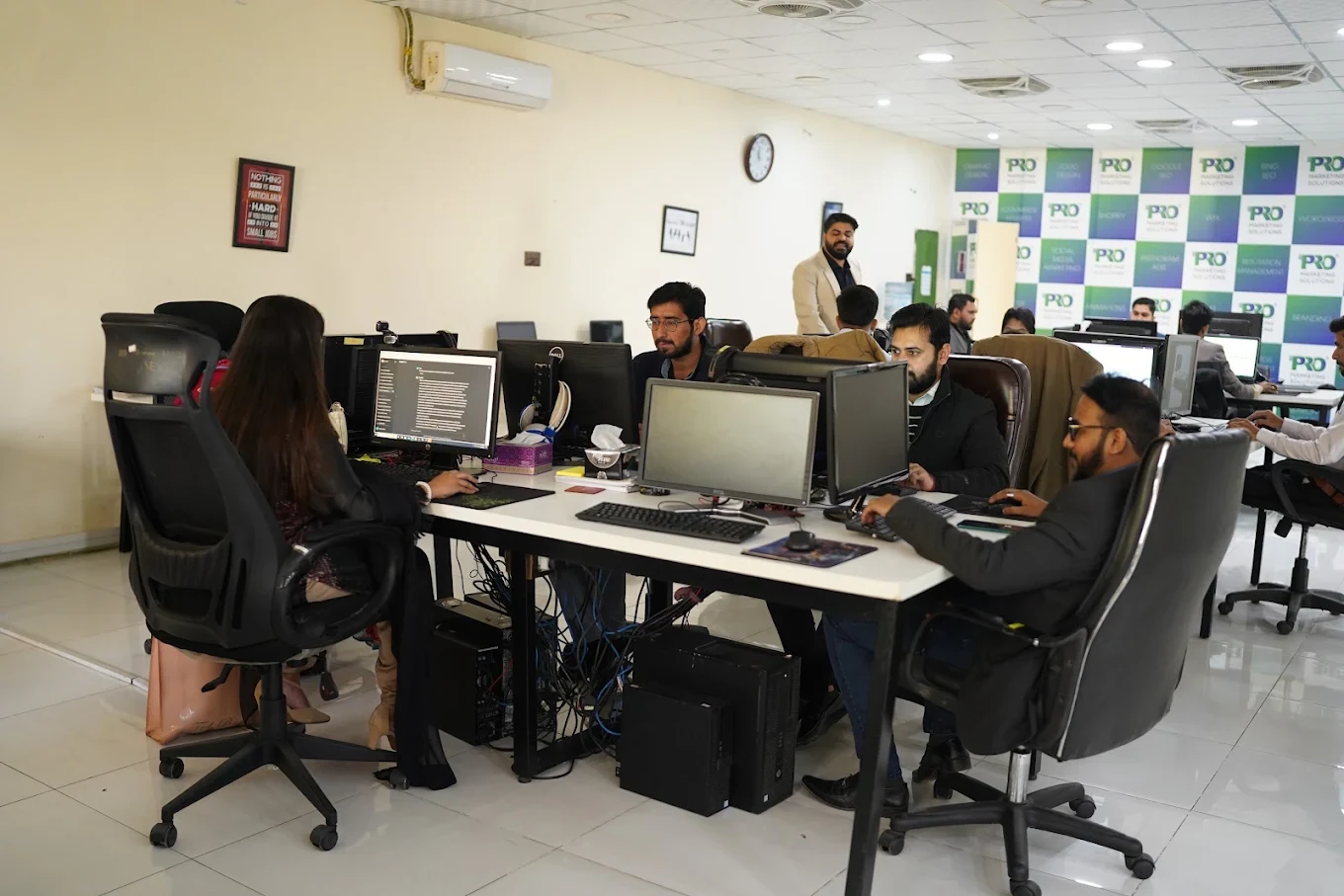

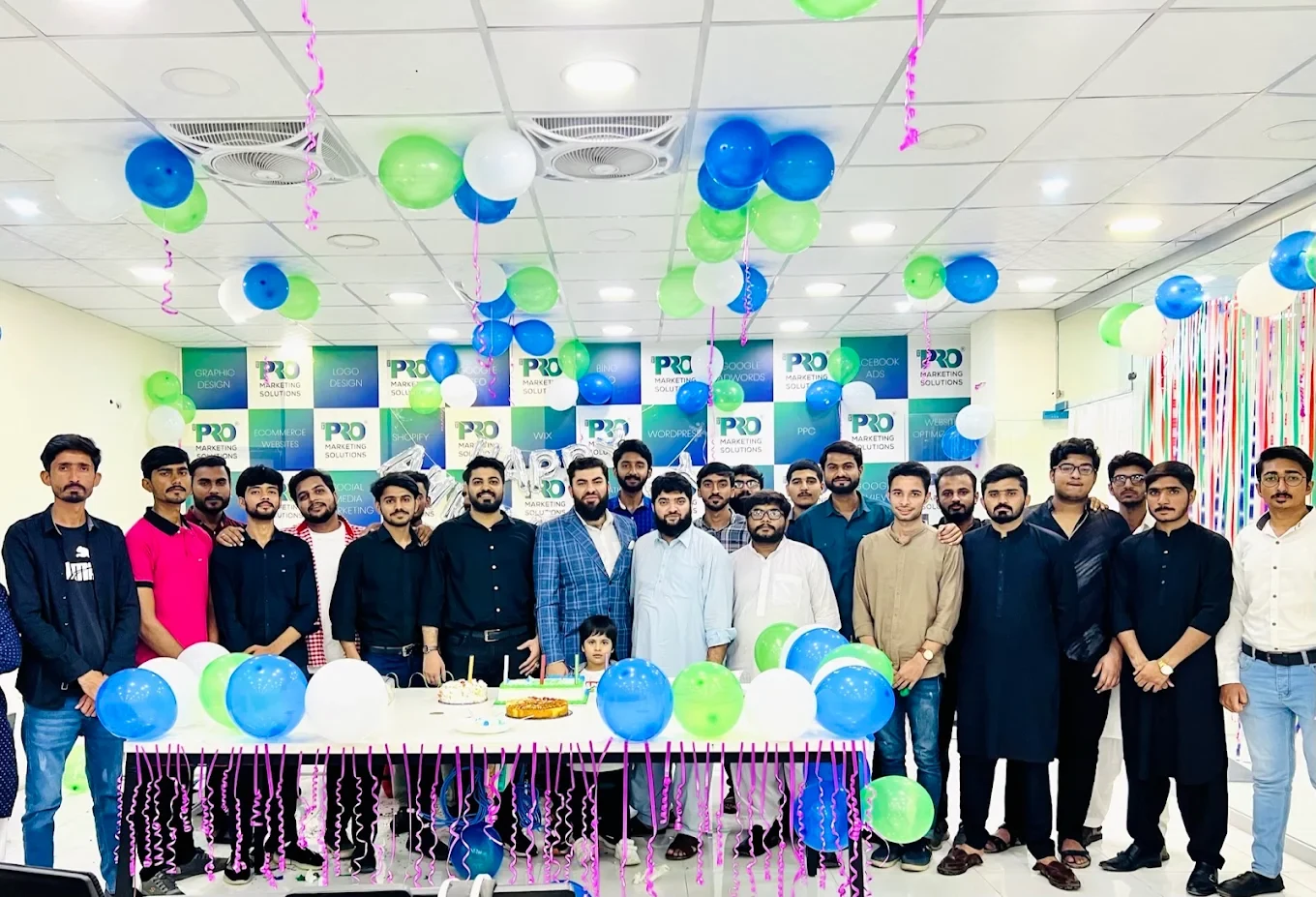

154, C1, Nespak Housing Scheme, Lahore 54770, Pakistan.
Working with a remote marketing team
You know your customers and market. Our strategists, creatives and technical specialists in Lahore help put the plan into practice. Agree the contact person, meeting times and approvals before we start.
Agree deliverables and the agency fee. Discuss ad spend and third-party tools separately.
Keep visibility and ownership. Agree access, asset licences and handover as part of the scope.
Agree a review schedule around your time zone. See what was delivered, what the numbers mean and what comes next.
Explore our Pakistan pricing guides for planning ranges and what shapes the cost. Your market, deliverables and existing setup determine the final quote; advertising spend and third-party costs are separate.
Discuss a quote for your market ↗Before the next step
A useful starting brief includes: product and margin context; store and acquisition reports; delivery, return and support feedback. We can agree appropriate access after the first conversation.
Review completed orders, refunds, fulfilment and contribution after costs alongside acquisition reporting.
We can discuss a one-off implementation, an ongoing scope or an initial build followed by support. The proposal states what is included, dependencies and the review points.
Agency work, media spend and third-party costs are identified separately. Your market, existing setup and delivery requirements determine the final scope and quote.
Share your website, target country and the next thing you want to improve. We’ll help you find a useful place to start.