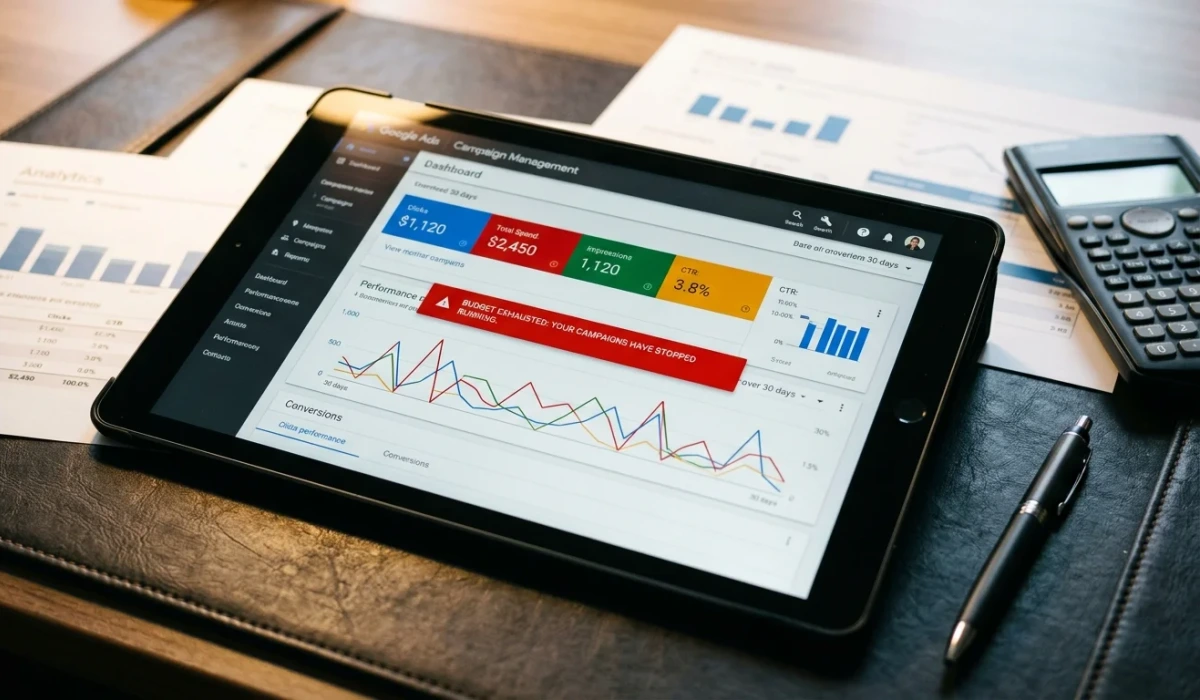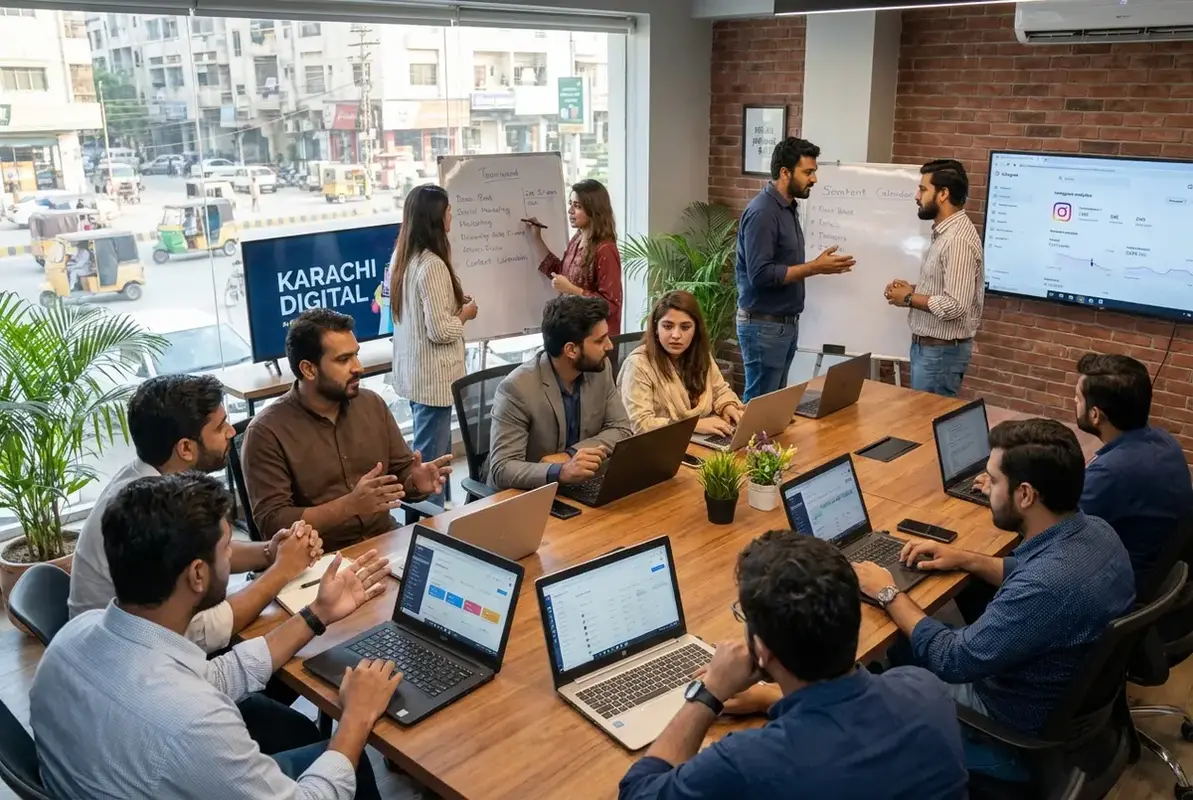

Picture a Lahore ecommerce store spending steadily on Google Ads. The campaigns run, the clicks come in, and visitors land on a product page built from a Shopify template. The phone rarely rings. The WhatsApp button gets scrolled past. The form sits empty.
The owner asks for cheaper clicks. But before changing bids, someone needs to follow the journey from the ad to the enquiry. Does the page show the advertised product? Can a mobile visitor find the price, delivery details and contact button? Does anyone answer when they call?
A template alone does not explain poor results, and a custom design does not guarantee leads. The useful question is whether the page helps the right visitor take the next step. That is where a landing page design and optimisation review should start.
The setup that burns your ad budget
For a search campaign buying clicks, the spend happens before you know whether the visitor will enquire. Your cost per lead then depends on both the cost of that traffic and how often it produces a genuine lead. A national average cannot tell you whether your particular page is working.
Think about ordering biryani on Foodpanda. You search “chicken biryani Lahore,” tap a restaurant, and the menu shows pizza, burgers and wraps, with no biryani in sight. You leave. A Google Ads visitor faces the same frustration when a specific service ad sends them to a homepage that makes them search again.
Calculate cost per lead by dividing ad spend by the leads attributed to that spend. Keep the reporting period and lead definition consistent. Phone-button taps, answered calls and qualified enquiries are different outcomes; combining them can make an expensive campaign appear efficient.
If the same traffic produces more qualified leads after a page change, acquisition cost can fall without a budget increase. That is an outcome to measure, not a promised uplift attached to professional design.

The figures in this existing illustration are unsupported and should not be used for budgeting or expected results. Use your account’s measured costs and qualified leads.
Where the money actually goes
Start by checking where visitors lose the thread between the ad and the enquiry. These are practical inspection points, not a diagnosis based on clicks alone.
The homepage detour. A homepage introduces the whole business, while an ad may promise a specific service in a specific city. Navigation, unrelated categories and promotional banners can make that offer harder to find. A focused landing page should explain the advertised offer immediately, while keeping useful information such as delivery terms, privacy details and business credentials accessible.
Mobile neglect. Open the page on an actual phone using mobile data. Watch for a blank screen, oversized images, shifting content and chat widgets covering the contact button. Use Google PageSpeed Insights to investigate performance, then check whether the page is usable while it loads. A lab score alone does not show whether a visitor can read the offer and complete an enquiry.
The missing trust bridge. Show the details a buyer needs before committing: service area, contact information, delivery and return terms, genuine reviews and relevant business credentials. For ecommerce, display COD, JazzCash or Easypaisa only where you actually support them. Real team or premises photos can help explain who is behind the business. Payment logos cannot compensate for unclear charges or an unanswered phone.

The landing page problems we see repeatedly
Work through the page in the order a visitor encounters it. A clear headline will not rescue a broken form, and a working form will not rescue an irrelevant offer.
First, the headline does not match the ad. Someone searches for an emergency plumber in Lahore, clicks an ad promising urgent repairs, and lands on “Ahmed and Sons — Quality Service.” The company name can stay, but the page should immediately confirm the service, location and availability promised in the ad.
Second, the call-to-action is hard to find. The phone number sits in the footer, the WhatsApp button disappears behind a banner, or the form asks for information the sales team does not need yet. Put the primary action near the offer, make it easy to tap, and test it on a small screen. Offer an alternative contact route where it helps the customer.
Third, the page tries to sell everything. An ad for wedding photography in Karachi leads to a portfolio mixing weddings, corporate events, food and aerial photography. Show relevant wedding work, explain the package and answer booking questions first. Visitors should not have to identify the advertised service themselves.
Fourth, the next step is vague. “Contact us for a quote” can work, but it leaves questions unanswered. Explain what the visitor will receive and when your team can realistically respond. Mention a free estimate only if it is free. Use deadlines and availability claims only when they are genuine.
Fifth, the page does not track meaningful outcomes. Phone taps, WhatsApp clicks and successful form submissions need separate measurement. A button click does not prove that a conversation happened. Review your Google Ads conversion tracking setup alongside the sales team’s records so the dashboard reflects enquiries the business can actually follow up.
The headline fix to test first
Start by matching the landing page headline to the promise in the ad. If the ad offers same-day AC repair in Lahore, the page should clearly confirm that service and location, provided you can deliver it. The wording need not be identical; the offer must be consistent.
Then work through the contact journey. Move the primary contact option beside the offer. Show relevant payment and delivery details. Remove distracting promotions, compress oversized images and ask only for information needed to handle the enquiry. Keep essential legal and trust links available. A shorter page is useful only if it still answers the buyer’s questions.
Publish changes with a clear measurement plan. Record what changed, compare equivalent periods and watch for shifts in traffic mix, pricing or availability. Check qualified enquiries and sales as well as form volume. Otherwise, a rise in low-quality submissions can look like a successful redesign.
A landing page earns the next step by making the offer clear, the business credible and the action easy to complete.
Landing pages are a sensible place to investigate when relevant traffic fails to enquire. They are not the only explanation: irrelevant searches, misleading ads, missed calls and slow replies can produce the same symptom. Check those alongside the page before deciding where the budget is leaking.
Your landing page audit checklist
Run through this list before launching a campaign and after significant page changes. Some fixes are simple copy edits; others need development or measurement work. Assign an owner to each issue and verify the result on the published page.
- Headline match. Does the first screen confirm the service, location and offer advertised? Read the ad and landing page together. Remove contradictions around pricing, availability or eligibility rather than merely copying the headline.
- Mobile speed. Test on a phone using mobile data and investigate with PageSpeed Insights. Check when the main content becomes usable, whether buttons respond and whether moving elements interfere with taps. Prioritise issues that block the enquiry journey.
- Clear call-to-action. Make the primary action obvious and remove unrelated distractions. Keep useful supporting details accessible. Test phone and WhatsApp links, including the destination number, instead of assuming a visible button works.
- Trust signals. Show genuine reviews, clear contact details and relevant delivery or service terms. Display payment options and registration information accurately. Ask whether the page answers the questions your sales team hears before a buyer commits.
- Form fields. Ask only for details needed to respond and qualify the enquiry. Name, phone and message may be enough for a simple service request, but requirements vary. Check mobile keyboards, error messages, submission confirmation and delivery to the person handling leads.
- Tracking. In GA4, important actions are called key events. Relevant key events can be used to create Google Ads conversions. Keep contact clicks distinguishable from completed enquiries, and verify that successful submissions are recorded without duplicates. Google explains the distinction in its key events and conversions guidance.
- Above-the-fold CTA. Can a mobile visitor understand the offer and find the primary contact action without hunting? Check whether cookie banners or chat widgets cover it. If you use a sticky button, ensure it does not obscure content or form controls.
After the technical checks, make a test enquiry through each available route. Confirm who receives it, how they respond and how the outcome is recorded. A page can work perfectly while the handover to sales loses the opportunity.
Read next: Ad Scheduling Fix for Pakistani Google Ads Budgets and GA4 Audit for Pakistani SMEs.
If clicks are arriving without calls, inspect the page and the contact process before increasing spend. WeProms Digital helps Pakistani businesses identify friction, prioritise changes and measure the result. For a landing page audit, email hello@weproms.com or message us on WhatsApp +92 300 0133399.
Frequently Asked Questions
Why am I getting Google Ads clicks but no phone calls in Pakistan?
Check whether the search terms match your service, the page delivers the ad’s promise and the phone button works on mobile. Then check page usability, opening hours and missed-call records. Separate a lack of recorded calls from a lack of actual calls: incomplete tracking can hide enquiries that your team received.
How much does a landing page fix cost for a Pakistani business?
The cost depends on whether you need copy changes, a new design, development, tracking repairs or a broader rebuild. Ask for a scoped quote with deliverables and measurement responsibilities. Estimate payback using additional qualified leads, your close rate and contribution margin. More enquiries alone do not establish that the work has paid for itself.
Should my Google Ads landing page be separate from my website?
A dedicated page within your existing website is often useful for a specific campaign. You do not need a separate domain. An existing service or product page can also work if it matches the ad, answers buying questions and makes the next step clear. Remove distractions selectively; keep information visitors need to trust the business.
What conversion rate should my Pakistani Google Ads landing page target?
Start with your own baseline for a clearly defined outcome. Compare similar services, devices and traffic sources, and distinguish purchases from enquiries. A page generating fewer but better-qualified leads may be more profitable than one collecting many weak submissions. Set improvement targets around qualified lead cost and sales results, rather than an unsupported national benchmark.
How do I track phone calls from my Google Ads landing page?
Track phone-link clicks as an initial engagement signal, but do not count them automatically as answered calls. Google’s call reporting documentation does not list Pakistan among countries with Google forwarding numbers. If considering a third-party provider, confirm Pakistani number availability, attribution and integrations before purchase. Reconcile recorded enquiries with call logs or CRM records to assess lead quality.
About WeProms Digital
WeProms Digital works with Pakistani SMEs, ecommerce brands and B2B teams on conversion rate optimisation and paid acquisition. Its landing page work focuses on the journey from an ad click to a usable enquiry: relevant copy, mobile usability, clear contact options and dependable measurement.
The team specialises in conversion rate optimisation programmes and Google Ads management. An audit should identify what is preventing action, explain which fixes deserve priority and establish how their effect will be assessed. Results depend on the offer, traffic quality and sales follow-up as well as page design.
Get in touch: hello@weproms.com · WhatsApp +92 300 0133399
Sources & References
The Google documentation supports the measurement guidance above. The remaining articles provide broader advertising context, rather than evidence for Pakistani conversion benchmarks or guaranteed savings.
- PPC.org — Why Your Google Ads Are Getting Clicks But Not Calls
- Google Analytics — Conversions vs. key events
- Google — PageSpeed Insights
- WordStream — Ad Scheduling: How to Set It Up Right
- Anirup — Google Ads Quality Score and Cost Reduction
- Bridgeway Digital — Google Ads Audit: 9 Reasons Your Budget Gets Wasted
- uproas.io — Bing vs Google Ads Conversion Benchmarks
- Google Ads — About call reporting
Additional reading from industry feeds: