
Digital Marketing
Digital Marketing Agency
Full-service digital marketing agency providing integrated strategy, execution, and optimization for Pakistani businesses seeking measurable growth.
Explore the detailAutomated dashboards and scheduled reports that pull ad spend, attribution, and revenue data from GA4, Meta Ads, and your CRM into one live view — so no one rebuilds the Monday spreadsheet again.
Analytics and Attribution
Automated dashboards and scheduled reports that pull ad spend, attribution, and revenue data from GA4, Meta Ads, and your CRM into one live view — so no one rebuilds the Monday spreadsheet again.
Review data quality against a business source of truth. Document missing coverage, consent and attribution differences.
A closer look
The approach, practical steps and decisions behind the plan.
Most marketing teams in Pakistan — and the international brands we support from Lahore — run their reporting on a weekly ritual. Someone opens Google Ads, Meta Ads Manager, GA4, and the CRM, exports last week’s numbers, pastes them into a shared sheet, fixes the formatting, and emails a deck on Monday morning. By the time the meeting happens, the data is already five days old, and the person who built the sheet is the only one who understands its formulas.
Marketing reporting automation removes that loop. We replace it with live data connections, blended dashboards, and reports that deliver themselves on a schedule. The output is a single reconciled view of what each campaign, channel, and rupee or dollar of spend actually produced — refreshed automatically.
The cost of spreadsheet reporting isn’t just the hours. It’s the decisions that get made on stale, unreconciled numbers, and the trust that erodes when marketing’s revenue figure doesn’t match finance’s.
We build the reporting layer on whatever platforms you actually run. The goal is one source of truth that stitches ad spend to the revenue it generated.
The connection method matters. For simple stacks we use Looker Studio’s native connectors or Supermetrics. For larger volumes or multi-property blending, we route through Funnel.io or BigQuery so refreshes stay fast and the numbers don’t drift between sources.
A dashboard that shows everything shows nothing. We design each view around a specific decision the person reading it has to make.
We build in Looker Studio by default — it’s native to the Google stack, refreshes automatically, and costs nothing to share. Where a team already lives in Power BI or Tableau, we build there instead. Every dashboard goes through a QA pass where we check the blended numbers against raw platform exports, because a dashboard that’s confidently wrong is worse than no dashboard at all.
A dashboard only changes behaviour if someone actually opens it. So we don’t stop at building — we wire up delivery.
The reason marketing and finance disagree is rarely the data — it’s the definitions. A ‘lead’ in Meta is someone who submitted a form. A ‘lead’ in the CRM is someone a sales rep qualified. A ‘conversion’ in GA4 might be a purchase or a sign-up depending on how it was configured.
Part of this engagement is locking those definitions down. We document every metric in a data dictionary — what it counts, where it comes from, and how it’s calculated — so when someone questions a number, the answer is one lookup away. This is unglamorous work, but it’s the difference between reporting that scales across a growing team and reporting that collapses the moment someone new joins.
We have no interest in owning your reporting forever. Every build ends with a documented handover: the data dictionary, a walkthrough of how each connector and calculated field works, and instructions for adding a new campaign or source. Your team should be able to read, trust, and edit the dashboards without calling us.
That said, most clients keep us on a light retainer for when a new platform needs connecting, a view needs restructuring, or GA4 changes its schema again — which it does, regularly.
If you’re rebuilding the same report by hand every week, or arguing about numbers that should already agree, talk to us about building a reporting layer that refreshes itself. You can also see how this fits into our broader analytics and attribution work.
Related services
Digital Marketing
Full-service digital marketing agency providing integrated strategy, execution, and optimization for Pakistani businesses seeking measurable growth.
Explore the detailAnalytics and Attribution
Create dashboards that combine ads, analytics, and CRM data in one decision view.
Explore the detailConversion Rate Optimization
Run structured A/B testing to improve conversion rates across key pages and funnels.
Explore the detailA few of the brands we’ve worked with.








See where the work happens and get to know WeProms before your first conversation. Our team is based in Lahore, working with business owners abroad and at home.
Get to know WeProms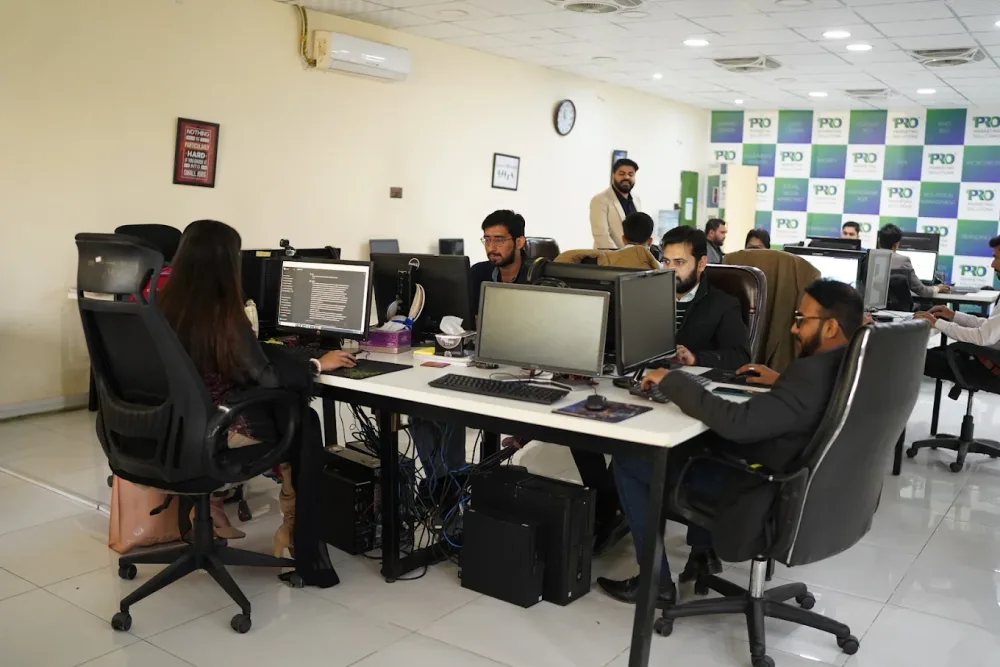 Watch our introduction
 Published client experiences
Hear what working with WeProms was like, directly from our clients.
 Watch their story
 Healthcare
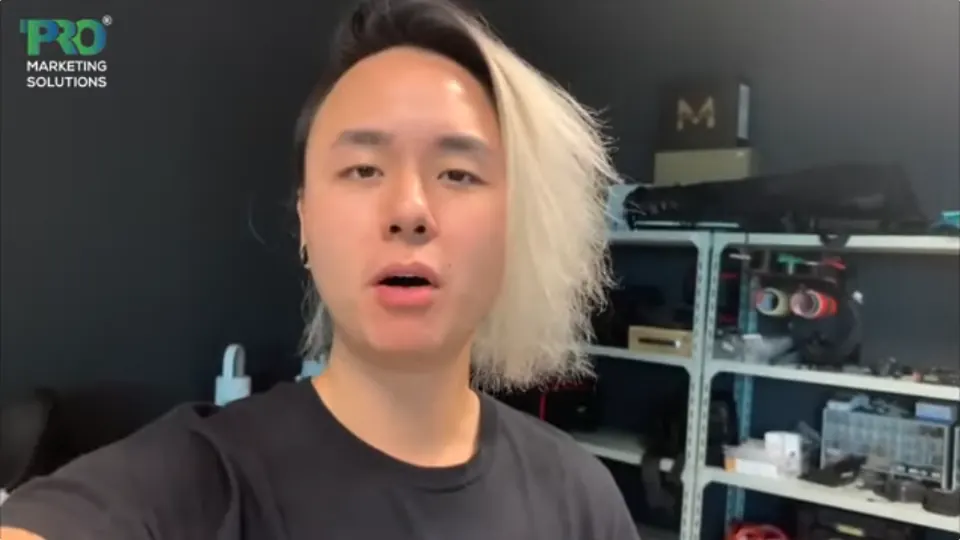 Watch their story
 Singapore · Video production
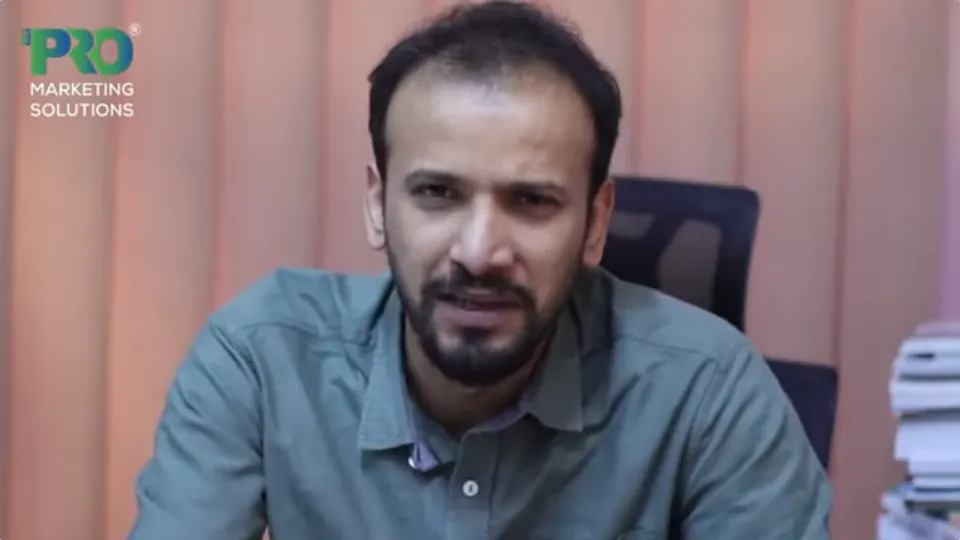 Watch their story
 Education
Inside WeProms
Lahore, Pakistan
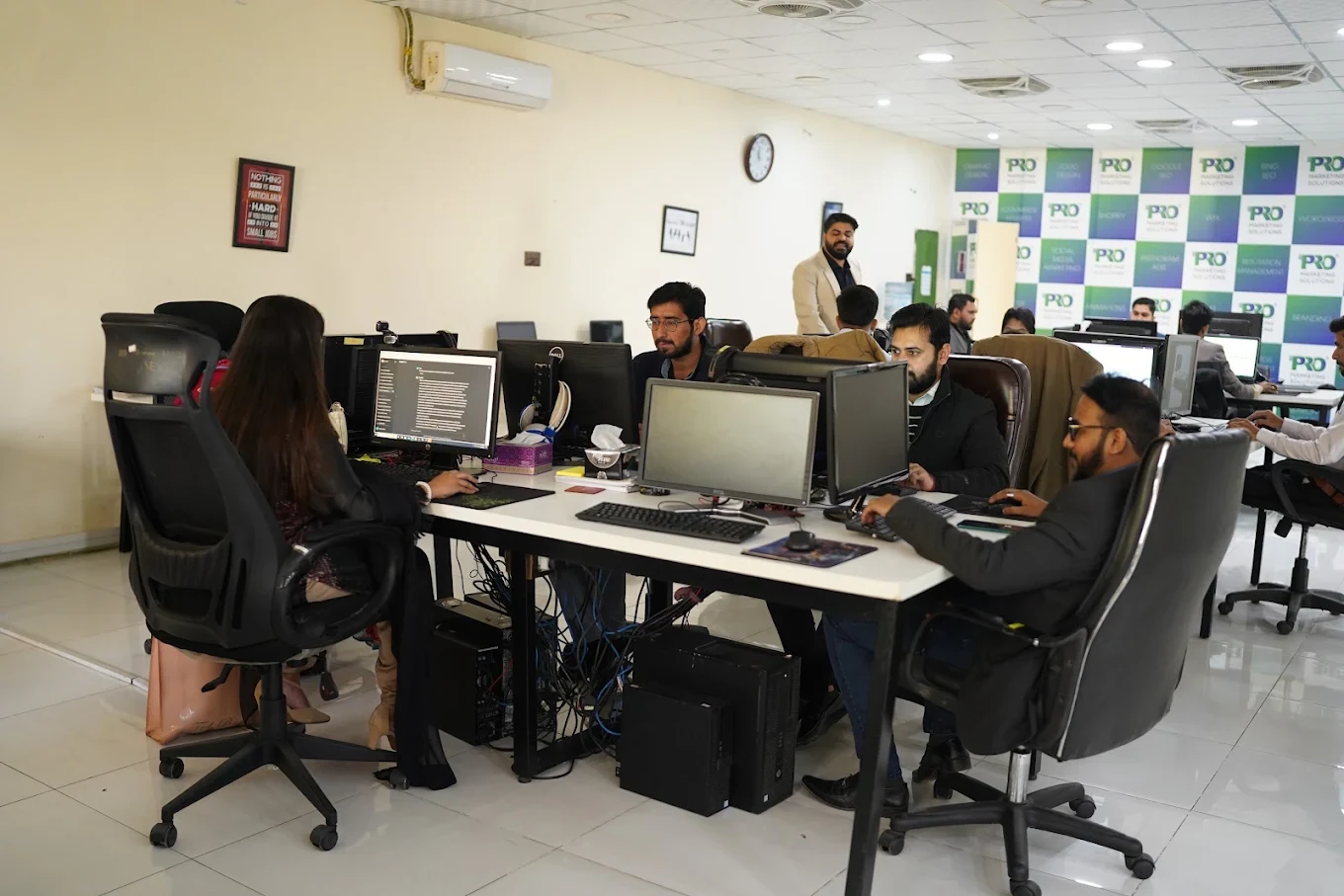

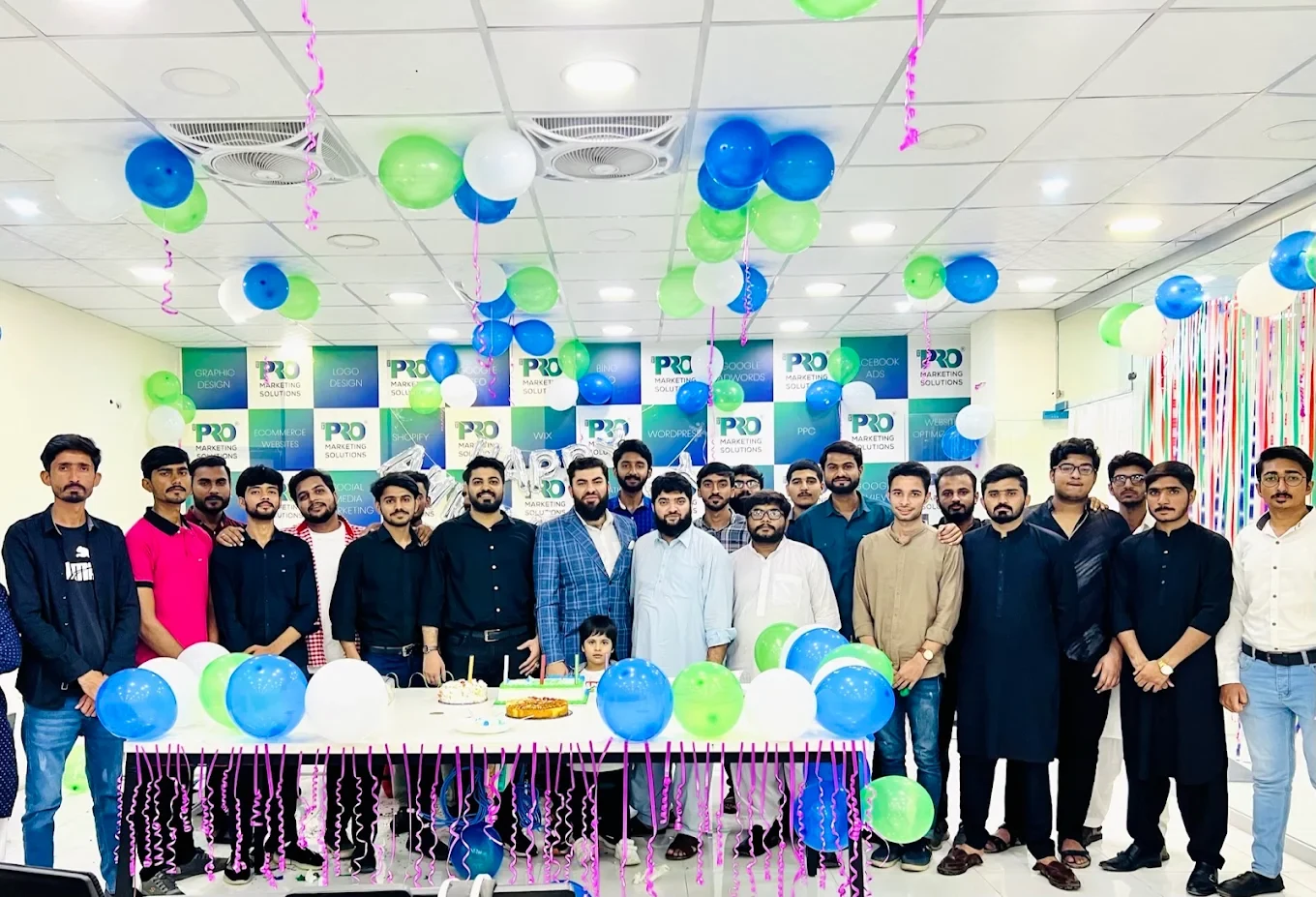

154, C1, Nespak Housing Scheme, Lahore 54770, Pakistan.
Working with a remote marketing team
You know your customers and market. Our strategists, creatives and technical specialists in Lahore help put the plan into practice. Agree the contact person, meeting times and approvals before we start.
Agree deliverables and the agency fee. Discuss ad spend and third-party tools separately.
Keep visibility and ownership. Agree access, asset licences and handover as part of the scope.
Agree a review schedule around your time zone. See what was delivered, what the numbers mean and what comes next.
Explore our Pakistan pricing guides for planning ranges and what shapes the cost. Your market, deliverables and existing setup determine the final quote; advertising spend and third-party costs are separate.
Discuss a quote for your market ↗Before the next step
A useful starting brief includes: event and tag inventory; examples of reporting disagreements; order or enquiry source records. We can agree appropriate access after the first conversation.
Review data quality against a business source of truth. Document missing coverage, consent and attribution differences.
We can discuss a one-off implementation, an ongoing scope or an initial build followed by support. The proposal states what is included, dependencies and the review points.
Agency work, media spend and third-party costs are identified separately. Your market, existing setup and delivery requirements determine the final scope and quote.
Share your website, target country and the next thing you want to improve. We’ll help you find a useful place to start.