
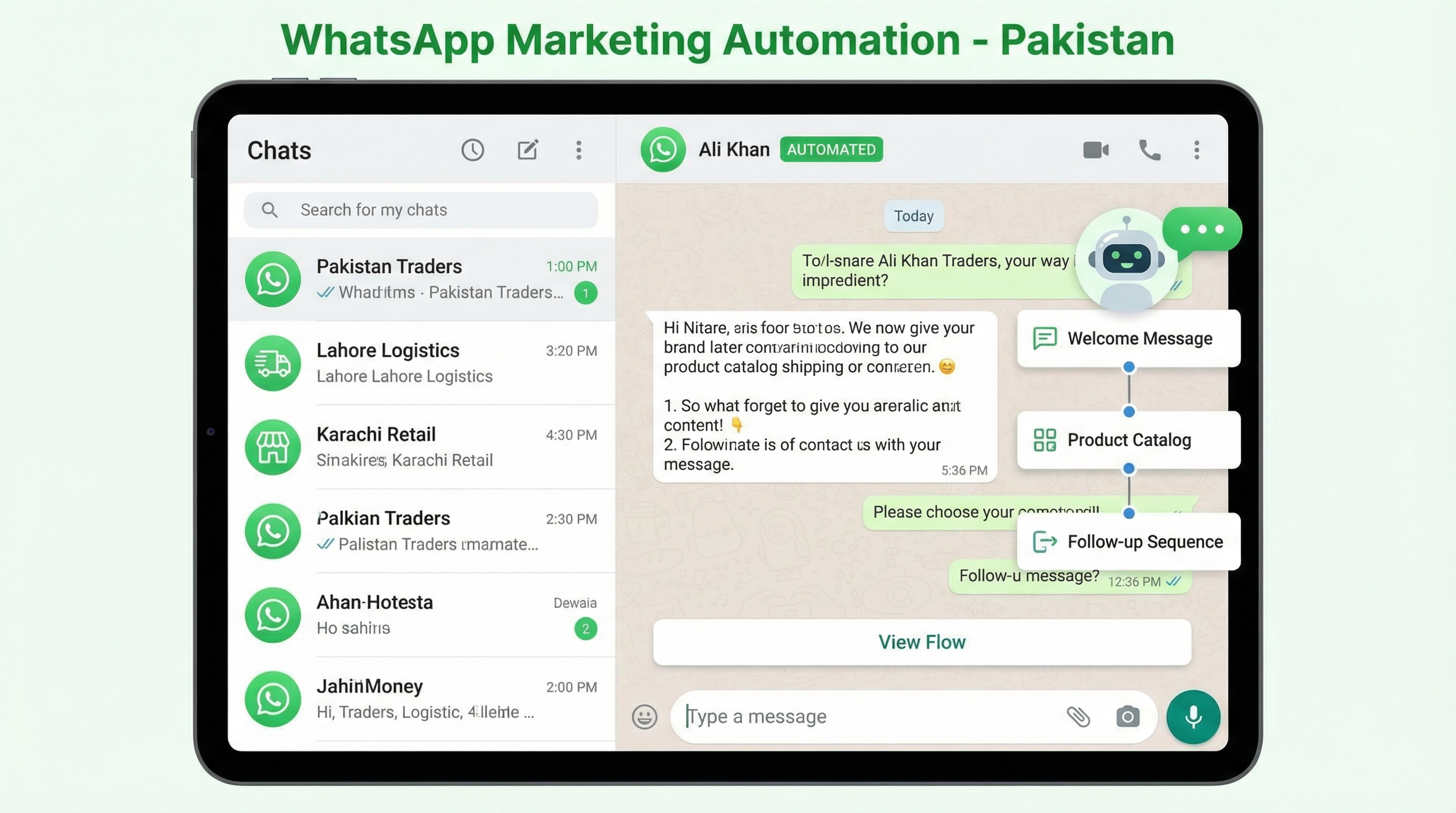
WhatsApp marketing in Pakistan has evolved from informal customer conversations to sophisticated automation systems driving measurable sales. With over 100 million Pakistani users on WhatsApp, the platform represents the single most important messaging channel for businesses serving local customers. The key to success is implementing automation that feels personal while scaling efficiently.
For Pakistani businesses, WhatsApp occupies a unique position: it’s where customers already spend time, it supports rich media and commerce features, and the culture of WhatsApp communication aligns with relationship-driven business practices common in Pakistan. This guide covers how to build WhatsApp marketing automation that actually drives sales.
Why WhatsApp marketing matters for Pakistani businesses
WhatsApp’s dominance in Pakistan makes it essential for customer communication:
Ubiquity: Virtually every Pakistani smartphone user has WhatsApp installed and uses it daily. No other platform approaches this penetration.
Trust: Pakistani consumers trust WhatsApp communication more than email or web forms. Messages feel personal and immediate.
Engagement: WhatsApp open rates exceed 95%, compared to 20-30% for email. Response rates are similarly higher.
Commerce readiness: WhatsApp Business features support product catalogs, payment links, and order management—transforming messaging into sales channels.
Cultural fit: Pakistani business culture values personal relationships and direct communication. WhatsApp supports this naturally.
WhatsApp Business vs. WhatsApp Business API
Understanding the platform options is the first decision:
WhatsApp Business App (Free):
- Single device, single user
- Basic automation (away messages, greeting)
- Product catalog
- Label organization
- Simple broadcast lists
- Best for: Small businesses, solo entrepreneurs
WhatsApp Business API (Paid via BSP):
- Multiple users, team access
- Advanced automation capabilities
- Integration with CRM and marketing tools
- Higher messaging limits
- Analytics and reporting
- Best for: Growing businesses, high volume, teams
For Pakistani businesses scaling WhatsApp marketing: Start with WhatsApp Business App to learn customer communication patterns, then graduate to API when volume justifies the investment. Typical transition point: 50-100 conversations daily.
What automation flows work best for Pakistani businesses?
Book a free strategy call - we'll audit your current setup and identify the highest-impact fixes.
Effective WhatsApp automation falls into several categories:
1. Welcome and Onboarding Sequences
First impressions matter. A well-designed welcome sequence sets expectations and gathers information:
Flow:
- New contact → Immediate welcome message
- Ask qualifying question (service interest, location)
- Provide relevant information based on response
- Offer next step (appointment, quote, consultation)
- If no response, follow up after 24 hours
Example for Pakistani real estate:
Message 1: "Assalam-o-Alaikum! Welcome to [Agency Name].
I'm here to help you find your perfect property in Lahore."

Message 2: "Are you looking to:
A) Buy a home
B) Rent a property
C) Sell your property
D) Invest in real estate"

Message 3 (if A): "Great! What area of Lahore interests you?
We have listings in DHA, Bahria Town, Johar Town, and more."
2. Abandoned Cart Recovery
For e-commerce businesses, cart abandonment is a major revenue leak. WhatsApp recovery rates typically exceed email by 3-5x:
Flow:
- Cart abandoned → Message after 1 hour
- No response → Follow up after 24 hours with incentive
- Still no response → Final message after 72 hours
Best practices:
- Include product images in message
- Offer genuine help (shipping questions, product details)
- Consider small incentive (5% off, free shipping) in later messages
- Limit to 3 messages total
3. Order Confirmation and Updates
Transactional messages have high engagement and build trust:
Order confirmation: Immediate message with order summary and expected delivery
Shipping updates: Automated messages at each stage (packed, shipped, out for delivery)
Delivery confirmation: Message upon delivery with review request
For Pakistani e-commerce: Cash on delivery (COD) dominates. Include COD preparation instructions in your confirmation flow to reduce returns:
"Your order #12345 is confirmed!

Total: PKR 3,500 (Cash on Delivery)

Please keep exact change ready. Our rider will call before delivery.

Track your order: [link]
Questions? Reply to this message."
4. Appointment Reminders
Service businesses see dramatic no-show reduction with WhatsApp reminders:
Flow:
- Appointment booked → Confirmation message
- 48 hours before → Reminder with option to reschedule
- 24 hours before → Final reminder with location details
- 1 hour before → Quick reminder (optional for high-value appointments)
Include in reminder:
- Date and time clearly stated
- Location with map link
- What to bring/prepare
- Easy reschedule option
5. Post-Purchase Follow-up
Building relationships after purchase increases repeat business:
Flow:
- Day 1: Thank you message, delivery satisfaction check
- Day 7: Product usage tip or related content
- Day 14: Review request
- Day 30: Replenishment reminder (if applicable) or cross-sell
6. Re-engagement Campaigns
Win back inactive customers with targeted messaging:
Segment by inactivity:
- 30 days inactive: Check-in message
- 60 days inactive: Special offer
- 90 days inactive: Survey (why haven’t you returned?)
How do you build WhatsApp automation?
Implementation depends on your platform choice:
Using WhatsApp Business App:
Built-in automation:
- Greeting message: Send automatically to new contacts
- Away message: Auto-reply outside business hours
- Quick replies: Pre-written responses to common questions
Limitations: Manual broadcast lists, no complex flows, single user only
Using WhatsApp Business API:
Business Solution Providers (BSPs) available in Pakistan:
- WATI
- Interakt
- Respond.io
- Twilio
- MessageBird
Typical setup:
- Choose BSP and create account
- Apply for WhatsApp Business API access
- Verify business and phone number
- Connect to CRM (HubSpot, Salesforce, or custom)
- Build automation flows in BSP platform
- Test thoroughly before going live
Cost structure:
- BSP subscription: PKR 10,000-50,000/month
- Message costs: PKR 1-5 per message (varies by type)
- Template message approval required for outbound
What content works best on WhatsApp?
WhatsApp demands different content than email or social:
Keep it conversational:
- Use first person (“I” not “We”)
- Include the customer’s name
- Write like you’re texting a friend
- Keep messages under 1,000 characters
Use rich media:
- Product images (essential for e-commerce)
- Short videos (product demos, testimonials)
- PDFs for catalogs and menus
- Location pins for physical stores
Timing matters:
- Best times in Pakistan: 9-11 AM, 2-4 PM, 8-10 PM
- Avoid messages during prayer times
- Consider work schedules for B2B communications
- Test and measure your audience’s preferences
How do you grow your WhatsApp audience?
How we helped a Pakistani business achieve measurable results.
Building your WhatsApp contact list:
Website integration:
- Add WhatsApp chat widget to website
- Include WhatsApp opt-in on forms
- Create QR codes linking to WhatsApp
Social media:
- Add WhatsApp button to profiles
- Run click-to-WhatsApp ads
- Share WhatsApp links in stories
Offline:
- Display QR codes at physical locations
- Include on business cards and receipts
- Train staff to collect WhatsApp consent
Incentives:
- Exclusive WhatsApp-only offers
- Early access to sales
- Personalized service
What about WhatsApp compliance in Pakistan?
Following platform rules prevents account restrictions:
Opt-in required: Only message people who have consented. Purchase your WhatsApp data from third parties violates terms.
Template messages: First messages to new contacts must use approved templates. Once they reply, you can send free-form messages.
Rate limits: New API accounts have messaging limits that increase over time with quality scores.
24-hour window: After customer’s last message, you have 24 hours to send free-form messages. After that, template messages only.
Content restrictions: No spam, illegal content, or misleading information. Pakistani businesses should also respect cultural sensitivities.
How do you measure WhatsApp marketing success?
Key metrics to track:
Engagement metrics:
- Delivery rate: Should be 95%+
- Read rate: Typically 70-90%
- Response rate: Varies by message type
Business metrics:
- Conversations started
- Conversations converted to leads/sales
- Revenue attributed to WhatsApp
- Customer acquisition cost via WhatsApp
Efficiency metrics:
- Average response time
- Resolution time per conversation
- Automation coverage (% of queries handled automatically)
- Team member productivity
Common WhatsApp marketing mistakes in Pakistan
Broadcast spam: Sending promotional messages to unsegmented lists damages relationships and risks account restrictions.
Over-automation: Robots don’t build relationships. Balance automation with human touch, especially for complex queries.
Ignoring response times: Slow responses frustrate customers. Set up team notifications and response SLAs.
Poor handoffs: When automation can’t help, ensure smooth transition to human agents with context.
No measurement: Track what works and iterate. WhatsApp provides analytics—use them.
Getting started with WhatsApp automation
For Pakistani businesses new to WhatsApp automation:
Week 1: Set up WhatsApp Business profile completely. Add catalog, business hours, and automated greetings.
Week 2: Map your customer journey. Identify 3-5 points where WhatsApp communication adds value.
Week 3: Build your first automation flows. Start simple: welcome sequence, order confirmation, or appointment reminders.
Week 4: Test thoroughly. Get team members and friendly customers to test all flows before broader rollout.
Month 2+: Measure results, optimize based on data, and expand automation coverage.
WhatsApp marketing in Pakistan isn’t about technology—it’s about communication. The brands that succeed treat WhatsApp as a relationship channel, using automation to enhance rather than replace genuine customer connections.